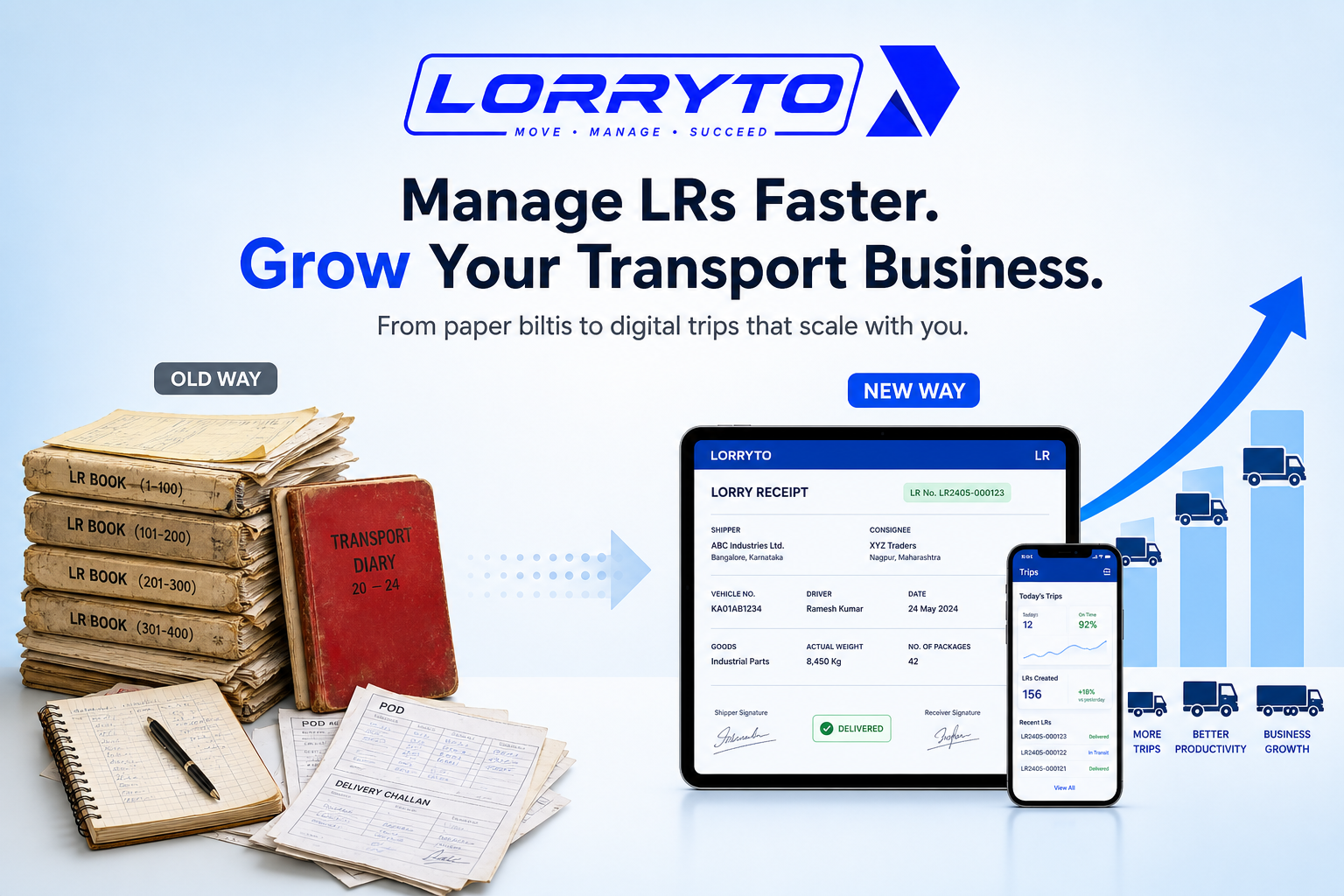
Transporting goods in India is hard work.
Managing the paperwork is even harder.
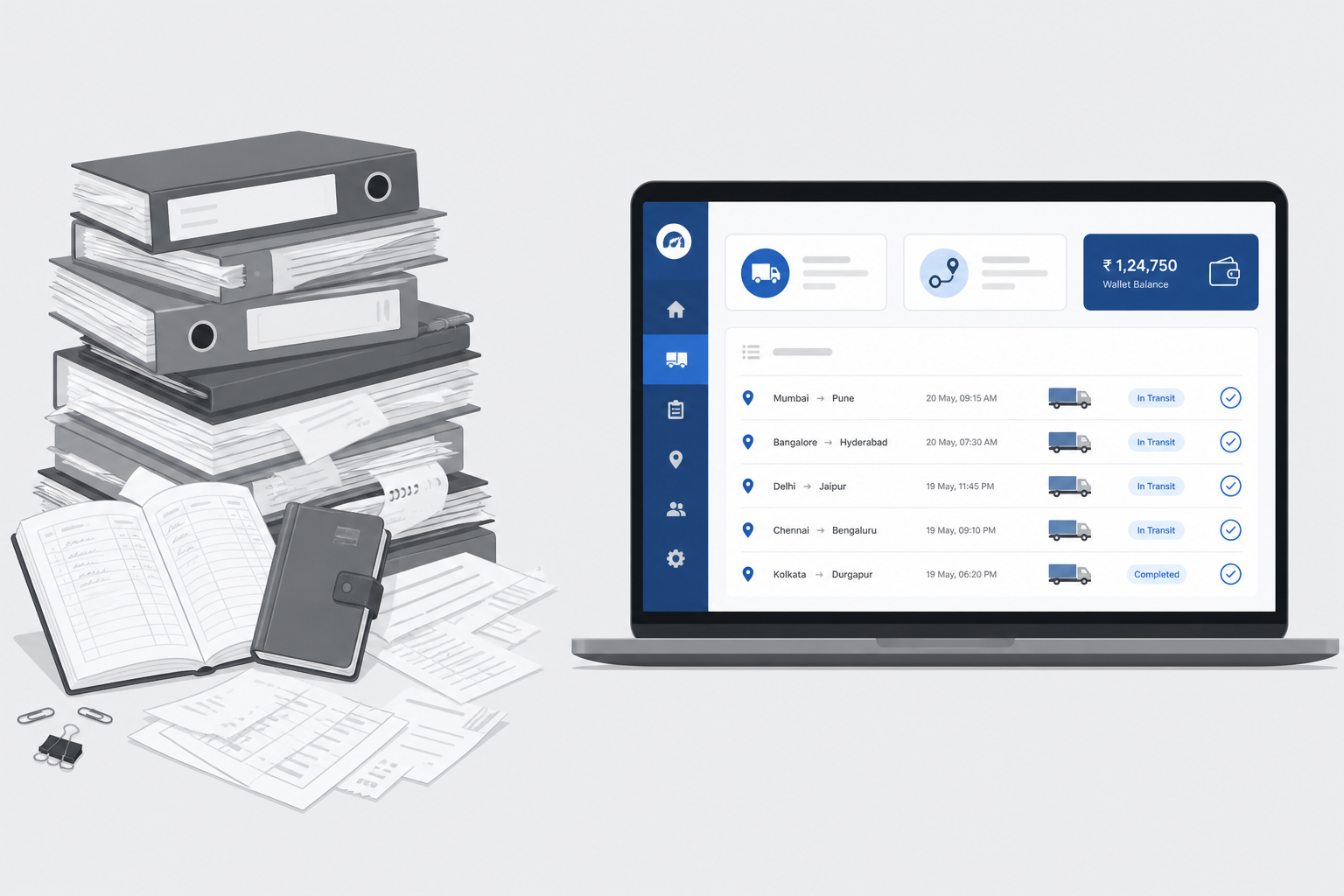
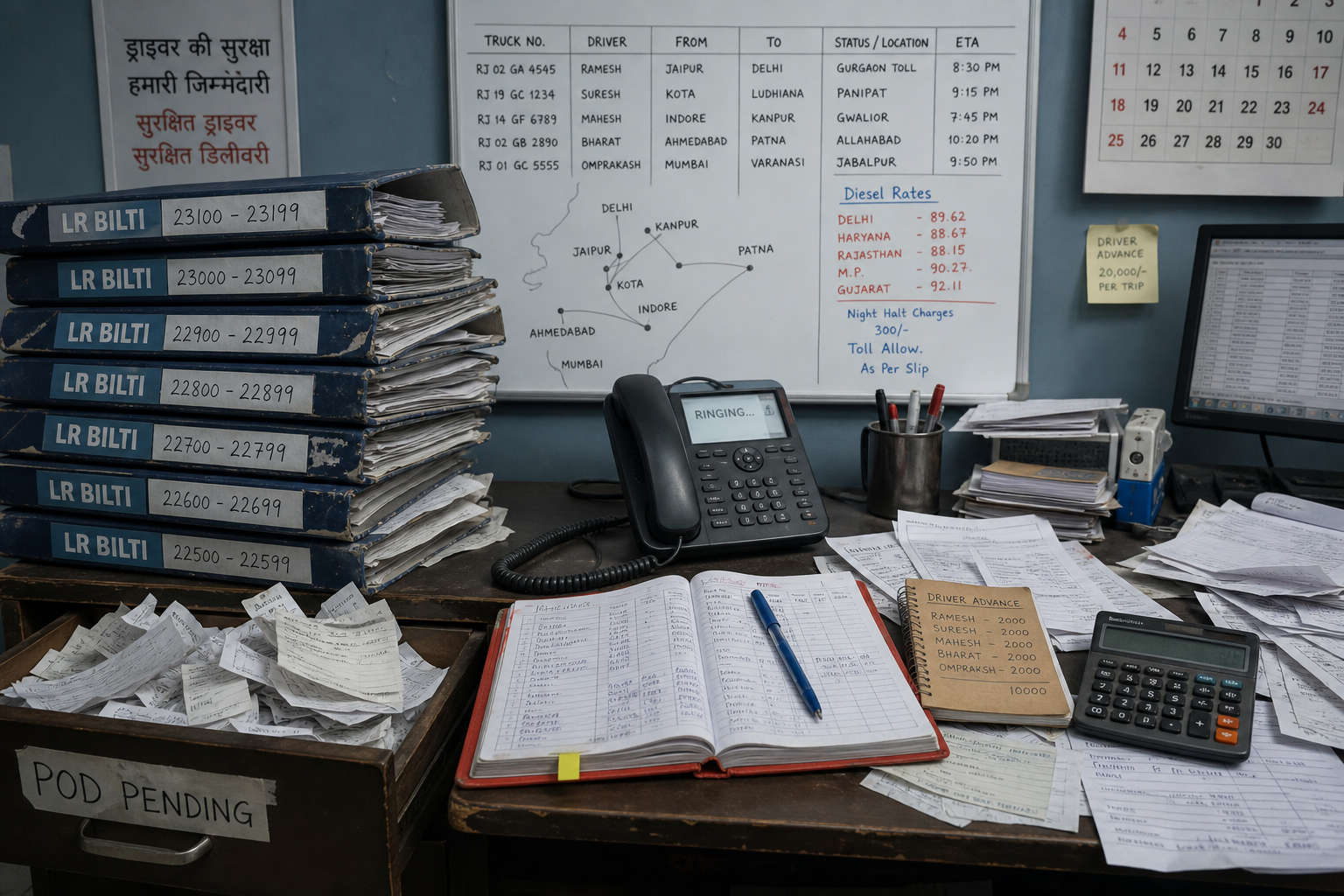
Look at your desk right now. LRs (biltis) are stacked in heavy folders. PODs are lying loose in a drawer. Payments are noted in a red diary. Driver advances are written in a small notebook.
This works when you have one or two trucks. It completely fails as your business grows.
The real problem
Daily operations get overwhelming because every trip carries too many tiny details. For just one job you often track:
- Driver details
- Truck number
- Party name
- Freight amount
- Loading and unloading charges
- Driver advance (bhatta)
- Toll expenses
- Diesel slips
- POD collection
Now imagine doing this for 5 trips. Or 10. Or 50 trips a month. The office becomes chaos — and growth slows because the paperwork cannot keep up.
For the wider ops picture (registers, settlements, month-end billing), see How to manage your transport business without drowning in paperwork.
Why does this happen?
It happens because of history. You started small. You used pen and paper. As you grew, you added more registers. More trucks meant more paper. Now the paperwork is out of control — and it is the thing that blocks you from taking the next load confidently.
How offices work today
Creating an LR (bilti)
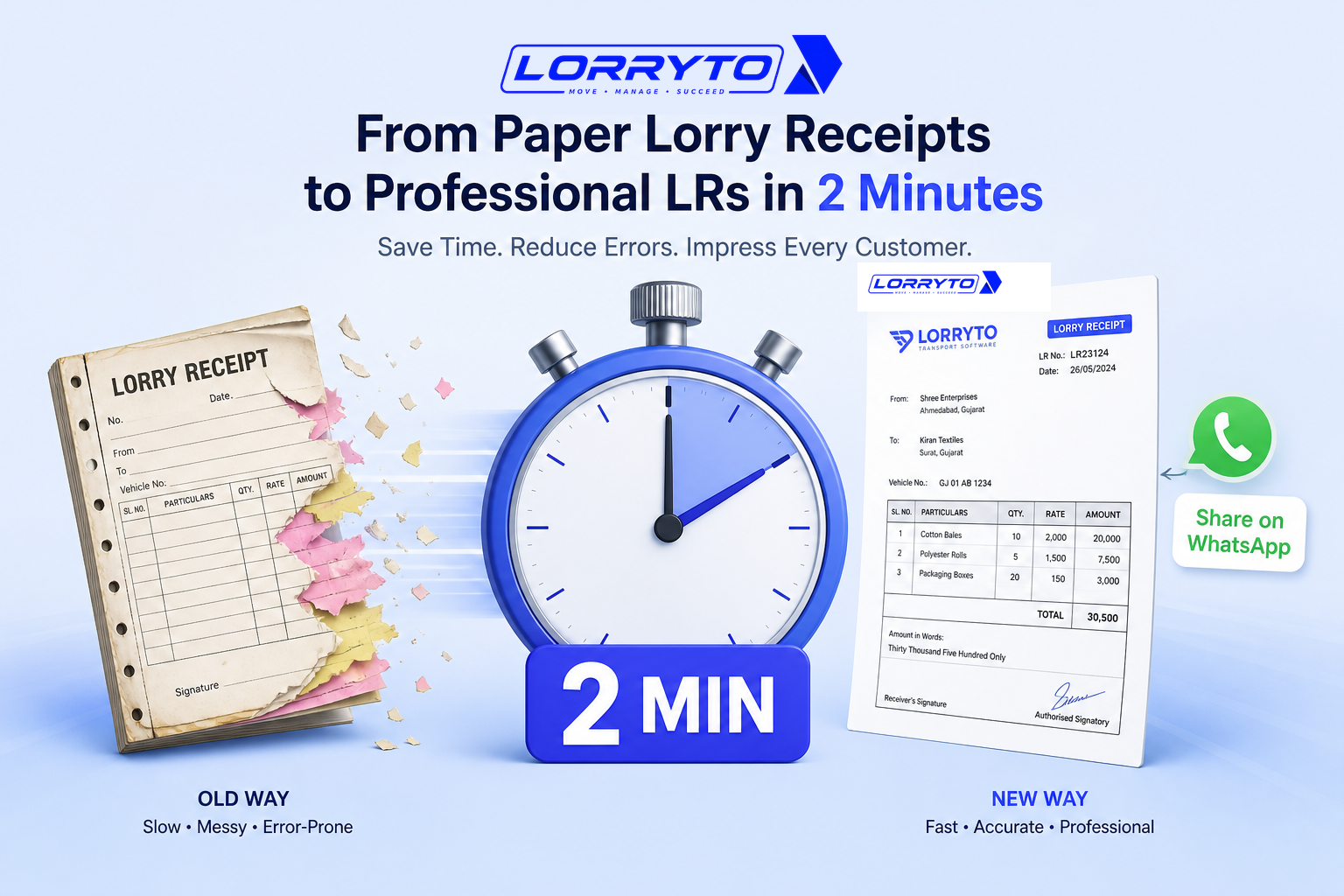
You grab a printed book. You write sender and receiver details by hand. You tear out a carbon copy and give it to the driver. One spelling mistake and you start over.
Tracking a trip
You call the driver. He does not pick up. You call again. You write his current location on a whiteboard and hope the next call is clearer.
Getting the POD (Proof of Delivery)
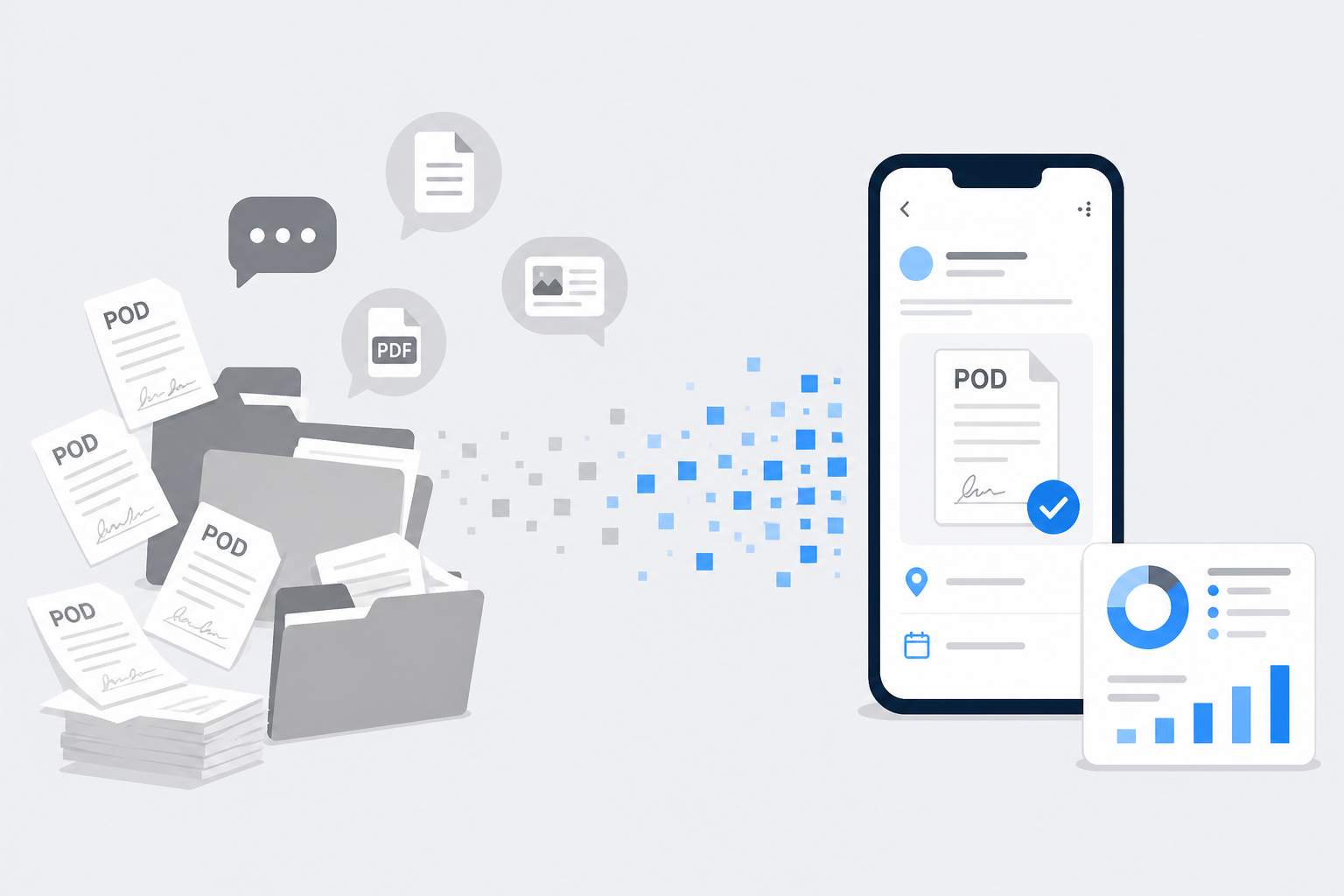
The trip finishes. You wait for the driver to return. He hands you a dirty, torn piece of paper. You staple it to the old carbon copy and hope nobody loses the file.
Calculating freight and payments
You open the red register, find the trip date, take out a calculator, subtract diesel and advance, and pray you did not miss a ₹500 toll.
Problems with the manual method
- Too much time searching — A party asks for a 3-month-old LR. You dig through dusty files for hours. Sometimes you never find it.
- Lost PODs mean lost money — Without proof on the trip, the party delays payment. Cash stays stuck while you wait for paper to come back.
- Calculation errors — Manual math forgets a toll or double-counts an advance. That is a direct hit to profit.
- No clear business view — You guess growth from bank balance instead of knowing which trips are open, billed, or unpaid.
When mistakes and delays cost real money, also read How to stop making costly LR mistakes.
Better digital methods
A good digital system moves the whole trip lifecycle to phone or computer so you can run more trips with the same office time.
Digital LR creation
Select the party from a saved list, auto-fill rates and truck details, generate a PDF in seconds, and share it on WhatsApp — see Create LR, How to generate LR online, and How to generate LRs in 2 minutes.
Digital POD collection
Upload a photo of the signed bilti on the same trip. The office knows which LRs still need proof before billing — more in POD upload and Digital POD management.
Automated trip accounting
Enter freight, advance, and expenses once. Balances update on the trip instead of only in a diary. See trip expenses, charges, and edit trip.
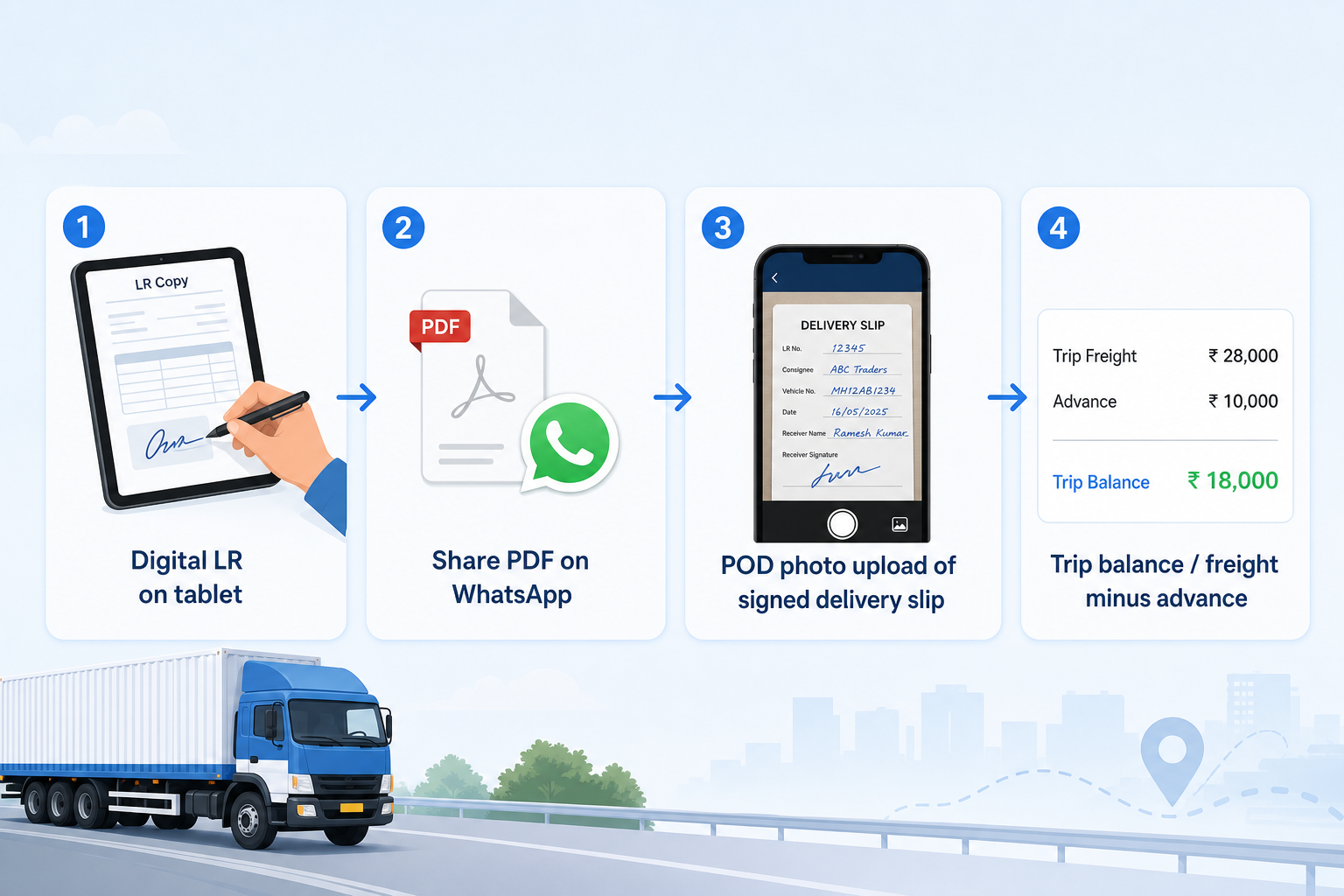
Share a clean PDF instead of a desk photo — download, print, or share and How to share LRs on WhatsApp. For the full digitization path, see How to make your transport business paperless.
How to choose the right software
Before you buy, ask:
- Is it made specially for Indian transporters?
- Can I create an LR on my mobile phone?
- Does it let me share biltis on WhatsApp as a clear PDF?
- Can my drivers (or office) upload PODs directly on the trip?
- Is my data backed up and secure compared with only paper files?
- Is it easy enough for staff to learn in one day?
If most answers are “no”, you will still drown in registers — with an app open on the side.
How Lorryto solves this
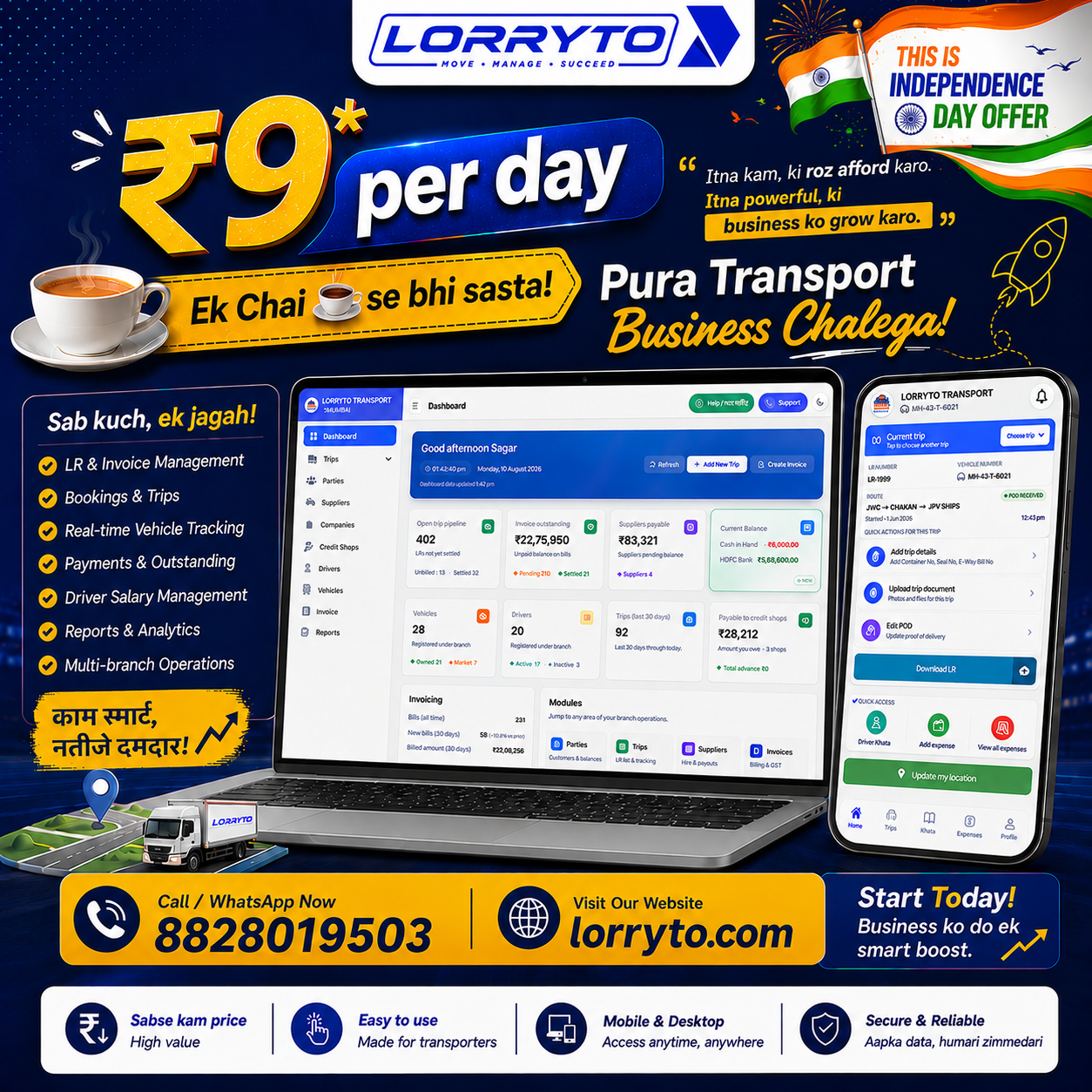
Lorryto is transport software built for Indian offices — LR-first, with money and documents on the same trip so you can grow without adding another register.
1-click digital LRs
Create professional biltis on phone or web and share the PDF on WhatsApp. You do not need a new printed LR book for every growth spurt. Deeper create playbooks: How to create a digital bilty and How to perfect your LR format.
Instant POD management
Upload POD photos on the trip (office phone or Driver App). Mark delivery proof without waiting for a torn paper to reach the cupboard. Then bill from completed work.
Automatic trip accounting
Enter freight, advance, diesel, and extras once. Use expenses and charges so the trip balance is clearer than a red diary page.
Party ledgers on demand
Keep parties as masters, create invoices from trips, download or share bills, and pull party invoice reports when a client asks what is outstanding — without rebuilding Excel from paper.
Getting started in 4 simple steps
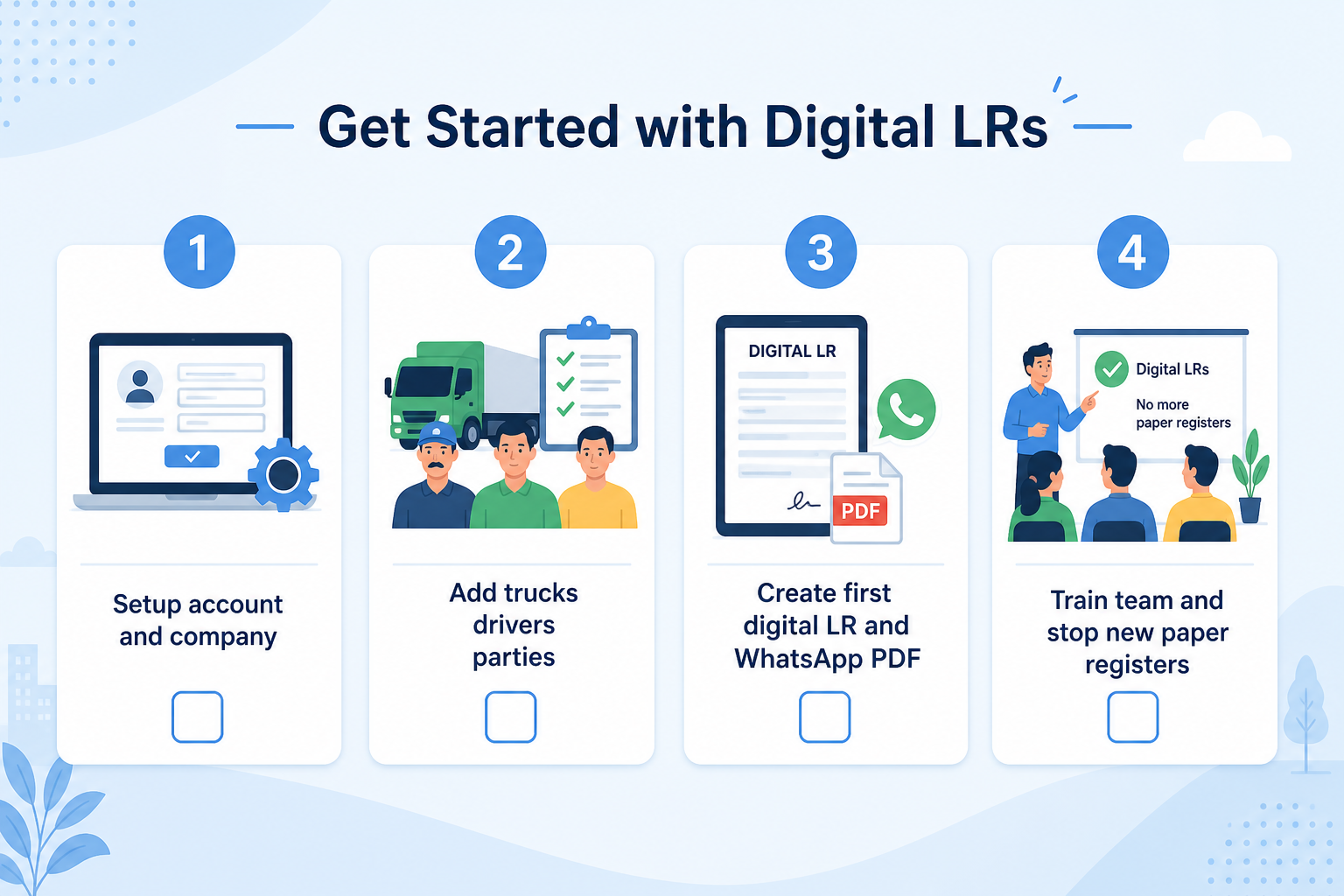
Step 1 — Set up your account
Visit Lorryto, sign up, and add company details and logo. Follow the getting started guide. Add your first trucks under vehicles.
Step 2 — Add your network
Enter main drivers and your top regular parties. Save contact numbers so the next LR is a select, not a rewrite.
Step 3 — Create your first digital LR
Start a trip with Create LR, fill bilty details, generate the PDF, and WhatsApp it to the party.
Step 4 — Train your team
Show your manager how to make LRs. Show drivers (or office staff) how to upload a POD photo. Stop using the paper register for new trips.
FAQs
What breaks first when you grow from a few trucks to many trips a month?
Search time and follow-ups. Finding an old bilti, chasing POD, and reconciling advance/diesel across notebooks eats the hours you need to book the next load. Putting LR, money, and POD on one trip — Create LR, expenses, POD — is what restores capacity.
How does a digital LR free office time to book more loads?
Masters (parties, trucks, drivers) remove rewriting. A clear PDF share replaces lighting, camera photos, and “can you send again?” calls. See download, print, or share and How to generate LRs in 2 minutes.
Why does a missing POD block growth cashflow more than a messy file?
Without proof tied to the trip, billing stalls and parties delay payment. Attaching POD on the LR means you can invoice from completed work sooner — POD upload and create invoice.
Can one office person handle more trips after masters and digital share?
Yes, when repeat parties and vehicles are saved and every new trip lives digitally. Add parties, vehicles, and drivers, then run trips from Create LR instead of a thicker carbon book.
Should you digitize only new trips while the fleet is still growing?
That is the practical path. Keep old registers for history; run new trips on Lorryto so growth does not add another paper pile. Start from getting started and Start free on Lorryto when you are ready.
Final thought
Using software is not only about looking modern.
It is about saving time, stopping profit leaks from unclear settlements, and giving you room to grow — more trips, faster bills, clearer ledgers.
Start free on Lorryto when you are ready.
Next reads: Manage transport without drowning in paperwork · Generate LRs in 2 minutes · Digital POD management · Create LR docs · POD docs · Getting started
Ready to run trips without registers?
Create LRs, track payments, and keep documents in one place with Lorryto — free trial available.
Start Free Now