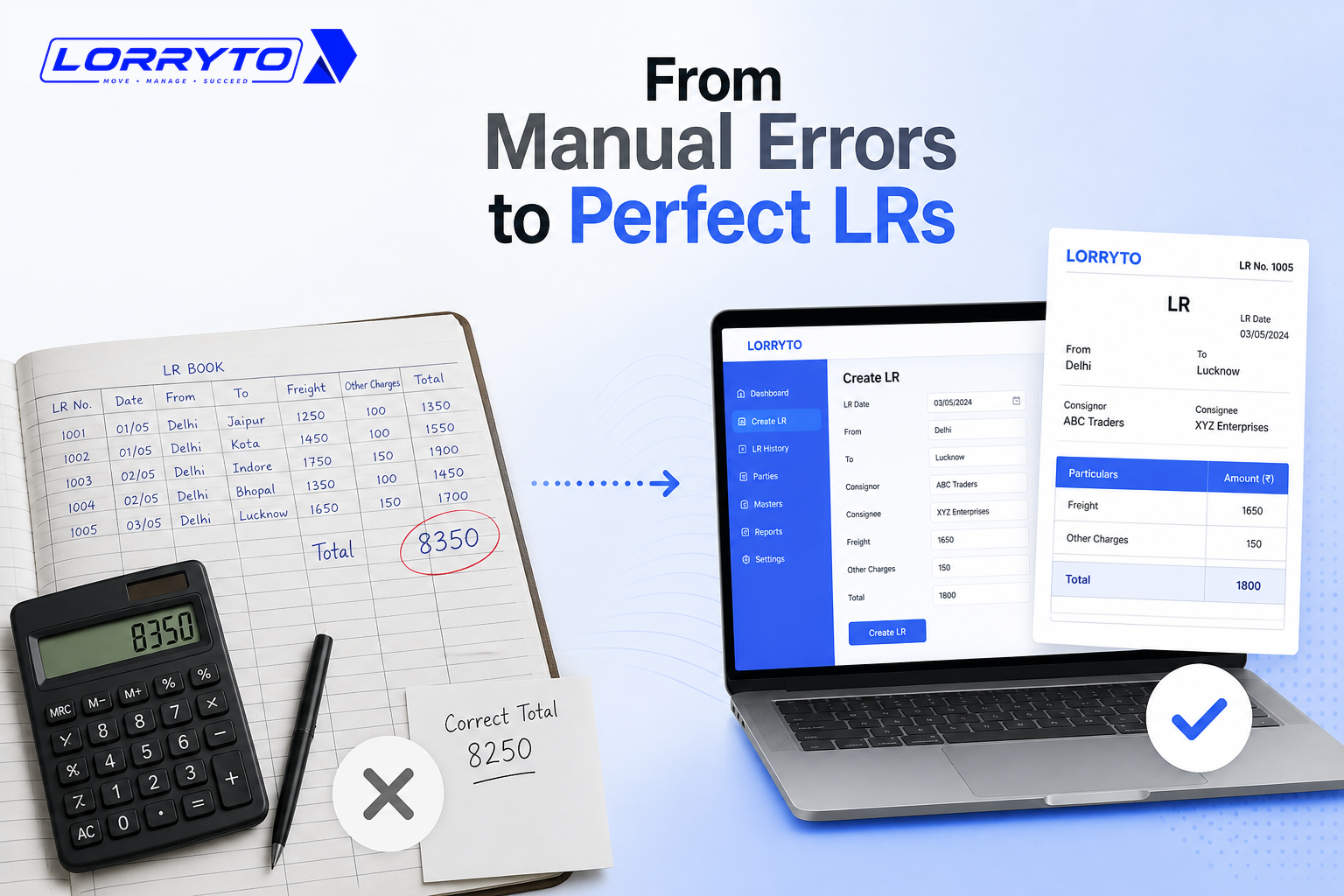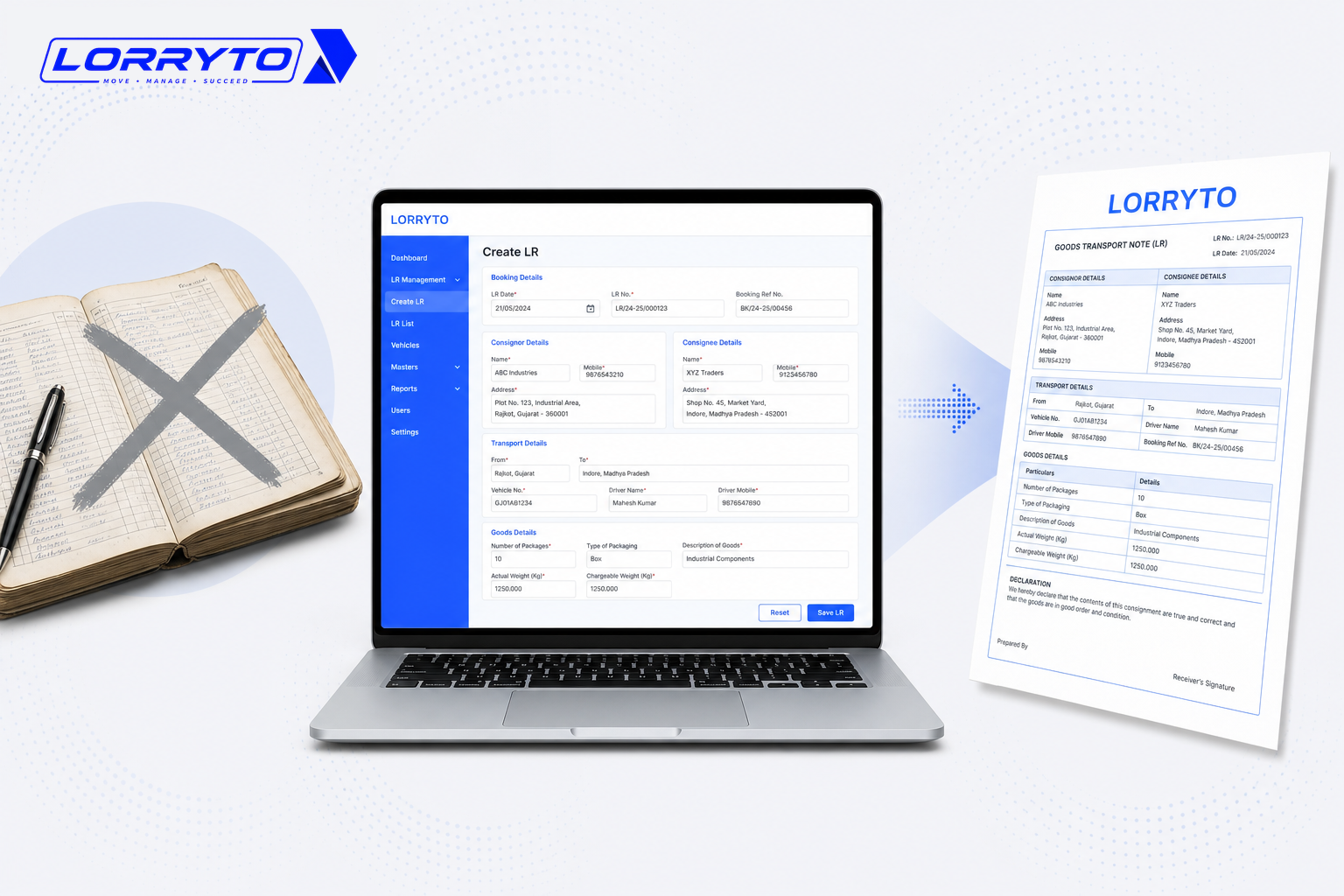
Every transport business runs on the LR.
The Lorry Receipt is your proof of work. But look at how it is done today. You have one register for booking details. Another for driver advances. A diary for POD (Proof of Delivery) tracking. And a messy WhatsApp group for everything else.
That works when you have one or two trucks. It starts to fail as the fleet and party list grow.
The real problem
Daily operations get messy fast. Think about a single trip. For one booking you often have to manage:
- Consignor and consignee details
- Vehicle number and driver name
- Freight charges and advance payments
- Toll expenses and diesel slips
- POD collection and billing
Managing this for one trip takes time. Now do it for 5 trips. Or 10. Or 50 a month. Keeping every charge, copy, and signature straight on paper gets harder every week.
Why does this happen?
The story is familiar. You started small with a printed LR book. You added a register for payments. Then a diary for pending PODs. You kept adding paper as you grew.
Now the office runs on a format that was designed for carbon copies — not for instant party balance checks, WhatsApp PDFs, or trip-wise profit. You are running today’s business on yesterday’s LR format.
For the wider “registers everywhere” picture, see How to manage LRs and trips without the paperwork headache.
How offices handle LR format today
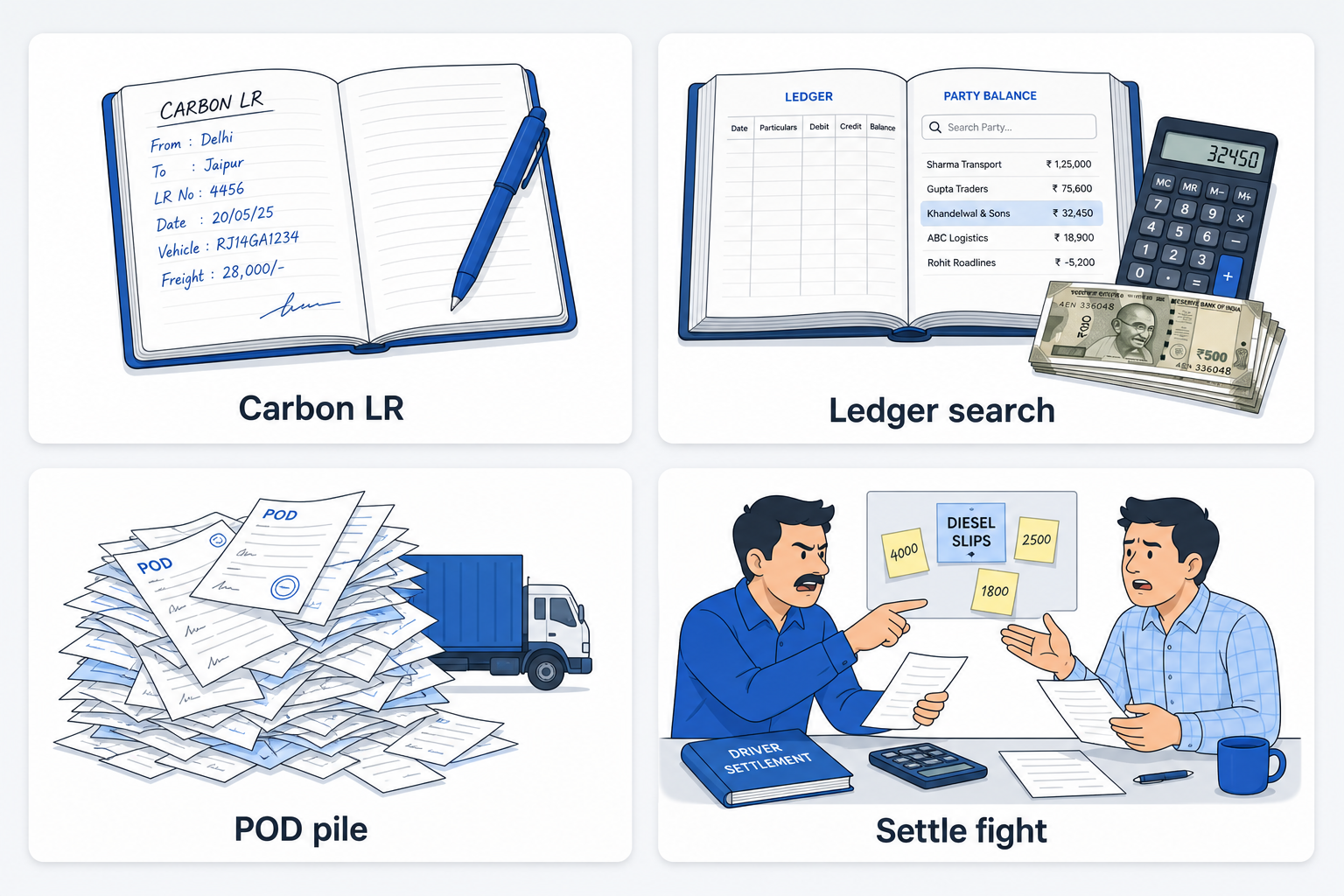
Creating a new LR
You grab the printed LR book. You fill details with a pen. You use carbon paper for copies. You tear the pages carefully and hand them to the driver. One spelling mistake means cut, rewrite, and hope the carbon copy is still readable.
Tracking pending payments
A customer asks for their balance. You open the main ledger, flip pages, add trips on a calculator, subtract advances — and hope you did not miss a payment entry. A clear digital format would already show freight and balances on the trip.
Managing PODs
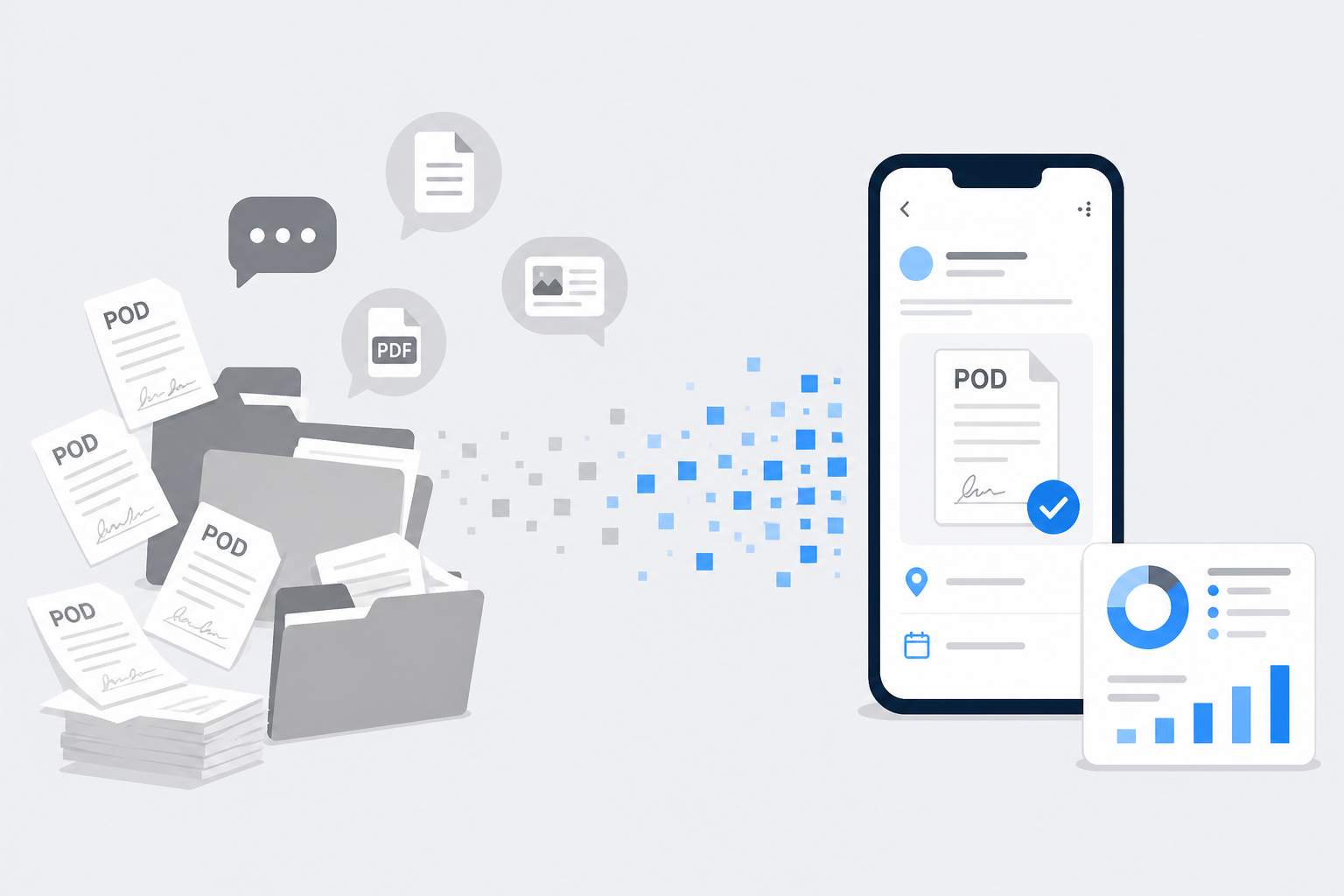
You need to bill the client. You call the driver for the POD. It is “in the truck.” You wait for the vehicle to return, then search a pile of papers. Digital POD management keeps proof on the same LR record.
Calculating driver settlement
The trip is over. You sit with the driver. You look at the advance paid, diesel slips, and toll charges. You argue over missing notes. A clean format links advances and expenses to that LR so settlement is numbers, not memory.
Problems with a weak LR format
A messy handwritten format hurts the business in quiet ways:
- Too much time searching — finding an old LR or charge takes minutes. A simple party question can eat 15 minutes of your day.
- Mistakes cost money — wrong freight math, missed detention, or unreadable carbon copies turn into disputes and unbilled trips.
- Lost papers mean delayed payment — a missing POD or diesel slip slows billing and starts driver arguments. Customers hate waiting for answers.
- No clear trip profit — money comes in and goes out, but you rarely see exact profit on one LR instantly.
What a strong digital LR format should do
A good digital LR format is not only “typed instead of handwritten.” It should:
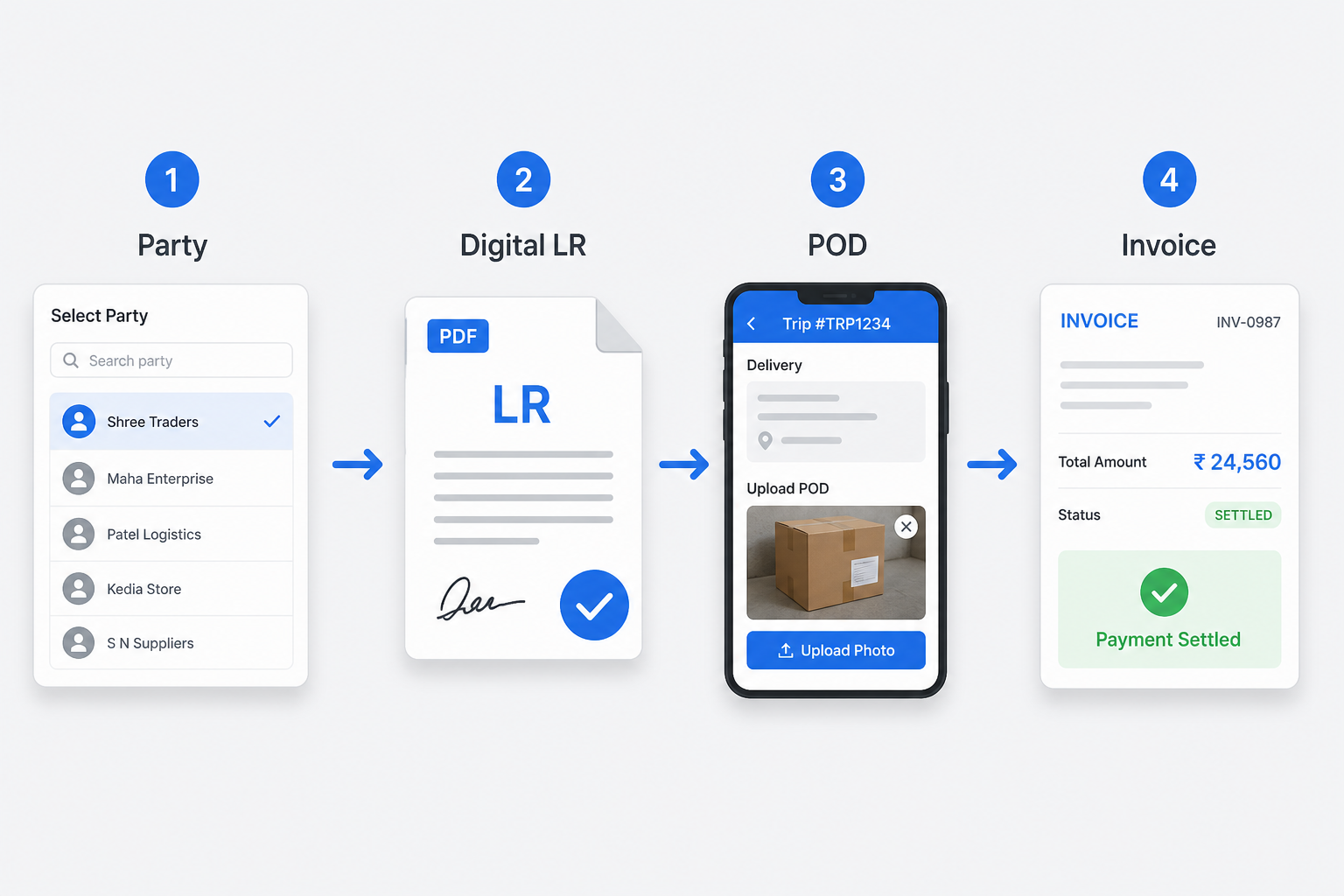
Instant LR creation
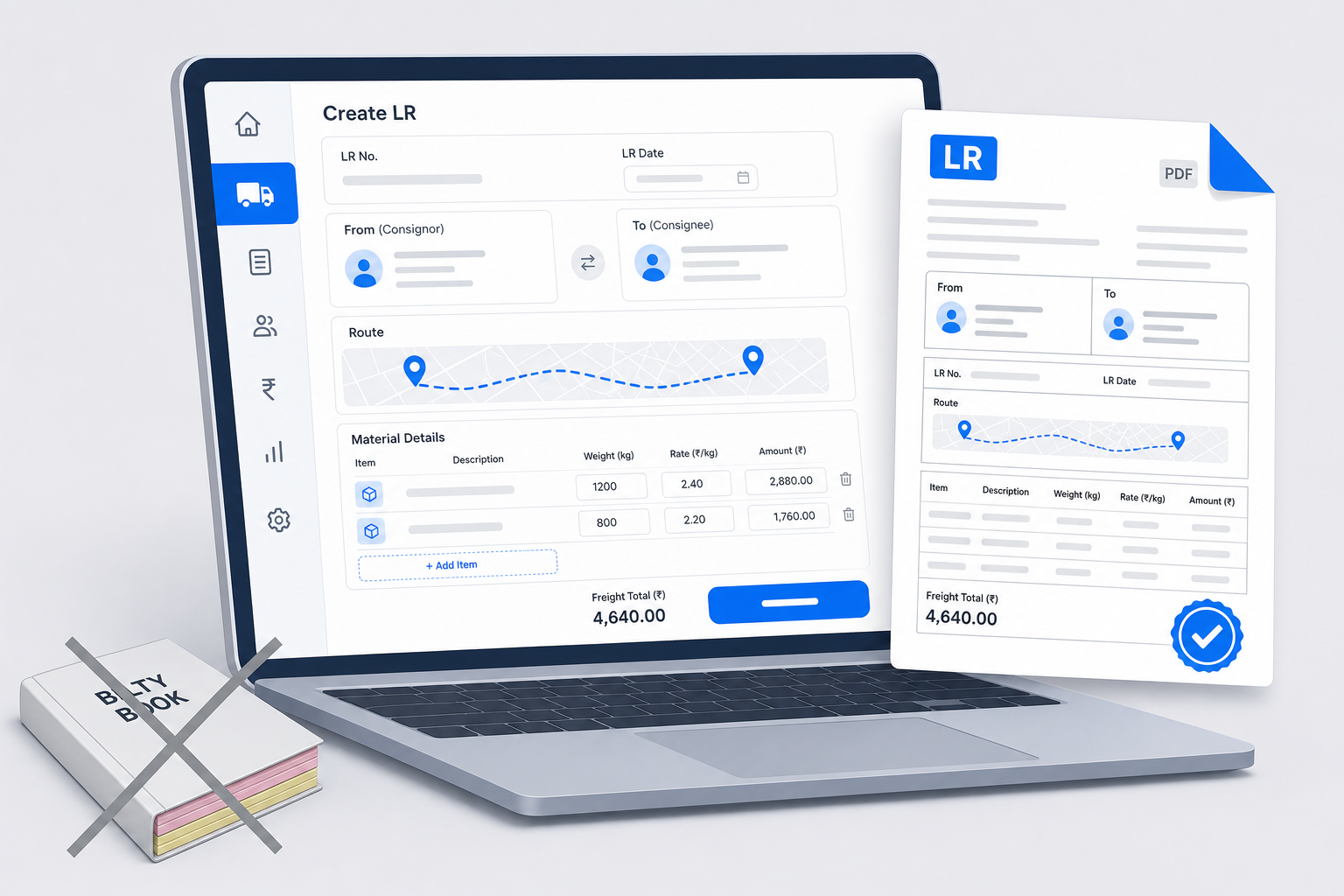
Select the customer from a saved list. Auto-fill rates and common routes where you store them. Generate a clean PDF instantly — see How to generate LR online.
Smart tracking
Track every LR number digitally. Know which PODs are still pending. See which invoices are unpaid — without flipping three books.
One-click settlements
Auto-calculate driver balances. Link advances to the specific trip. Clear accounts in seconds using driver khata and trip expenses.
How to choose the right software
Do not buy the first app you see. Ask these questions about LR format and daily use:
- Is it made specifically for Indian transporters?
- Can I generate a readable LR in under 60 seconds?
- Does it work on my mobile phone?
- Will it track pending PODs on the same record?
- Can it handle driver advances and diesel entries on the trip?
- Is my data backed up and searchable later?
If most answers are “no,” the tool only fixes handwriting — not money leaks.
How Lorryto helps
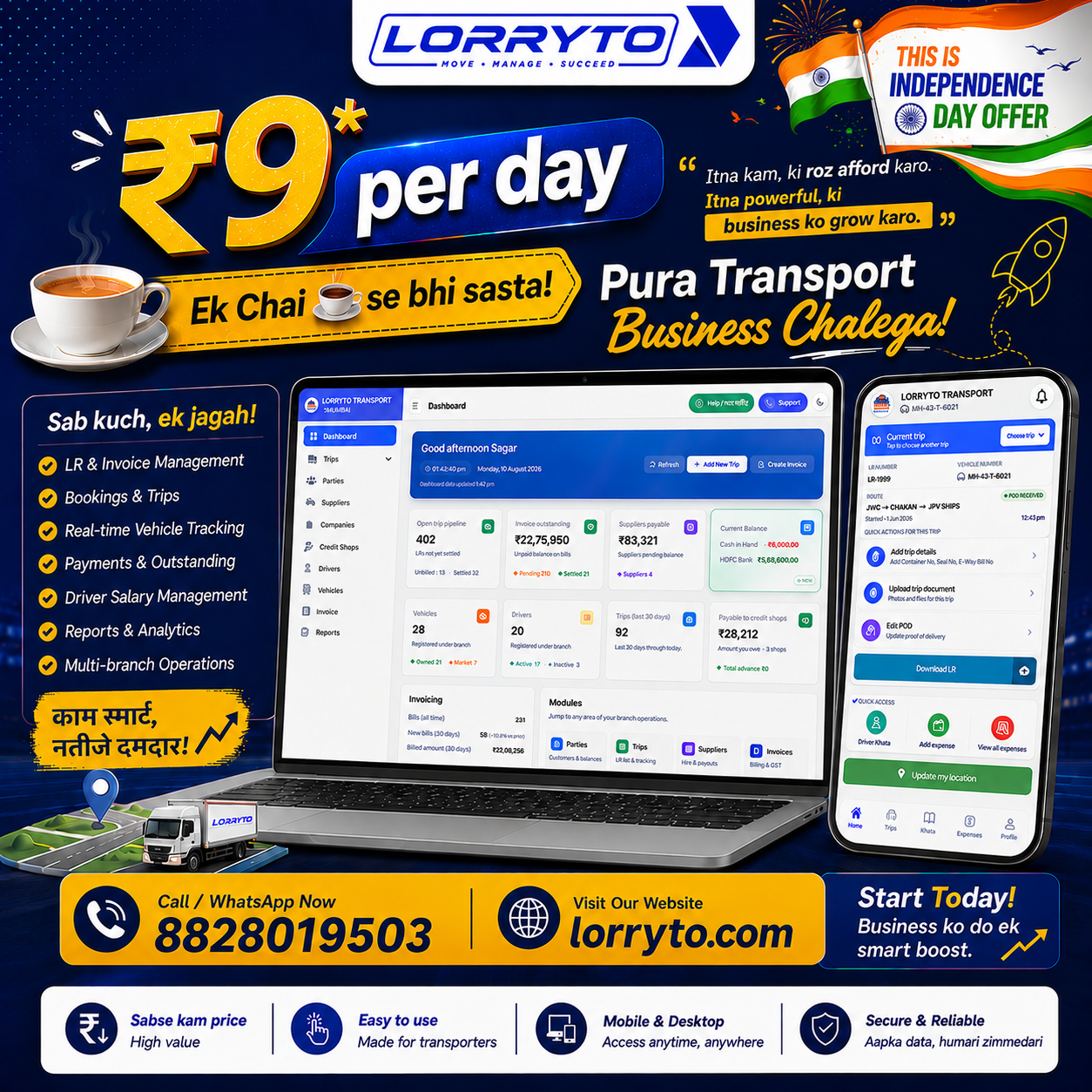
Lorryto is not only an LR generator. It is a transport management system built so your LR format, trip money, and POD live together.
Digital LR generation
Create professional LRs from Create LR. Download, print, or share — including WhatsApp — without carbon paper or blurry photos. More on sharing: How to share LRs on WhatsApp.
Complete trip management
Record diesel, toll, and driver advances on the trip. See freight and costs in one place so trip profit is not a desk calculator guess.
Automated POD tracking
Upload POD photos on the LR. Bill faster without waiting for a paper file to come back from the truck.
Party and driver ledgers
Track who owes you money from completed work. Settle driver accounts from the same trip data — and retire the heavy red register for day-to-day work.
Start today — four simple steps
You do not need to be a computer expert. Start new trips on a clean digital format first.
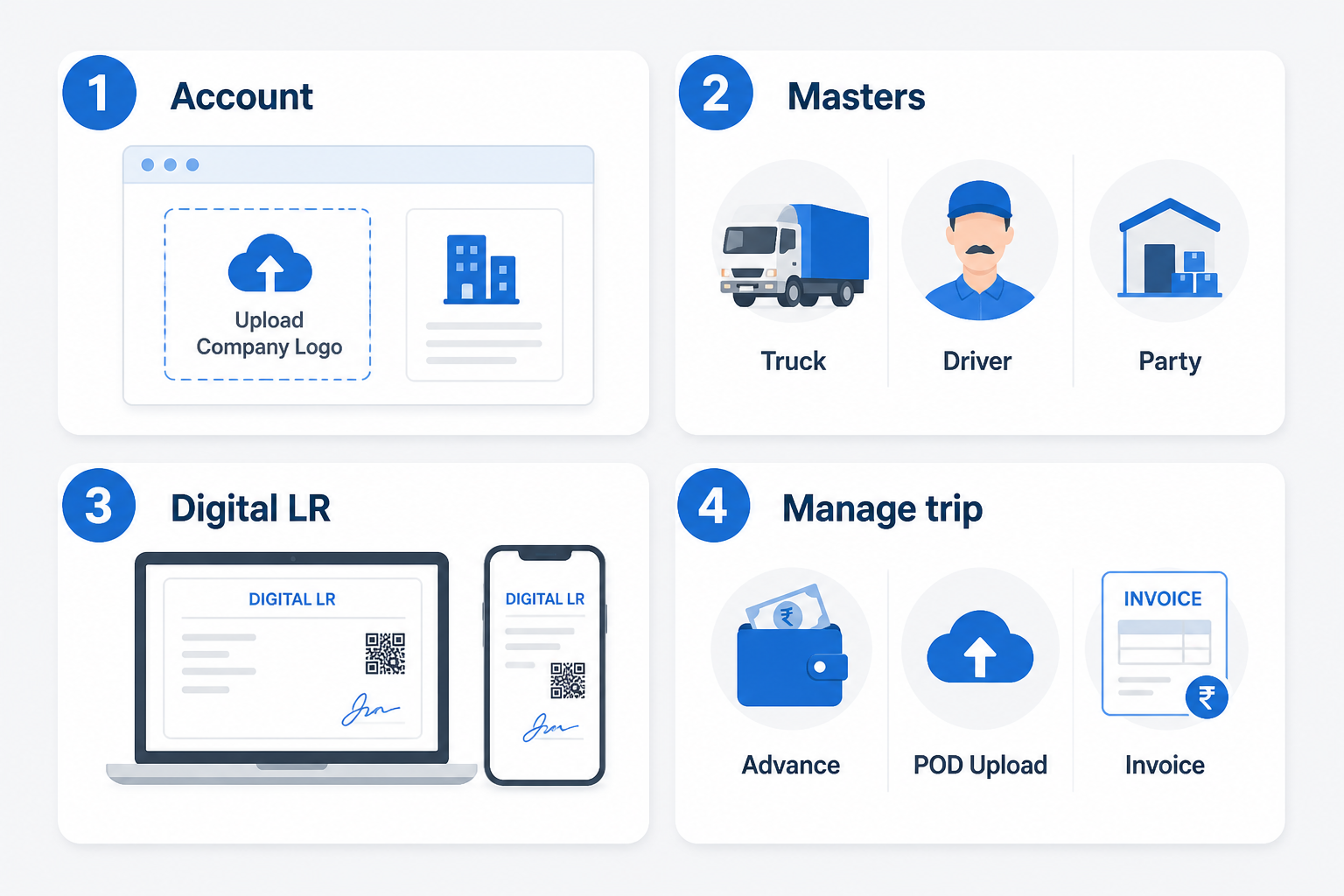
Step 1 — Set up your account
Visit lorryto.com, sign up, add your company details, and upload your logo for professional bills. See getting started.
Step 2 — Add your masters
Add your top customers, trucks, and regular drivers. Saved masters are what make the next LR format fill in fast.
Step 3 — Create your first digital LR
Select customer and vehicle, enter load and freight, generate the LR, and share it on WhatsApp.
Step 4 — Manage the trip
Add the driver advance, upload the POD when delivered, then generate the final invoice from completed work.
FAQs
What fields make an LR format “complete” enough to bill without chasing notes?
At minimum: clear consignor and consignee, vehicle and driver, material with weight and rate, freight total, advances, and a place for POD or delivery proof. A digital format keeps those fields the same every trip — see Create LR.
Why do parties reject some carbon copies even when freight is correct?
Dark photos, cut-off edges, and unreadable handwriting cause most pushback — not the freight itself. A clean PDF from download / print / share is easier to accept than a blurry phone picture of carbon paper.
Should LR numbers stay continuous when I move from a printed book to digital?
Yes. Keep your numbering rule in the company workflow and issue new LRs in order. Old paper books stay as history; new trips use the digital format so gaps and double numbers stop.
Where do detention, loading, and other extras belong in the LR format?
On the same trip as the freight — not on a sticky note. Use trip expenses and charges so those amounts appear when you bill, instead of getting forgotten after the truck leaves.
Can one LR format work for both office desktop and yard staff on mobile?
Yes. The same fields and saved masters work on phone or computer. Staff pick parties and trucks from lists, enter load details, and save — no Excel sheet required. Start free on Lorryto when you are ready.
Final thought
Your transport business deserves better than messy carbon copies and calculators.
The goal is to save time, get paid faster, and grow the fleet — with an LR format that does not leak money on every trip.
Next reads: How to stop costly LR mistakes · How to generate LR online · Digital POD management · Create LR docs · Download / print LR · POD docs
Ready to run trips without registers?
Create LRs, track payments, and keep documents in one place with Lorryto — free trial available.
Start Free Now