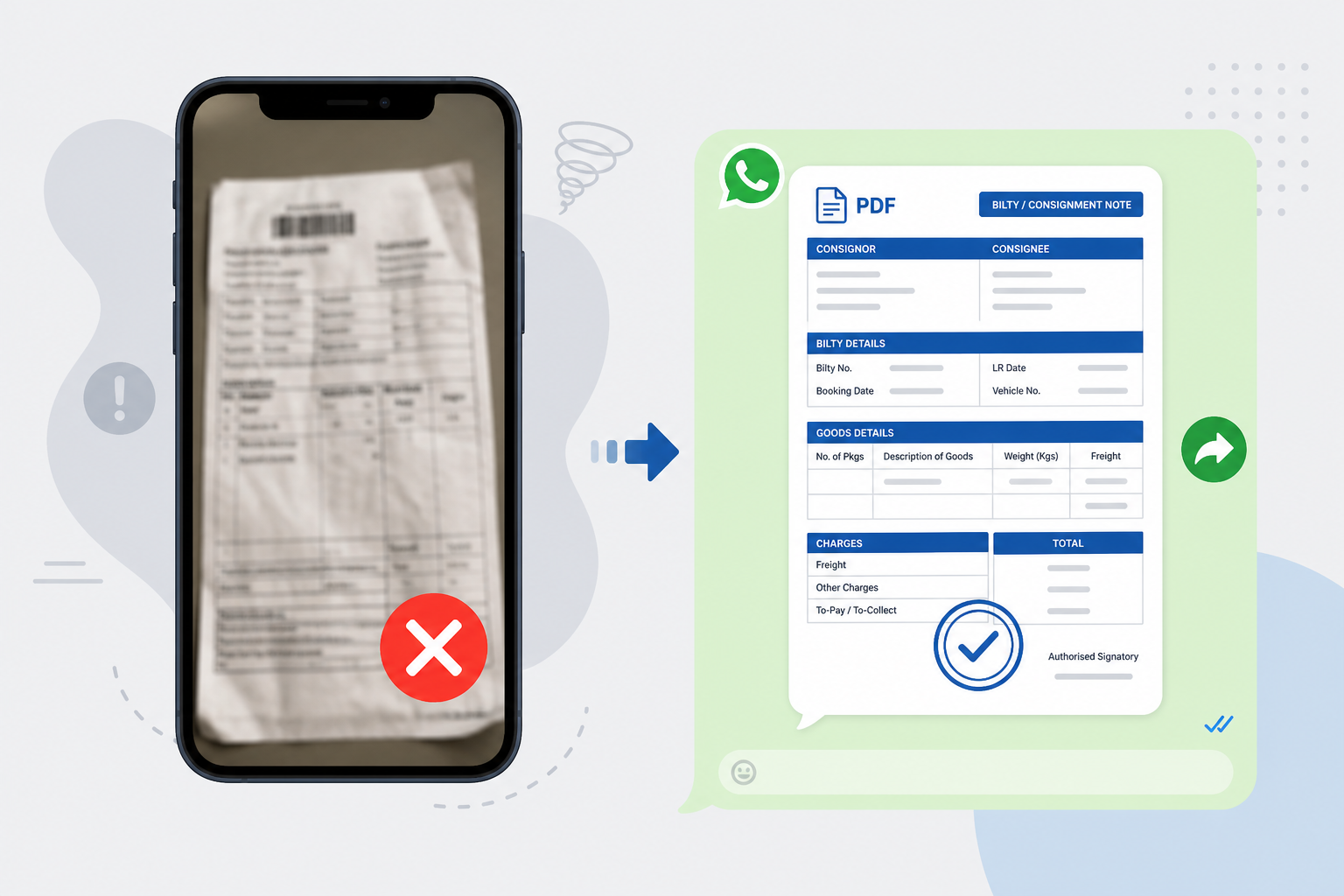
Your desk is a mess. The bilty book is open. The driver is waiting. The party is calling for the LR copy.
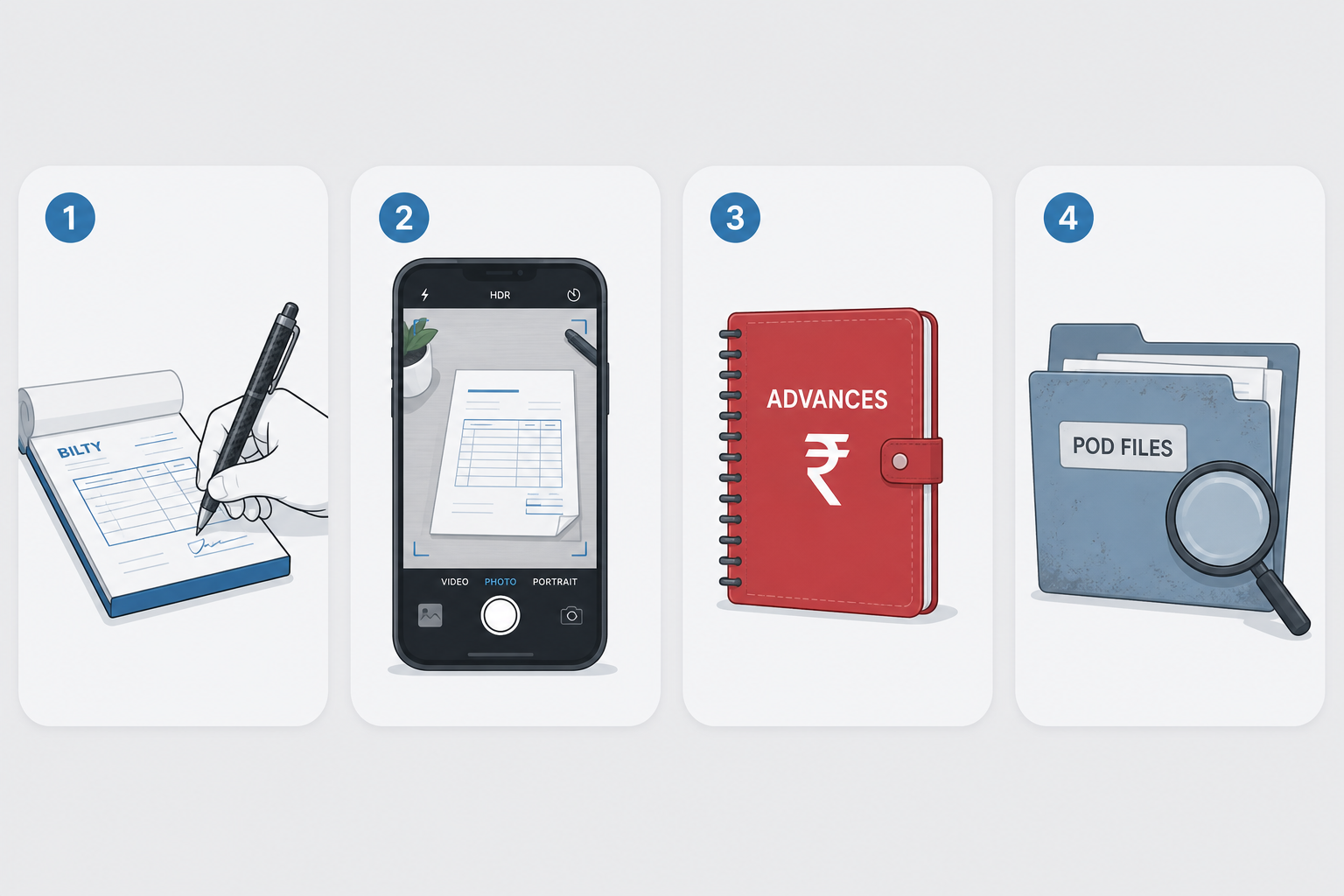
Right now, your business lives in too many places. LR details sit in one thick register. Driver advance cash is in a small diary. PODs are stuffed into a dusty plastic file.
This system works when you have one or two trucks. It fails as the fleet grows.
The real problem
Every dispatch piles on tiny details. For just one job you must record:
- Consignor name and address
- Consignee details
- Truck number
- Driver name and phone
- Material description and weight
- Freight amount
- Advance paid
- Balance remaining
Doing this once takes time. Now do it for 5 trucks. Or 10. Or 50. Writing the bilty is only half the pain — the party still wants a copy on WhatsApp right now, and a blurry desk photo is what they usually get.
Why does this happen?
You started small. A paper bilty book did the job. Then you got more clients and more trucks. Instead of changing the system, you added more registers, more files, and more camera photos.
Now the paperwork — and the WhatsApp photo chase — controls the day.
Current manual solution
Making the LR
To make a simple LR, the owner or clerk finds the right bilty book, checks the carbon paper, writes details by hand, presses hard for copies, and carefully tears out the receipt.
Sending to the party
The party wants proof immediately. So you open the camera, hunt for good lighting, snap the paper LR, check if it is blurry, open WhatsApp, find the party, and send the photo.
Tracking advances
Cash keeps moving. You open the cash diary, note the date, truck, and advance — then hope you remember it at settlement.
Getting the POD
You wait days for the driver to return, take a folded paper, punch a hole, file it, and spend twenty minutes searching when billing starts.
Problems with the manual method
- Too much time searching — hours go to old bilties and PODs instead of new loads.
- Blurry photos cause delays — carbon-copy photos are hard to read. The party cannot see the truck number and calls back.
- Calculation mistakes — manual math forgets an advance or misreads freight.
- Papers get ruined or lost — tea, rain, or a missing copy means the proof is gone.
A better way: digital LR + clean WhatsApp share
A modern transport office does not need a perfect camera angle. It needs a readable PDF bilty that leaves the trip record and lands in the party’s chat.
Digital LR generation
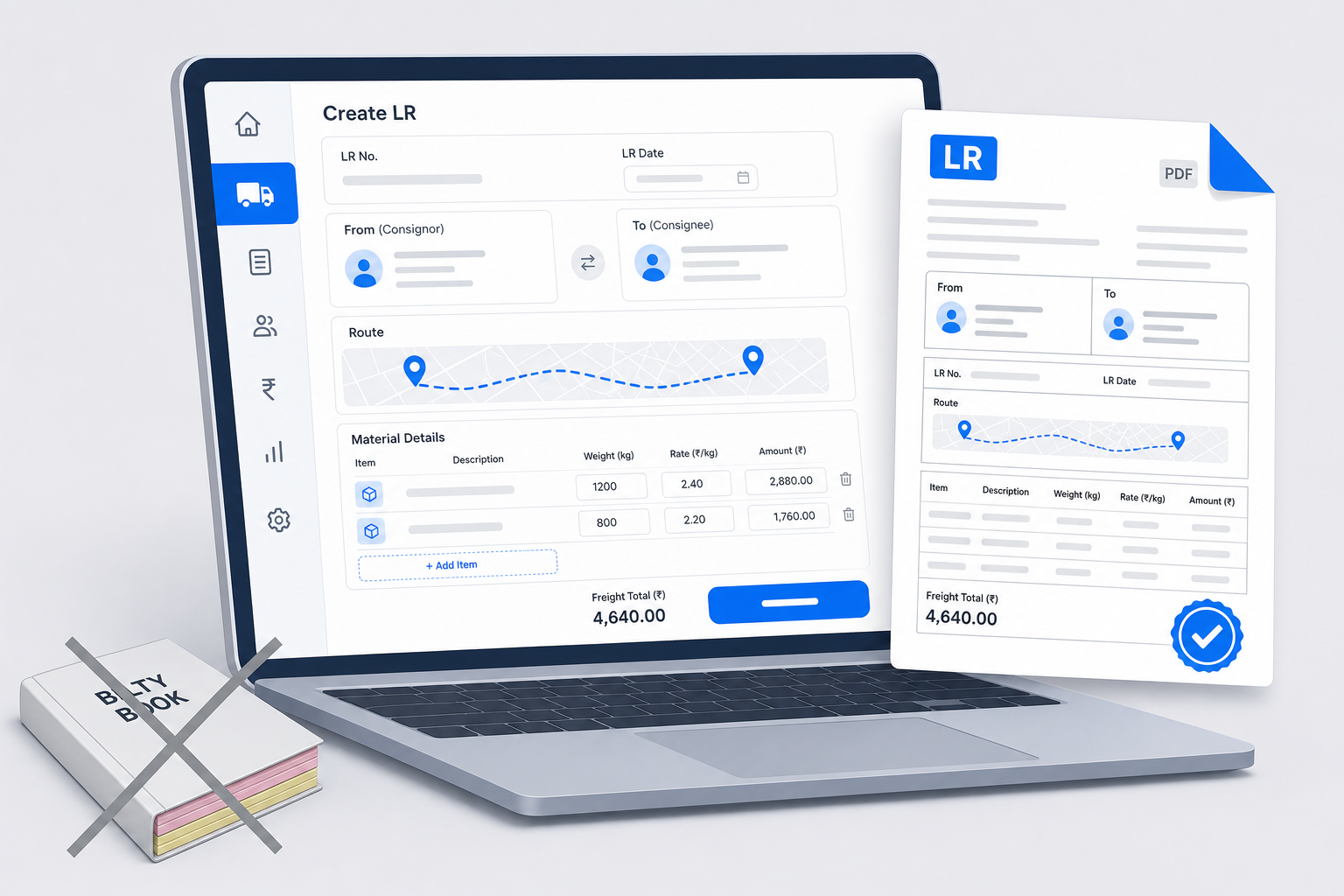
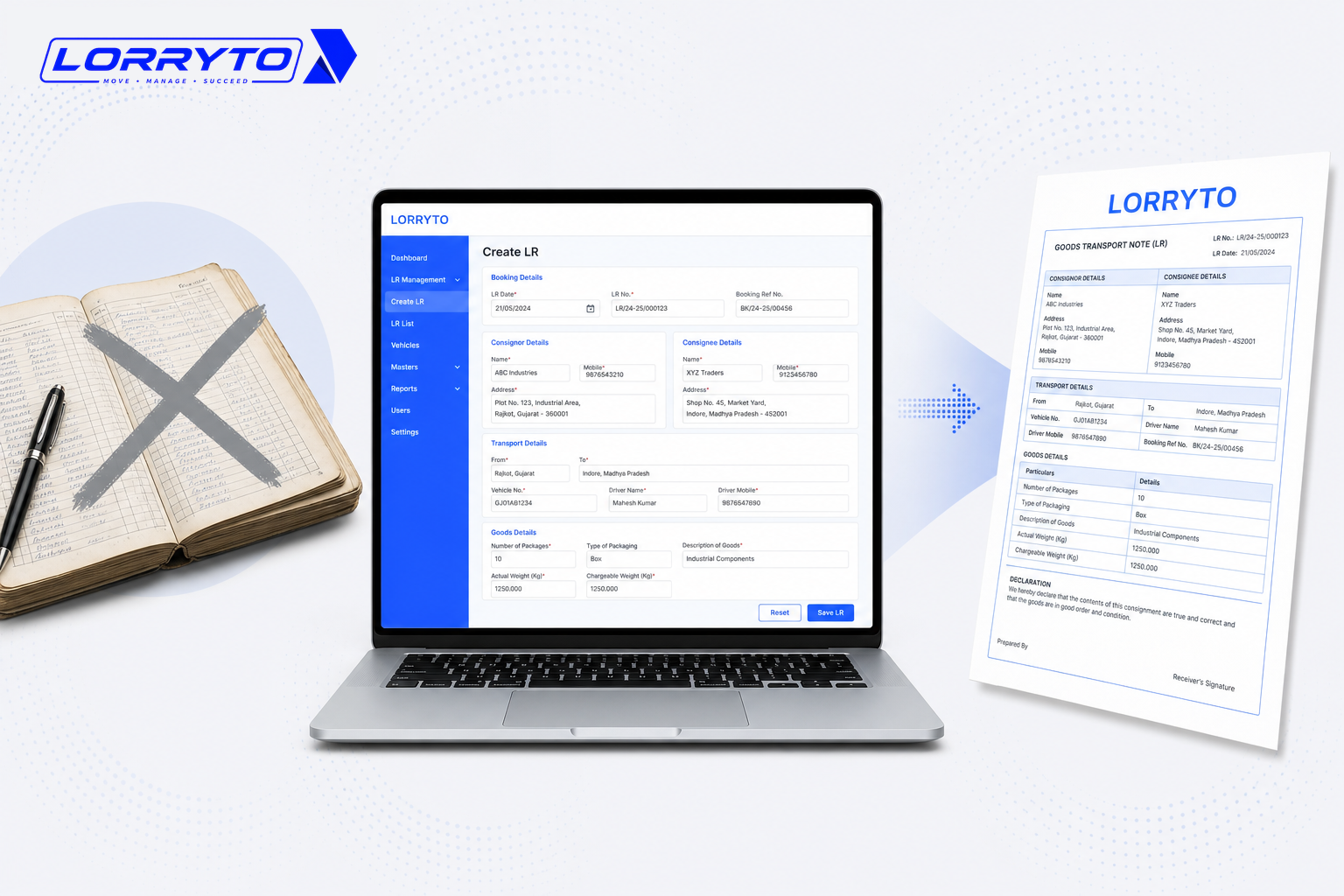
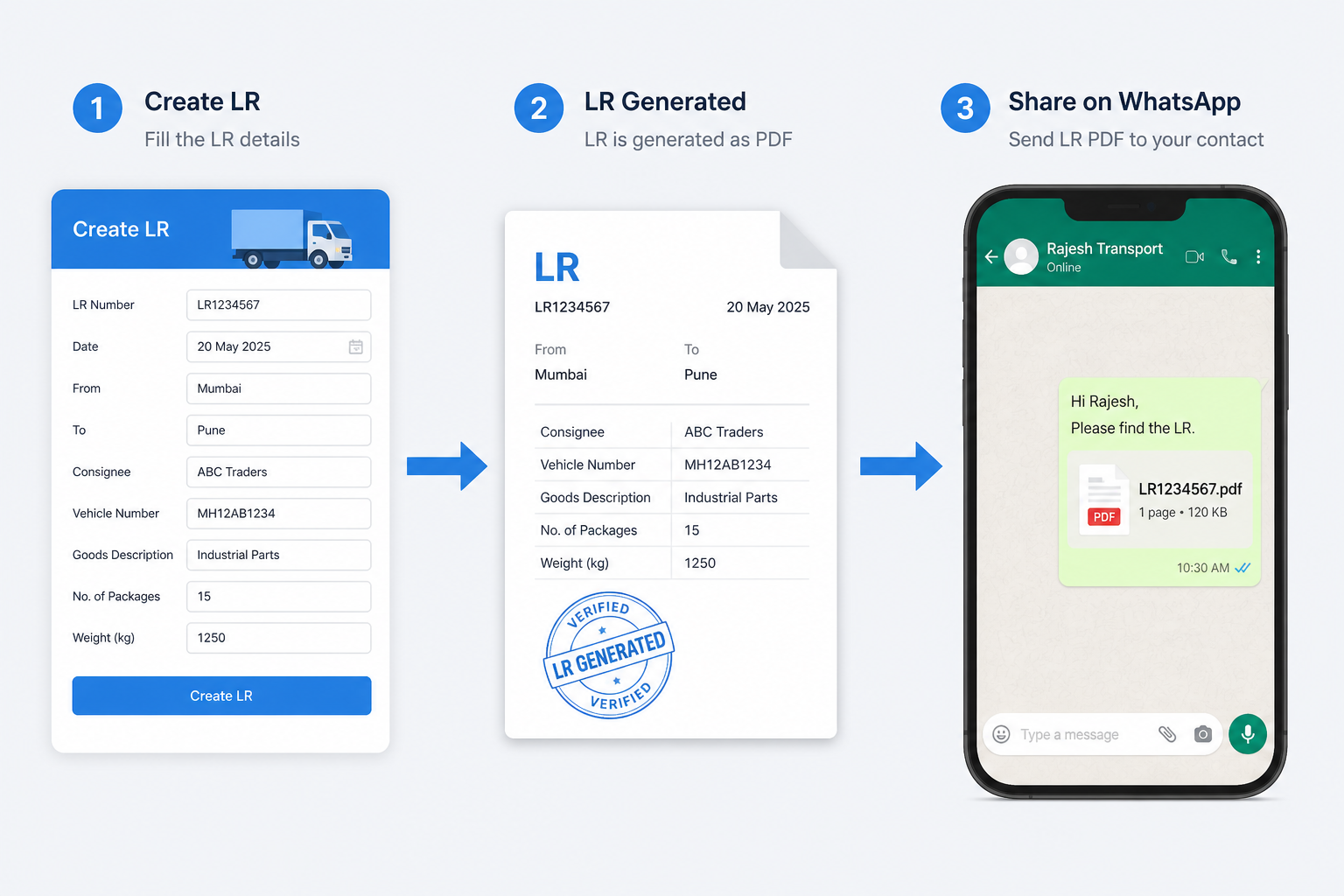
No handwriting for every field. Pick parties from a saved list, enter weight and rate, keep freight and advances on the trip, and generate a professional PDF. See Create LR and the fuller playbooks: How to generate LR online and How to create a digital bilty.
Smart WhatsApp sharing
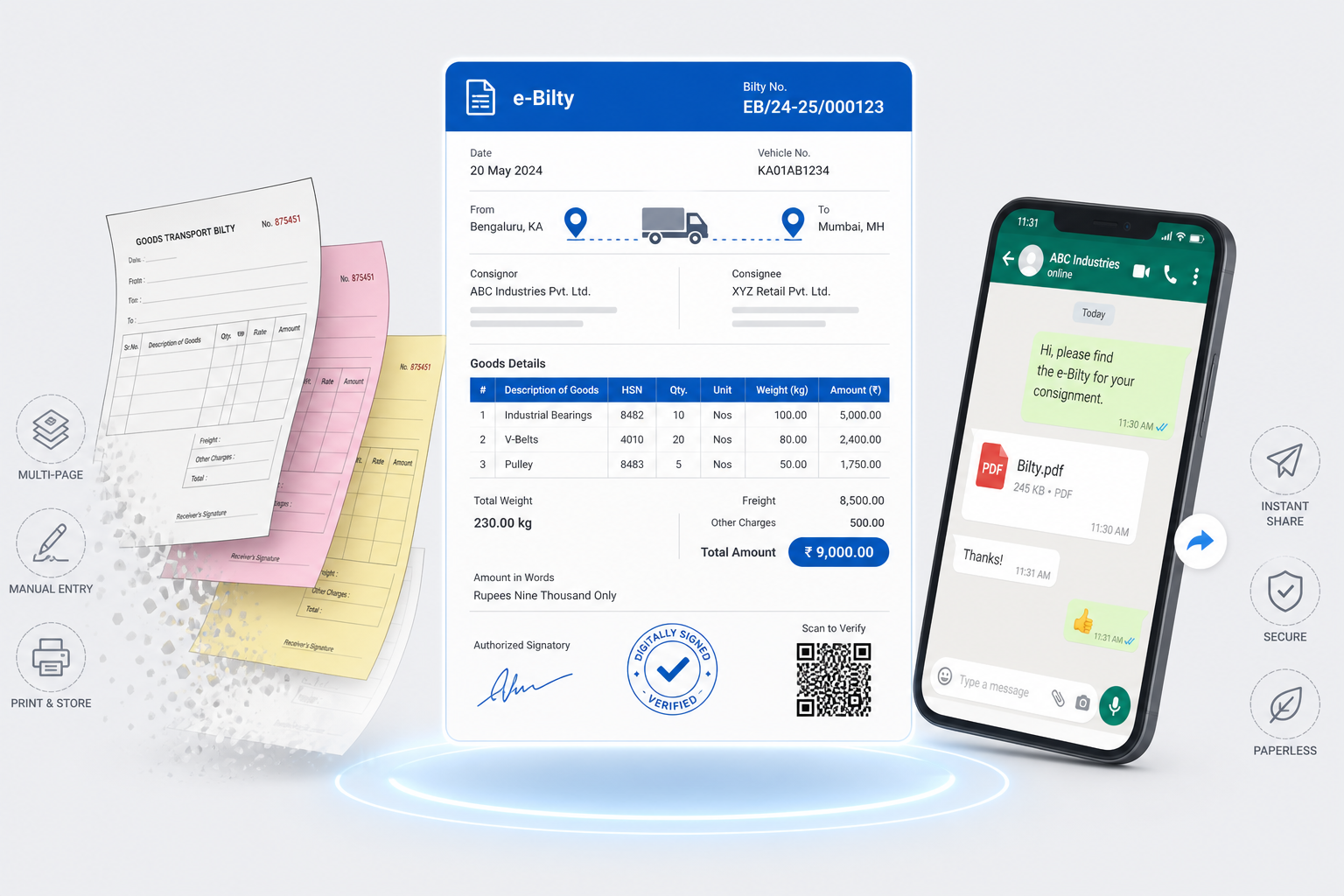
Download, print, or share the LR as a clean PDF — including WhatsApp share — instead of photographing paper. The text stays readable. No desk lighting scramble.
Advances stay on the trip with trip expenses. After delivery, upload POD on the same LR so billing does not wait on a dusty file — more in Digital POD management. Extra files belong under trip documents.
For the wider office picture, see How to manage transport documents without files and How to make your transport business paperless.
How to choose the right software
Before you decide, ask:
- Is it built specifically for Indian transporters?
- Can I create an LR in under a minute once masters are set?
- Does it share high-quality PDFs to WhatsApp (not camera photos)?
- Can I use it on mobile and web?
- Does it track driver advances and balances on the trip?
- Is it simple enough for office staff to learn quickly?
If most answers are “no”, you will still send blurry bilty photos — only with another app open beside WhatsApp.
How Lorryto helps
Lorryto is transport software built around the Lorry Receipt — including the moment the party asks for a copy on WhatsApp.
Create LRs on phone or web
Make a professional digital bilty without carbon paper. Create LR, pick masters, enter load details, and save.
Share a clear PDF on WhatsApp
Use download, print, or share so the party gets a readable PDF — not a dark photo of handwriting.
Freight and advances on the trip
Enter freight and the advance paid on the same trip. Settlement math stays with the LR, not only in a red diary. See trip expenses.
All records in one place
Keep LRs and PODs on the trip in the cloud. Search by truck or party when billing starts — without opening a physical file.
Getting started in 4 simple steps
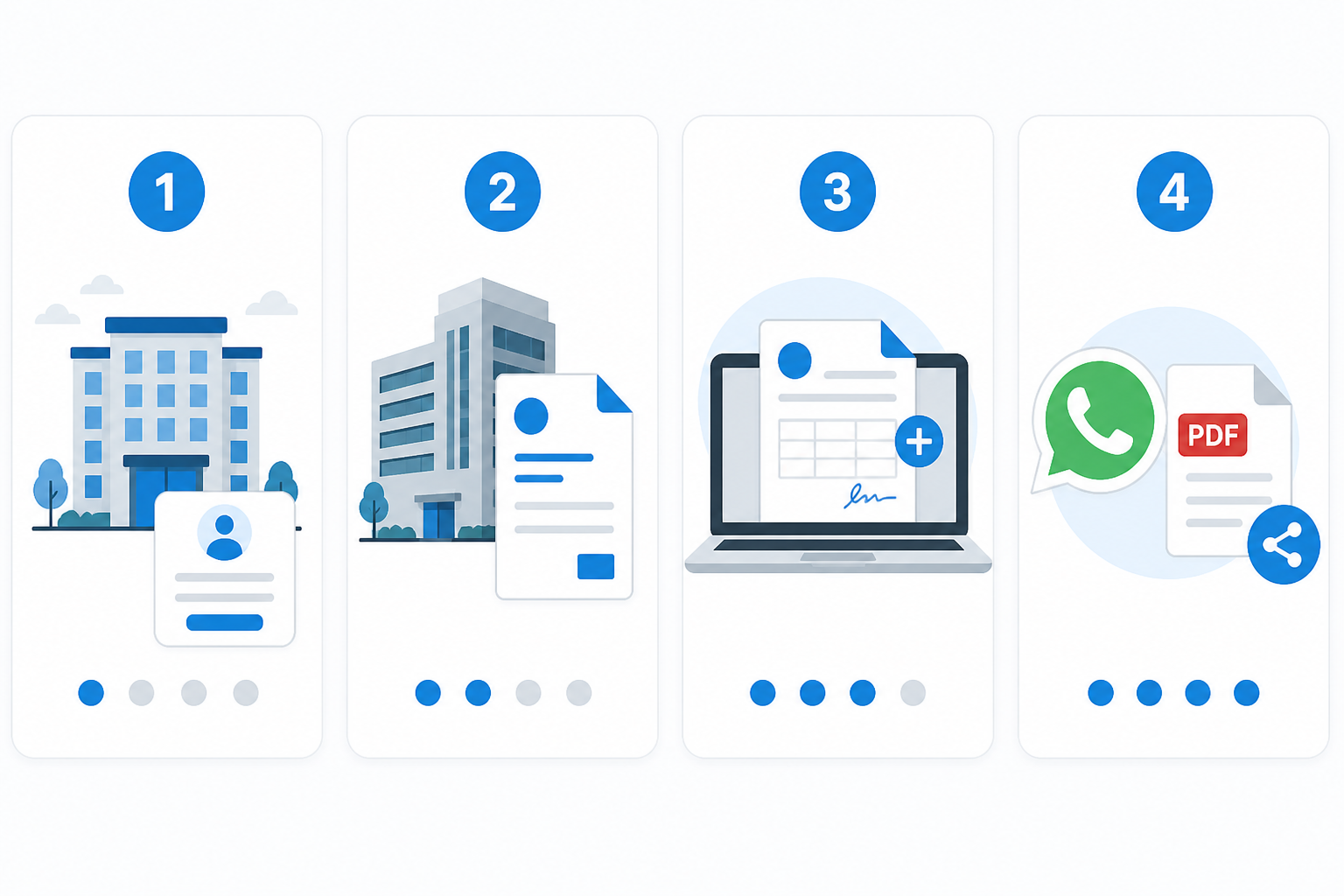
Step 1 — Set up your account
Visit Lorryto on phone or computer, sign up with your mobile number, and add basic profile details. The getting started guide walks through first setup.
Step 2 — Add your business details
Add your transport company name and complete basic company setup so digital documents look professional. See getting started.
Step 3 — Make your first digital LR
Open Create LR. Enter consignor, consignee, and truck details, add freight, and save.
Step 4 — Share on WhatsApp
Open the LR you created. Use download, print, or share — choose WhatsApp and send the PDF to your party.
FAQs
Why is a PDF better than a camera photo of the LR?
Text stays clear. The party can read truck number, freight, and names without calling back about a dark or blurry photo. See download, print, or share.
Can I share from mobile without printing?
Yes. Create the LR on phone or web, then share the PDF on WhatsApp — no desk lighting scramble.
What if the party cannot open the PDF?
Most phones open PDFs easily. You can also download or print a copy if they still want paper.
Does sharing on WhatsApp also save the LR in my office records?
Yes. The LR stays on the trip in your account. WhatsApp is how you send the copy — the office record is not only in chat history.
Is this useful if I only have a few trucks?
Yes. Even a small office saves the photo-and-callback loop. For cost as you grow, see Affordable transport software in India.
Final thought
Your time is too valuable for messy paper, manual math, and blurry bilty photos.
Create a digital LR, share a clean PDF on WhatsApp, and keep POD on the trip. Then spend the day growing loads — not chasing lighting on a desk.
Start free on Lorryto when you are ready.
Next reads: How to perfect your LR format · How to generate LR online · How to manage transport documents without files · Download, print, or share docs
Ready to run trips without registers?
Create LRs, track payments, and keep documents in one place with Lorryto — free trial available.
Start Free Now