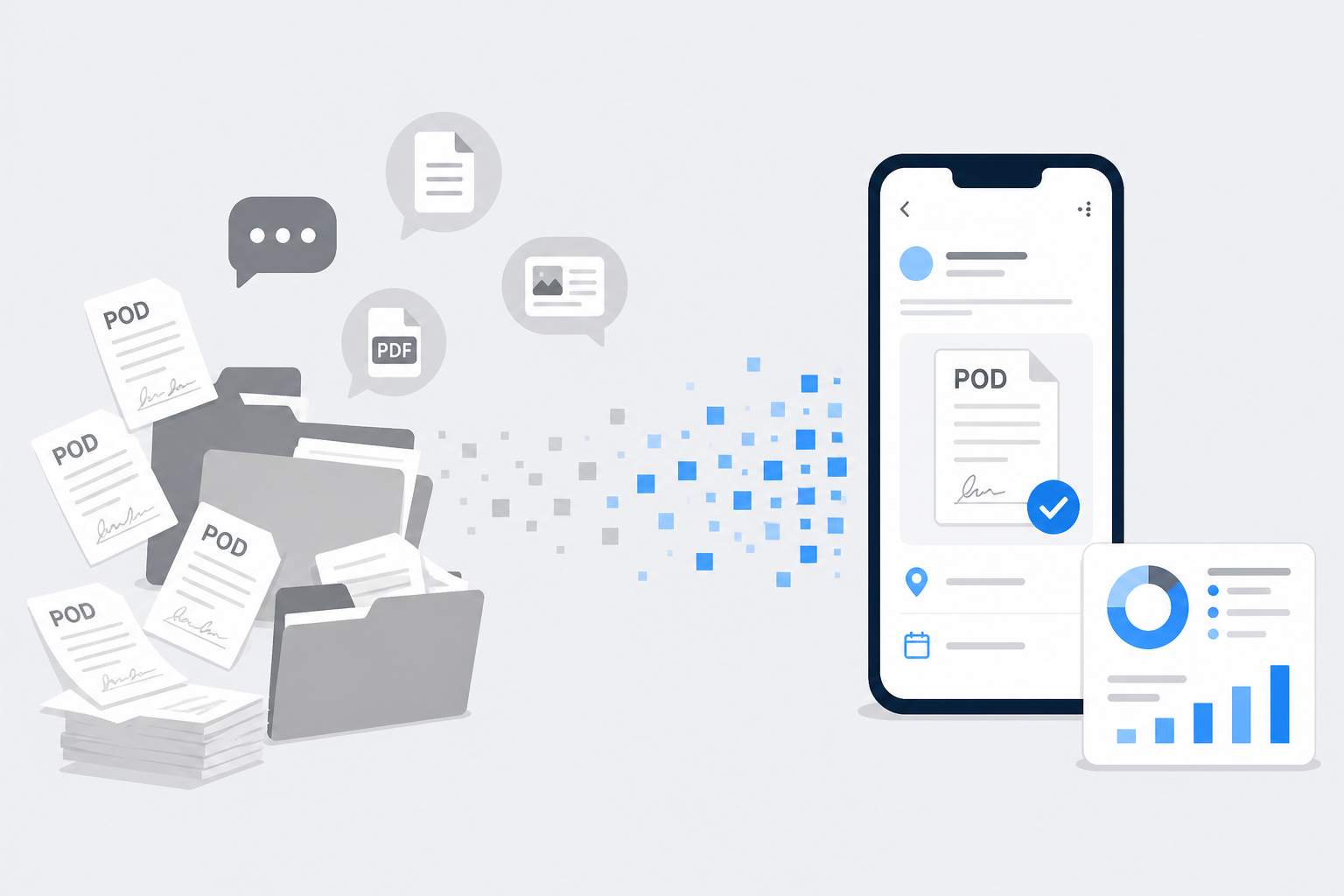
As a transport business owner, you manage trucks, drivers, and many parties every day. The heaviest burden is often not the road — it is the paperwork that follows each trip.
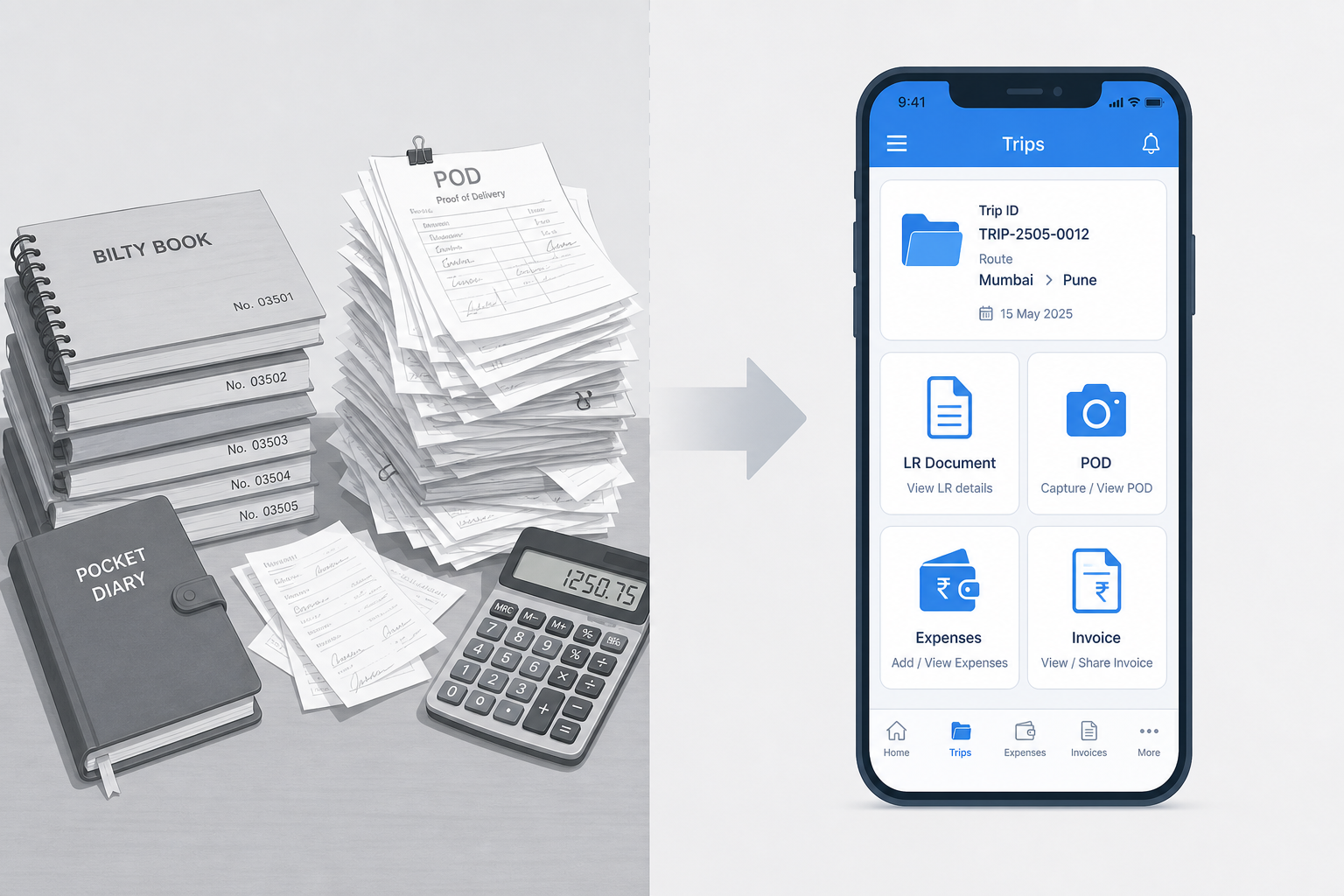
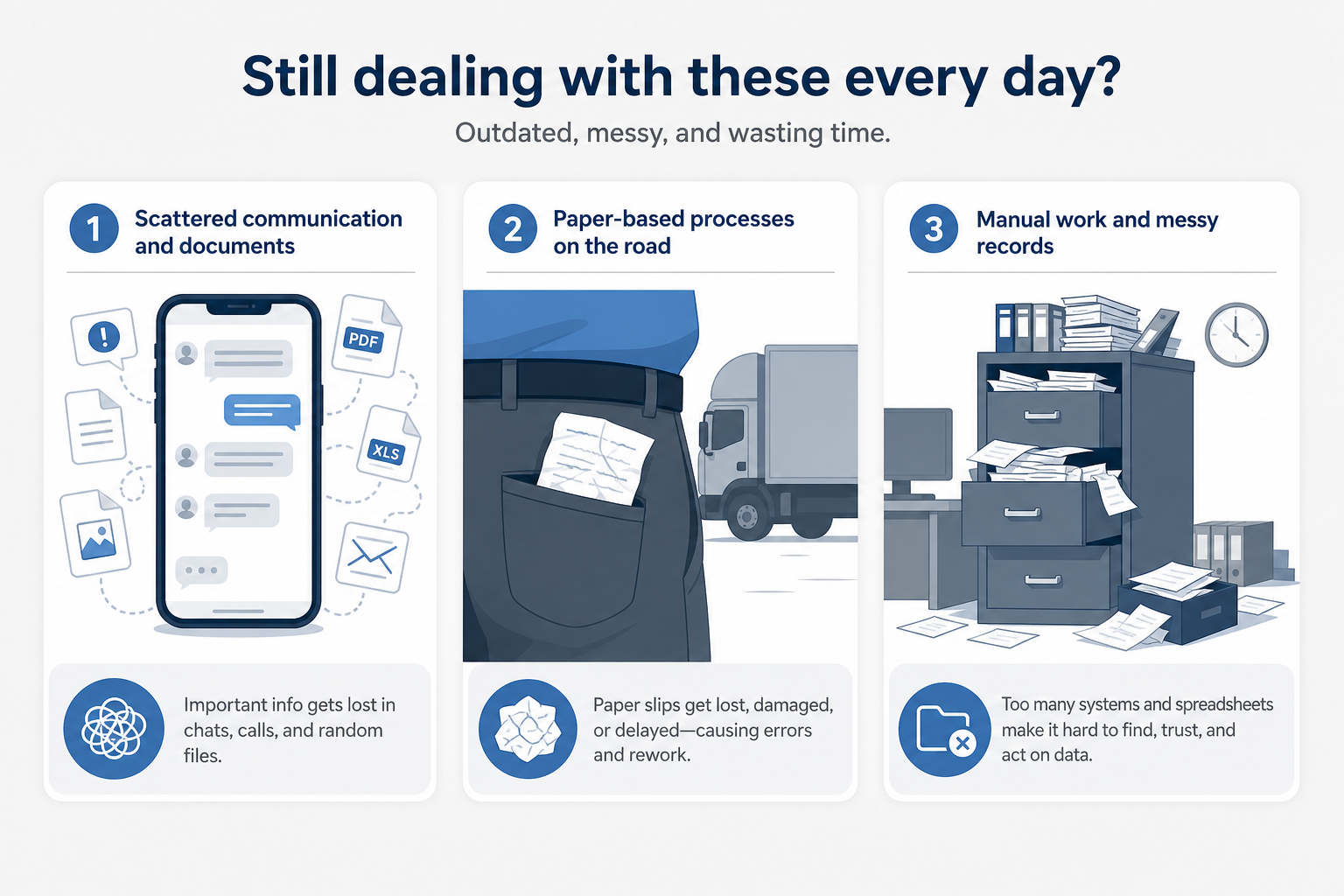
Proof of Delivery (POD) is where that burden shows up most clearly. Today, your PODs are probably scattered across places that do not talk to each other:
- Lost deep in WhatsApp chat histories
- Folded in driver pockets or the cabin
- Filed in unorganized office folders
When details and payments live in separate registers, the system may work for a small fleet. As you grow, it starts failing — and cash flow slows down with it.
The operational challenge
Every trip creates data you must track accurately:
- Bilty / LR number
- Loading and unloading weights
- Shortage charges and toll slips
- Driver advances
- Final signed POD
Managing this by hand for 5, 10, or 50 trucks is exhausting. The habit comes from pen-and-paper offices. Adding more files and registers only adds more places to search.
Inefficiencies of manual POD management
Traditional methods create bottlenecks in the work that actually moves money.
1. Retrieving missing PODs
When a party asks for a POD before releasing payment, owners dig through monthly files, call drivers, and wait for low-quality WhatsApp photos. Hours disappear before one document is found.
2. Calculating freight bills
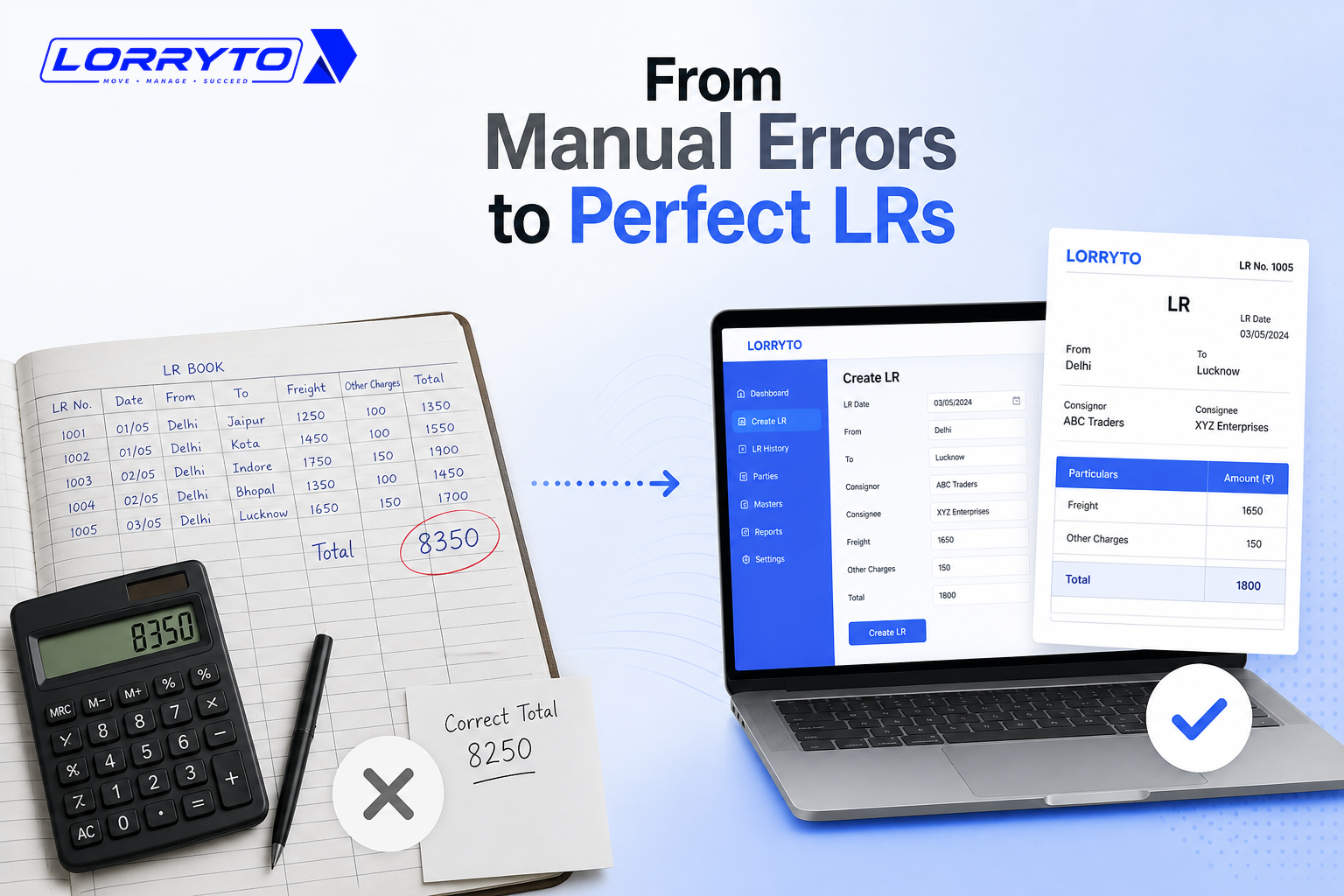
A final bill needs the bilty copy, unloading slips for shortages, and careful math. Doing that from paper and chat photos invites human error — and undercharging.
3. Tracking advances and settlements
Diesel advances sit in cash registers. Party ledgers sit somewhere else. Matching them against pending trips delays reconciliation and hides money stuck in the market.
The cost of status quo
Continuing with manual POD handling leads to:
- Wasted time — hours spent searching for paper instead of billing.
- Delayed payments — no POD means no payment. Lost papers mean lost money.
- Calculation errors — manual shortages and freight mistakes often undercharge parties.
- Data loss — torn, misplaced, or unreadable PODs create long administrative headaches.
What a good digital POD workflow looks like
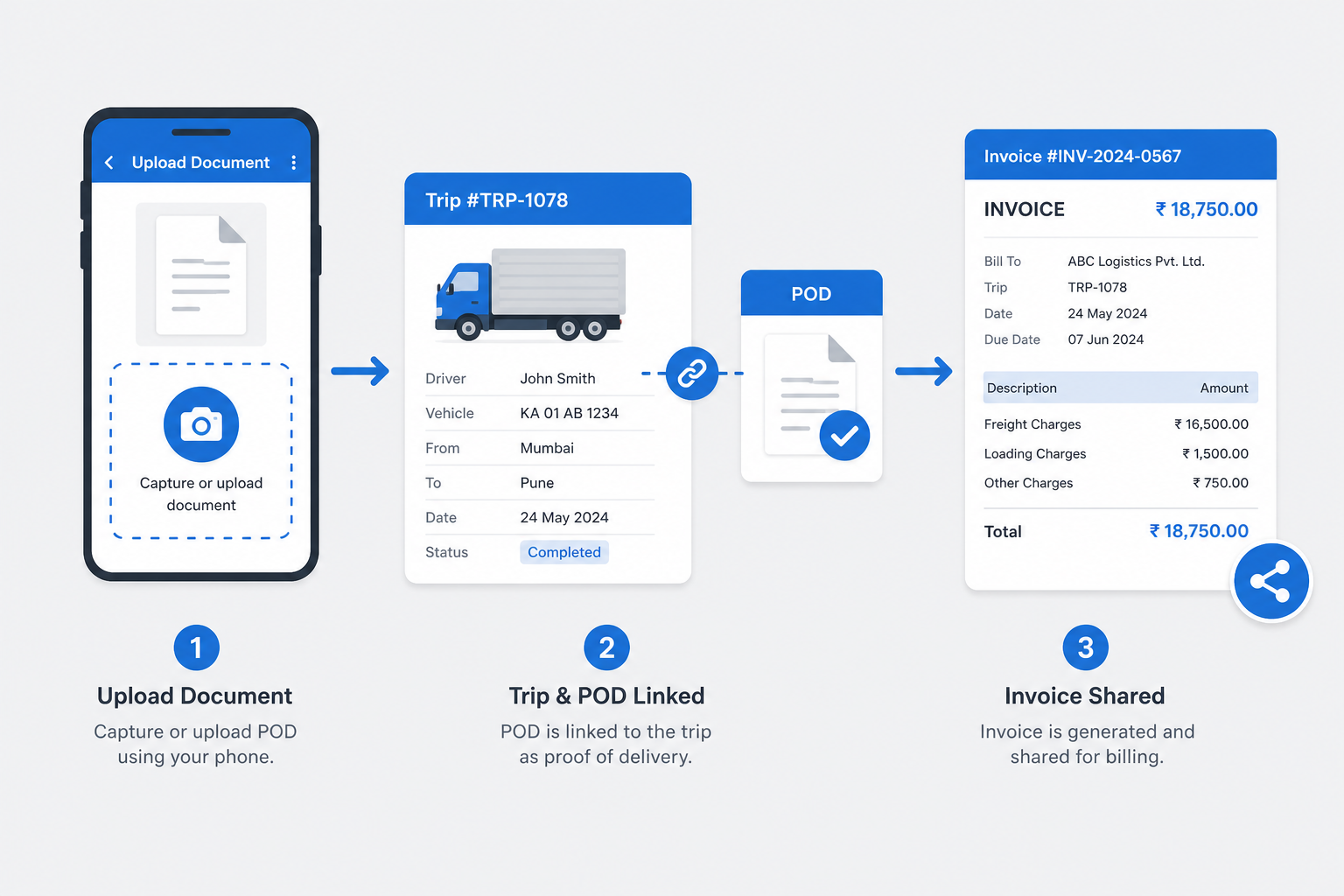
A specialized digital system removes the chase:
- Centralized storage — every POD sits on the correct trip, searchable by bilty or truck number.
- Faster billing — shortages, advances, and delivery proof stay linked so you can raise bills without rebuilding the trip from memory.
- Anywhere access — share documents with parties from phone or office — without printing a file first.
How to choose the right software
When you evaluate a tool, make sure you can answer “yes” to these:
- Is it designed specifically for Indian transporters?
- Can drivers upload PODs easily from a mobile app?
- Does it work well on slow internet?
- Can you search by bilty or truck number instantly?
- Is your data secure and backed up?
If most answers are “no”, you will still chase paper — only with an app on the side.
How Lorryto helps
Lorryto is built for the Indian transport office — including the POD crisis that blocks payments.
Instant uploads on the trip
Drivers capture delivery photos that link directly to the trip record. Office staff see which LRs already have proof — without calling the driver five times.
Cleaner path from POD to bill
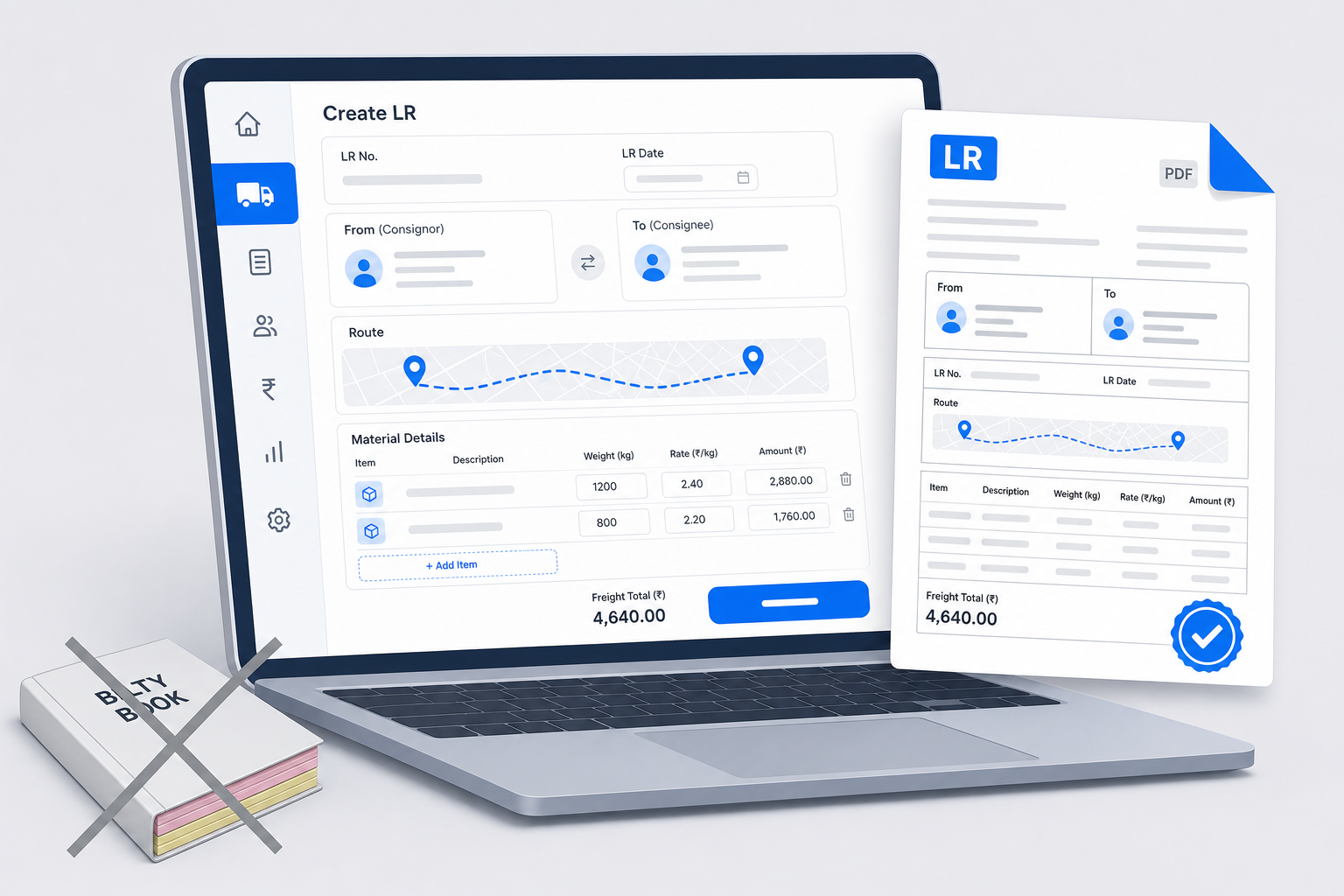
Shortages, advances, and documents stay with the same LR, so billing does not depend on reconstructing the trip from WhatsApp and registers. For creating the bilty itself, see How to generate LR online for Indian transporters.
Share without printing
Send bills and PODs digitally — including WhatsApp share flows — so parties get readable proof instead of a dark cabin photo.
For the wider office picture — outstanding, expenses, and connected trip records — see How to make your transport business paperless.
Start today — four simple steps
You do not need to digitize years of old folders first. Set up the basics, then run new trips with digital POD.
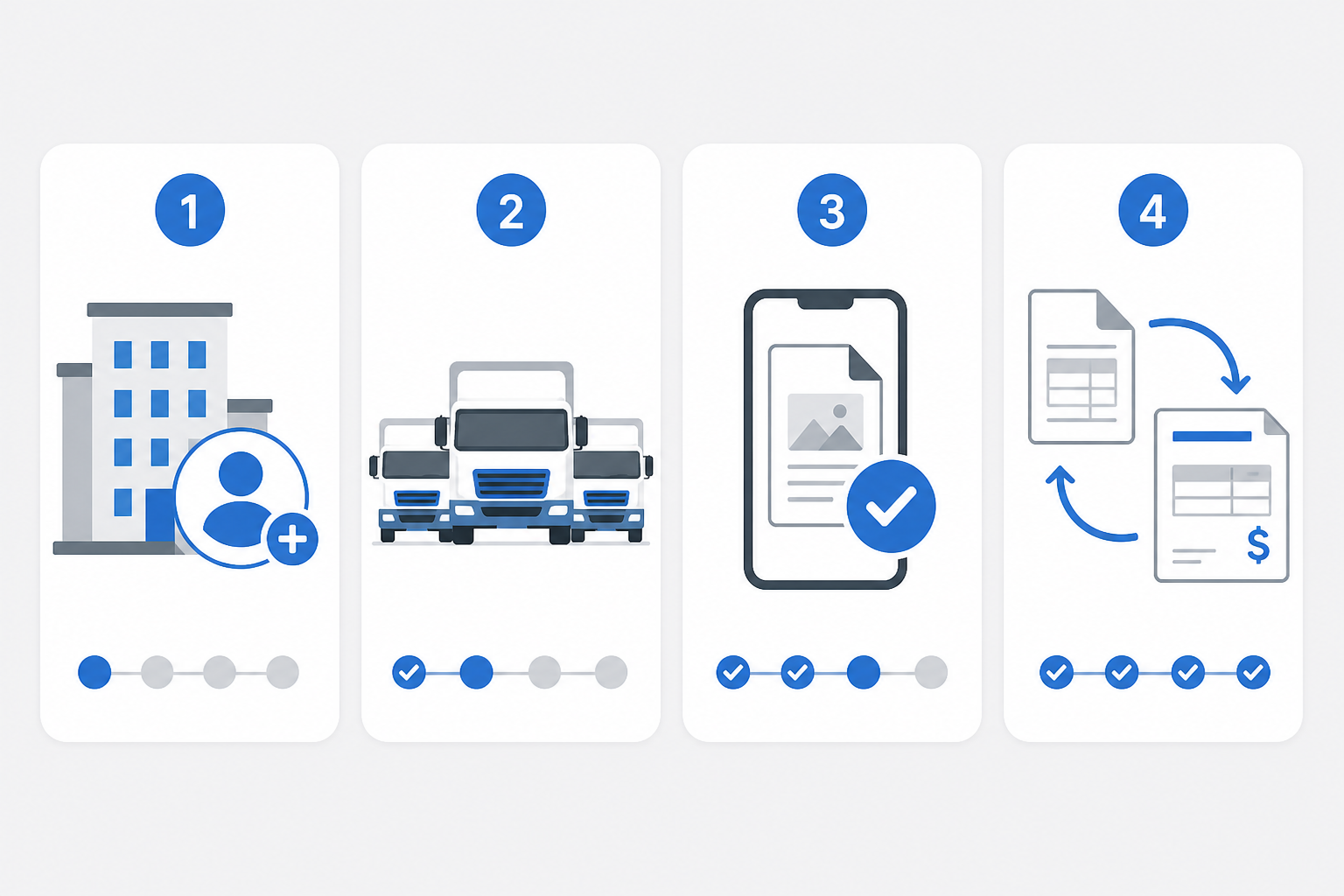
Step 1 — Create your account
Go to lorryto.com, sign up, and add your company details. See the getting started guide.
Step 2 — Link trucks and drivers
Add truck numbers and driver profiles so uploads and trips stay attached to the right people and vehicles.
Step 3 — Do a test POD upload
Walk one driver through a sample POD upload on a test or real trip. If they can use WhatsApp, they can manage this.
Step 4 — Run one full digital cycle
Create an LR, complete the trip, attach POD, and bill from that record. One clean cycle teaches the office more than a week of theory.
FAQs
Where should the POD photo live — chat or the trip?
On the trip. Chat is fine for sending, but upload POD on the LR so billing does not depend on digging through WhatsApp later.
What if the driver has no Driver App?
The office can still upload a photo the driver sends. Teams that want more can use the Driver App (including Hindi) for quick uploads on the road.
Can I bill if the POD is still missing?
You can prepare the bill, but many parties hold payment until proof arrives. Keeping POD on the trip makes that check faster before you raise the invoice.
How do I find an old POD by truck or bilty number?
Search the trip record — that is why proof should sit on the LR, not only in a file or chat. See POD docs.
Will my old paper PODs still be okay to keep?
Yes. Keep old paper for past history if you want. Start attaching proof digitally on new trips. For cost as you grow, see Affordable transport software in India.
Final thought
Your time is best spent growing the business — negotiating rates and finding loads — not searching WhatsApp for a faded POD photo.
Keep Proof of Delivery on the trip. Bill faster. Collect sooner.
Next reads: How to stop costly LR mistakes · How to generate LR online · Make your transport business paperless · POD docs
Ready to run trips without registers?
Create LRs, track payments, and keep documents in one place with Lorryto — free trial available.
Start Free Now