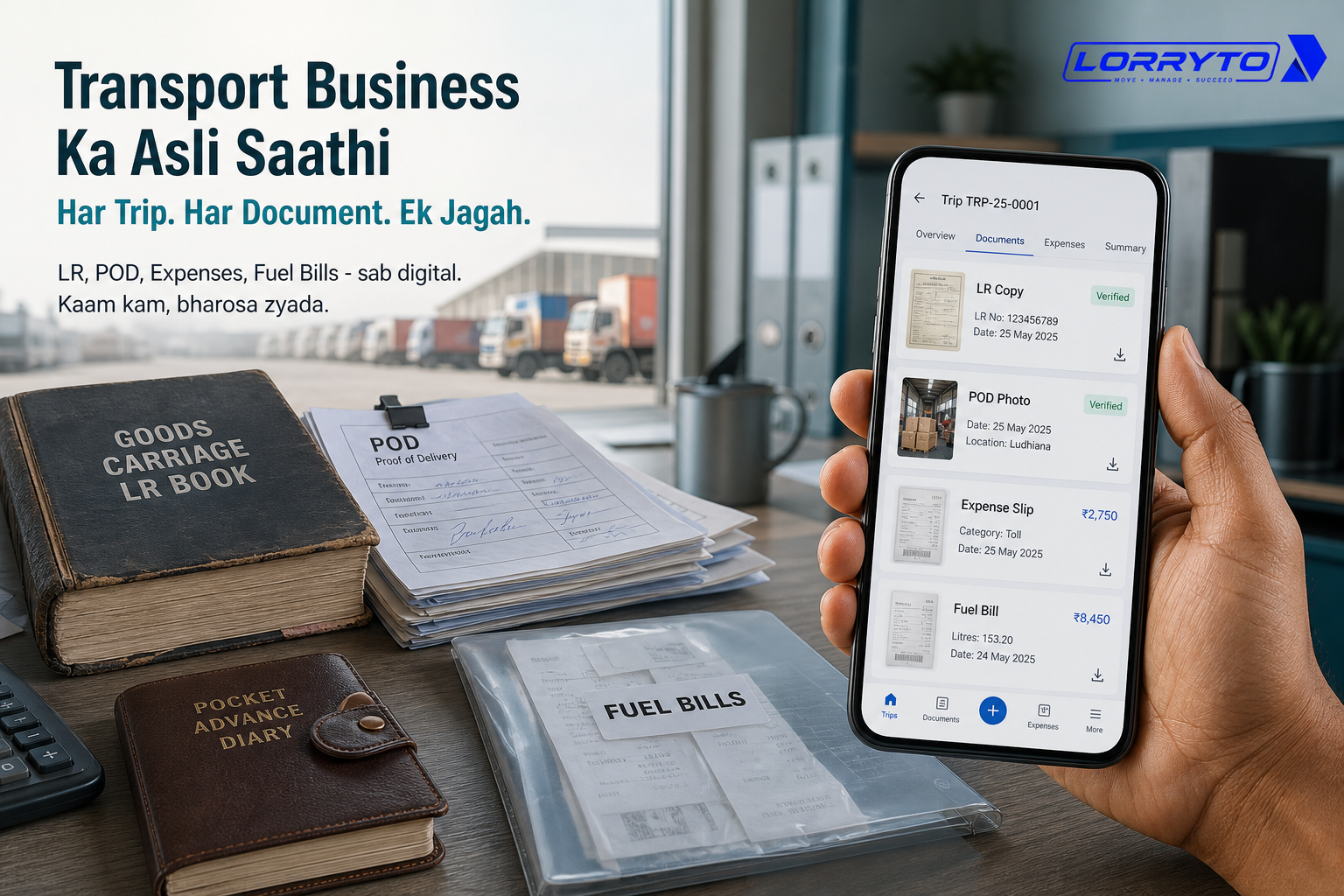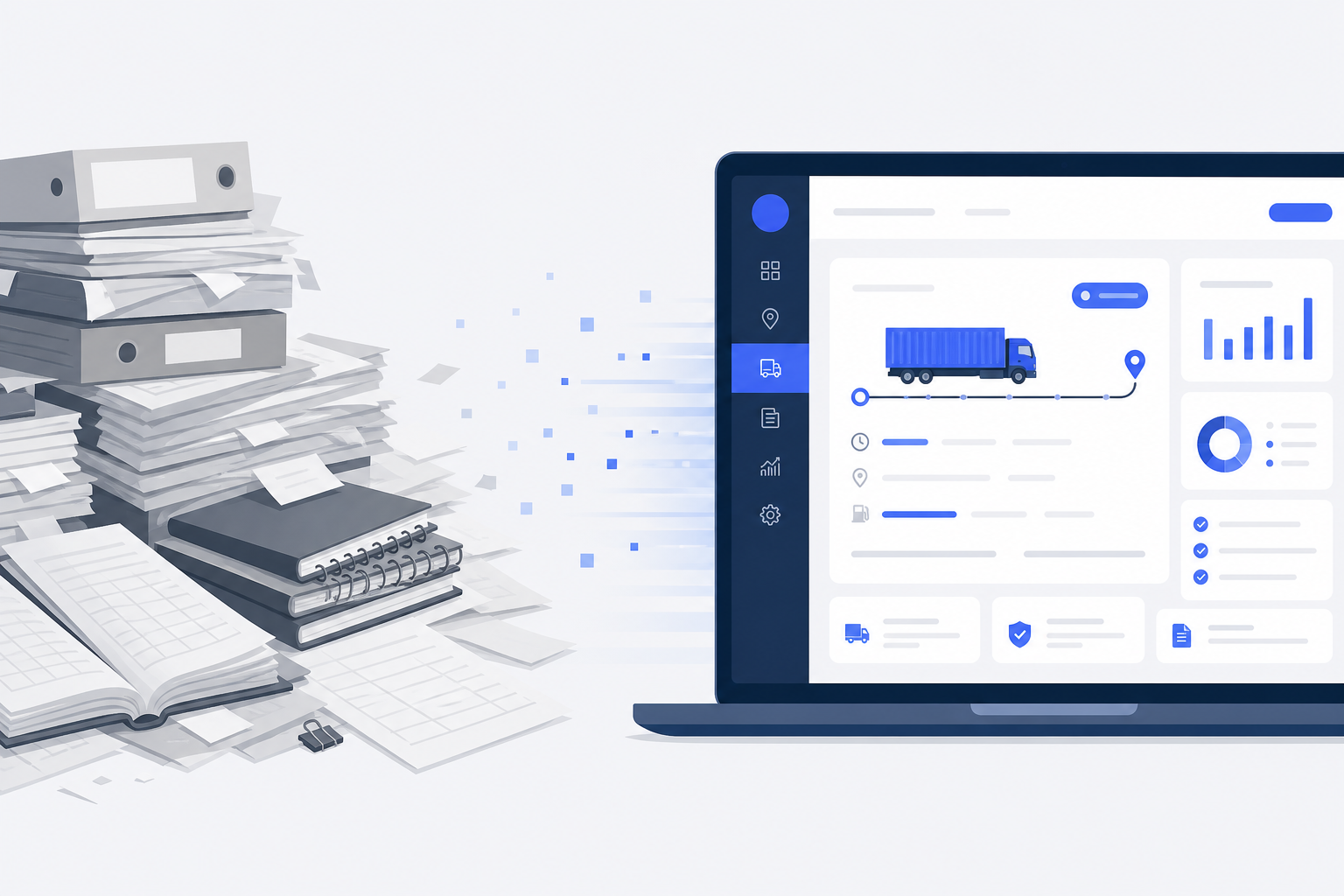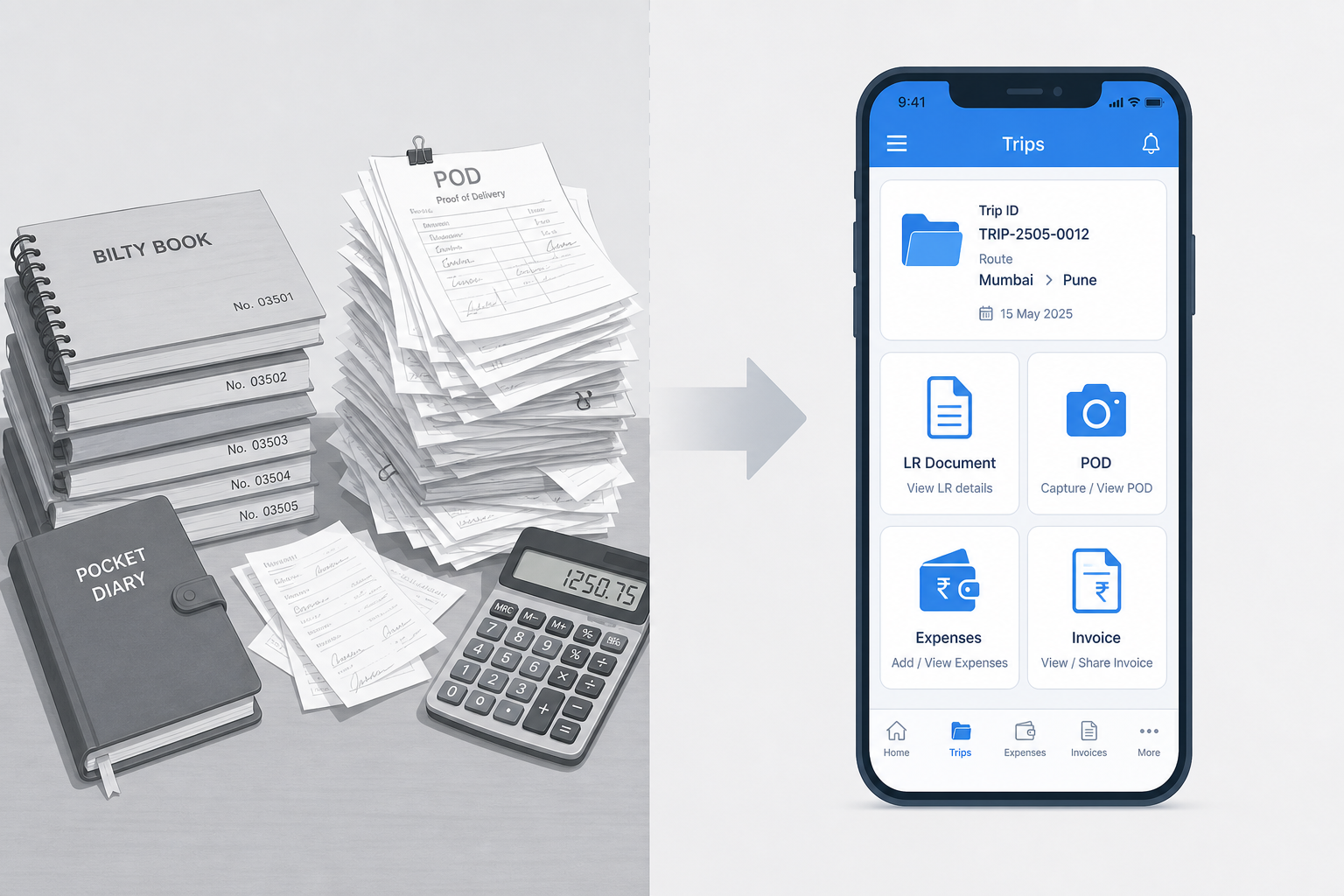
Look around your office. You probably see piles of paper. Bilty books cover the desk. Driver advances are written in a small diary. Party billing is tracked in an old, heavy register. PODs are stacked in a dusty corner.
When you started with one truck, this was fine. It was easy to remember everything. Now you have more trucks and more trips — and the paper is taking over your day.
What one trip still demands
Running a transport business is hard work. Every trip needs constant tracking. For just one job you often need to:
- Write the bilty (LR) by hand
- Note the loading weight
- Record the driver’s advance money
- Note diesel and toll slip amounts
- Wait days for the physical POD
- Calculate shortage or damage
- Prepare the final freight bill
- Follow up constantly for payment
Doing this for one trip is tiring. Multiply it by 5, 10, or 50 trips — and document hunting becomes a full-time job.
How did it get this bad?
The answer is simple. You started small with pen and paper. As business grew, you bought more registers, added more physical files, and hired someone just to handle paperwork.
Now finding one old POD or advance entry can take hours.
The hidden costs of manual tracking
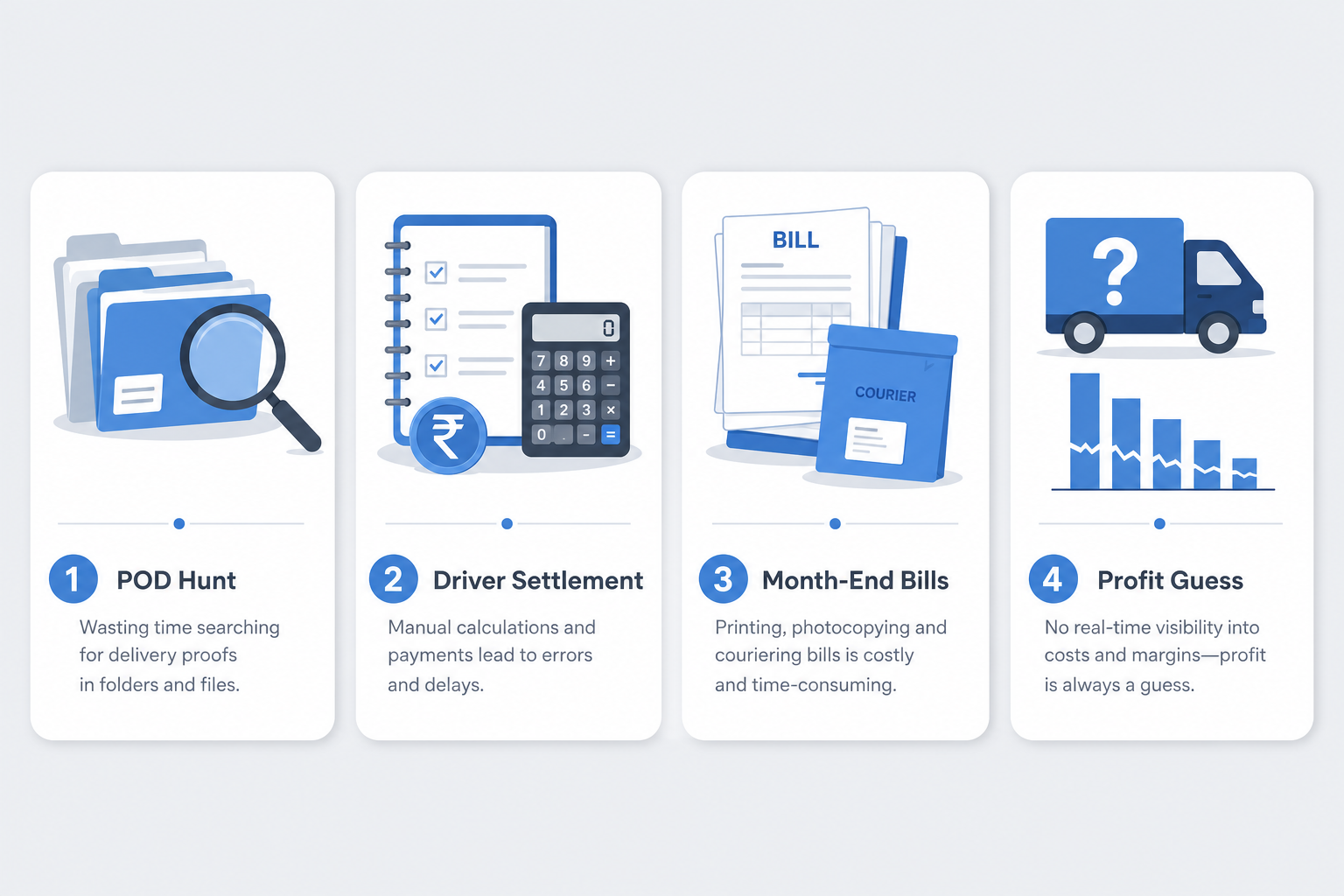
Finding a POD
A party asks for proof of delivery. You call the driver. He says he submitted it days ago. You dig through a physical file, page by page. Twenty minutes disappear before one sheet turns up — if it turns up at all.
Driver settlement
A trip ends. The driver wants his final balance. You open the advance diary, check toll receipts and diesel slips, and punch a calculator. Missing slips turn into arguments.
Party billing
Month-end arrives. Someone gathers LRs, types them one by one, attaches photocopies, and sends the bill by courier. Payment stalls because one paper was missing.
Checking vehicle profit
You want to know if a truck is making money. Freights and expenses live in different books. The numbers do not match — so you guess the profit.
The real impact on your business
- Lost money — if a POD is lost, payment often stops. That is hard-earned freight stuck or gone.
- Wasted time — days spent searching records and doing math instead of finding new business.
- Delayed payments — late bills mean late collections. Cash flow gets stuck.
- Driver disputes — unclear advances and expenses erode trust. Good drivers may leave.
The better way: keep documents on the trip
You do not need to throw away every printer. You need a system where LR, POD, expenses, advances, and invoices sit on the same trip — searchable, shareable, and ready when a party calls.
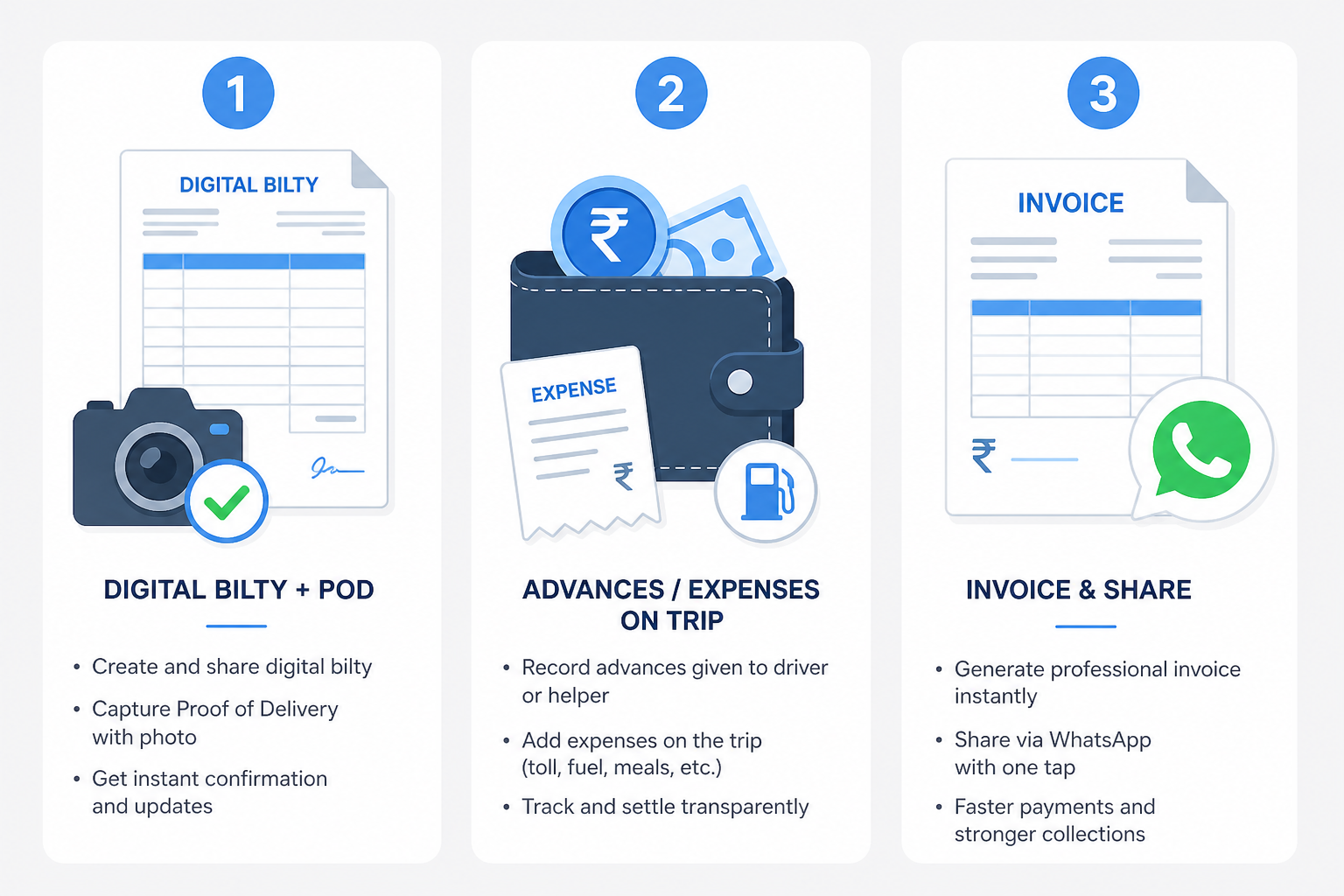
Digital bilty and POD
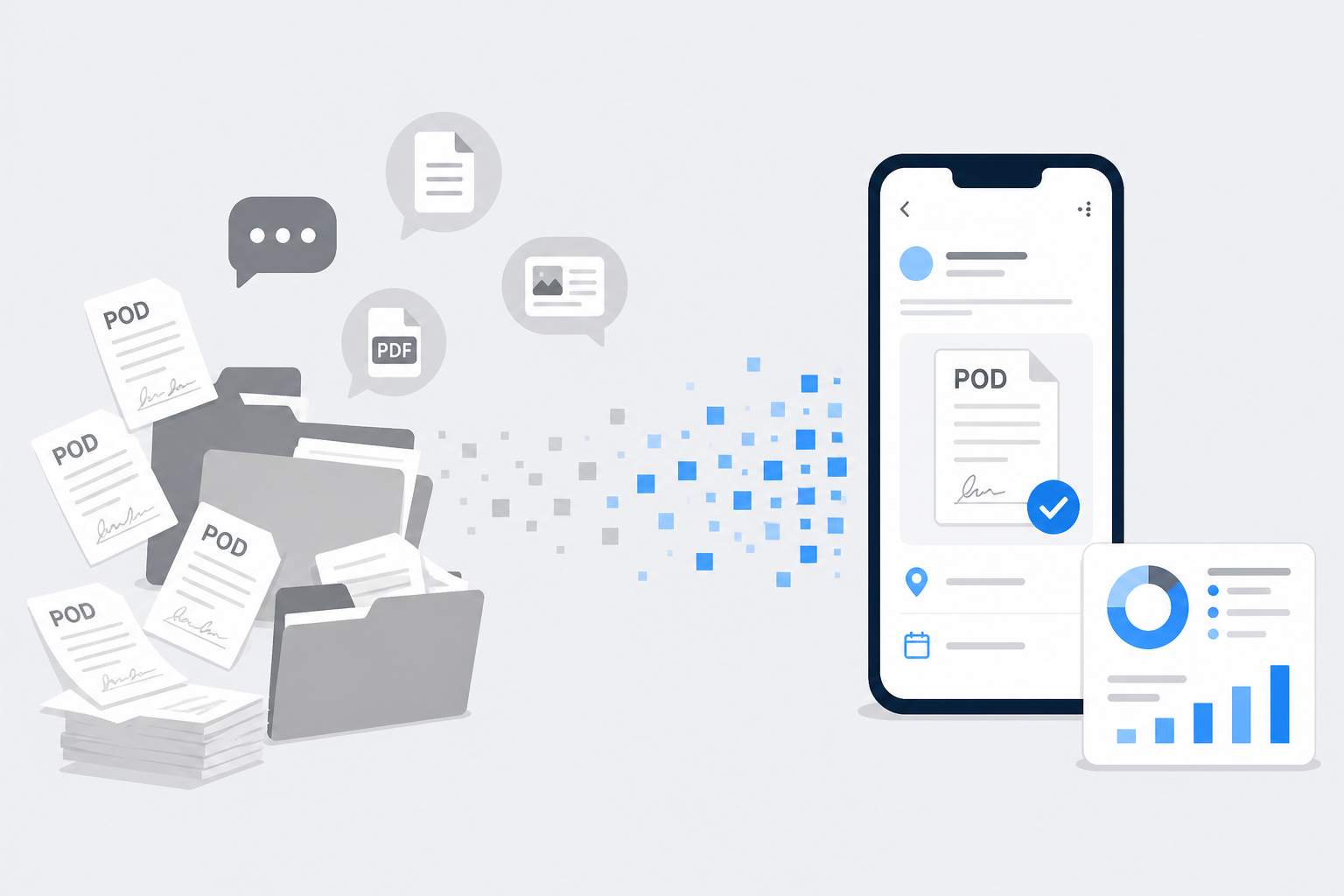
Create the LR on phone or web, upload POD as soon as delivery is done, and share a clean PDF on WhatsApp instead of a dark phone photo. For a fuller bilty playbook, see How to create a digital bilty for Indian transporters.
Advances and expenses on the trip
Enter the advance once and record trip expenses as they happen. Settlement math stays with the LR — not in a separate diary.
Faster billing
Select completed trips, create the invoice, and download or share when the party needs a copy. Trip documents and POD stay with that LR so you are not rebuilding the file from WhatsApp.
Extra files for a trip — e-way, invoices from the party, photos — belong on the trip record too. See trip documents.
For the full office digitization path (registers, ledgers, outstanding), read How to make your transport business paperless. For delivery proof specifically, see Digital POD management for Indian transporters.
Why Lorryto fits Indian transporters
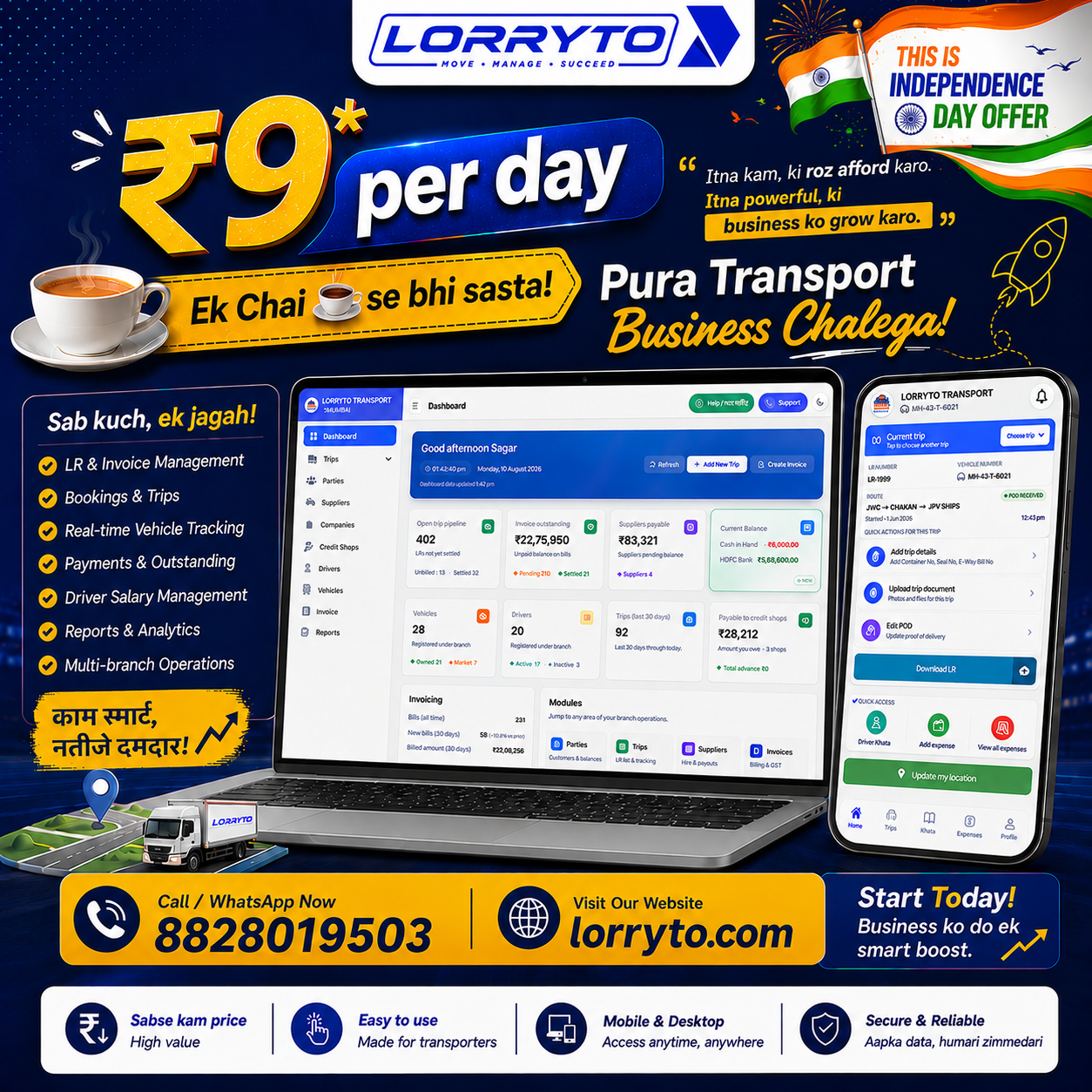
Lorryto is transport software built around the Lorry Receipt — not a generic file folder app.
Before you start, check that you can answer yes:
- Built specifically for Indian transporters (LR, POD, parties, suppliers, drivers, vehicles)
- Simple enough for office staff to learn quickly
- Usable from mobile and web
- Documents and money stay linked to the trip
- Drivers, trucks, and trips managed in one place
- LR and bills can be shared on WhatsApp as readable PDFs
Create a bilty in seconds, keep expenses and advances on the trip, generate freight bills from completed work, and keep POD where you can find it — in the cloud, on the right LR. For cost as you grow, see Affordable transport software in India.
Getting started in 5 simple steps
You do not need to digitize ten years of old files on day one. Start clean for new trips.
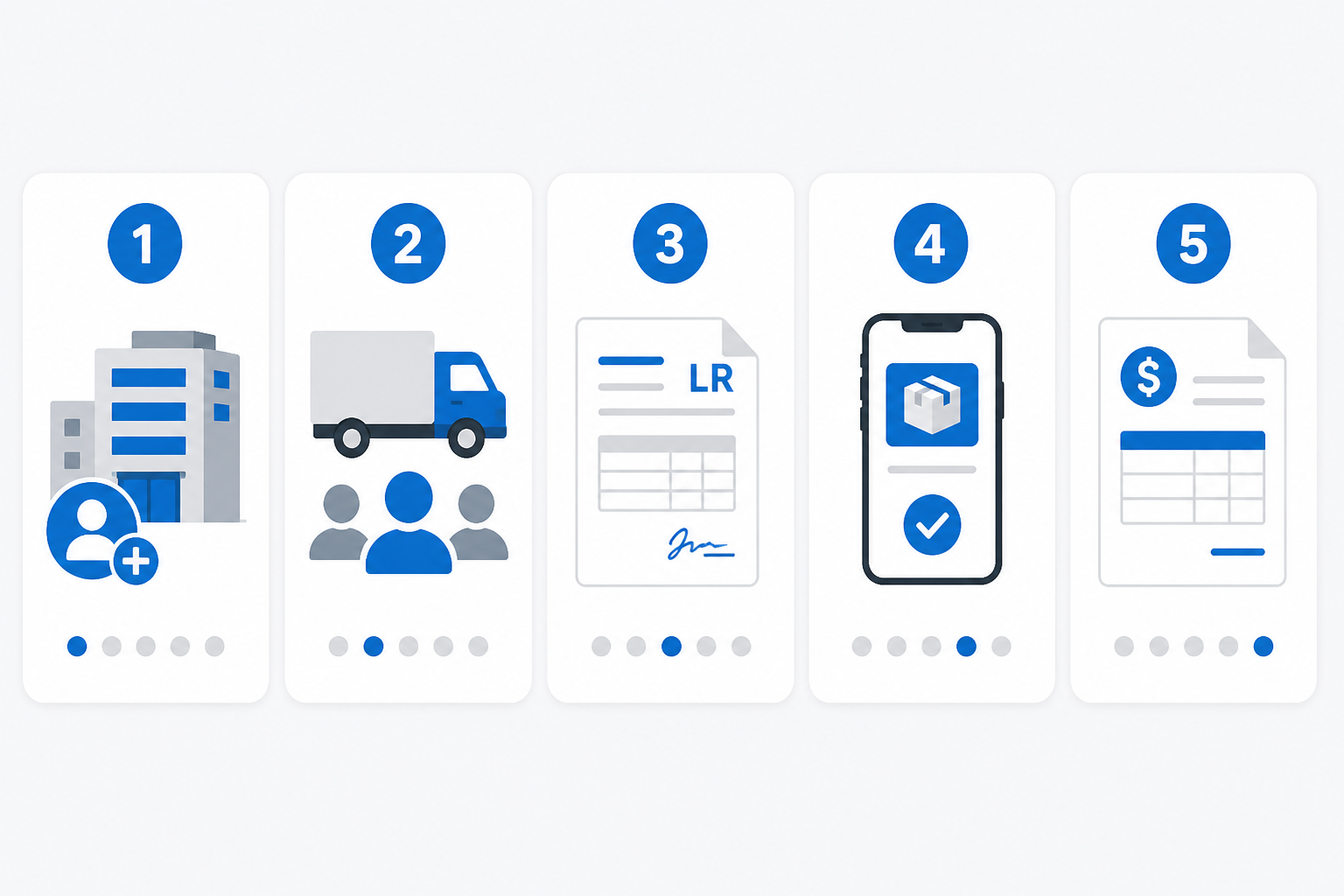
Step 1 — Sign up on Lorryto
Visit Lorryto, create your account, and enter your transport company name. The getting started guide walks through first setup.
Step 2 — Add your details
Add truck numbers, driver names, and regular parties (customers). Add suppliers if you hire market vehicles. These masters make the next LR faster.
Step 3 — Create your first trip
Create a booking or LR, then generate a professional bilty and share the PDF with the party on WhatsApp. For a deeper LR playbook, see How to generate LR online.
Step 4 — Record a POD
When the driver sends a photo or returns with paper, upload POD on that LR and mark delivery complete. Keep proof on the trip — not only in chat. More detail: Digital POD management.
Step 5 — Generate a bill
Open billing, select the completed trip, and create the invoice. Download or share when the party needs a copy.
FAQs
Where do e-way bills and party invoices go?
Upload them under trip documents on the correct LR so they stay with that trip — searchable when the party calls.
Can expenses and POD stay on the same trip as the LR?
Yes. That is the point of trip-linked documents and money — expenses, POD, and the LR live together instead of in separate diaries.
What if the party asks for proof at month-end?
Open the trip, find the POD and files on that LR, and share what they need — without digging a dusty file for twenty minutes.
Do drivers need phones, or can the office upload?
Office upload is enough. Drivers can send a photo on WhatsApp for staff to attach. Teams that want more can use the Driver App.
Can a 1-truck office use this without a big setup?
Yes. Add a few masters, create the first LR, and keep documents on that trip. Pricing context: Affordable transport software in India.
Reclaim your time
Software is not only about replacing paper. It is about saving the hours you spend hunting files and recalculating settlements.
Spend that time getting more business. Start free on Lorryto and keep every document on the trip — not in a dusty file.
Next reads: Manage transport without drowning in paperwork · How to make your transport business paperless · How to share LRs on WhatsApp · Trip documents docs
Ready to run trips without registers?
Create LRs, track payments, and keep documents in one place with Lorryto — free trial available.
Start Free Now