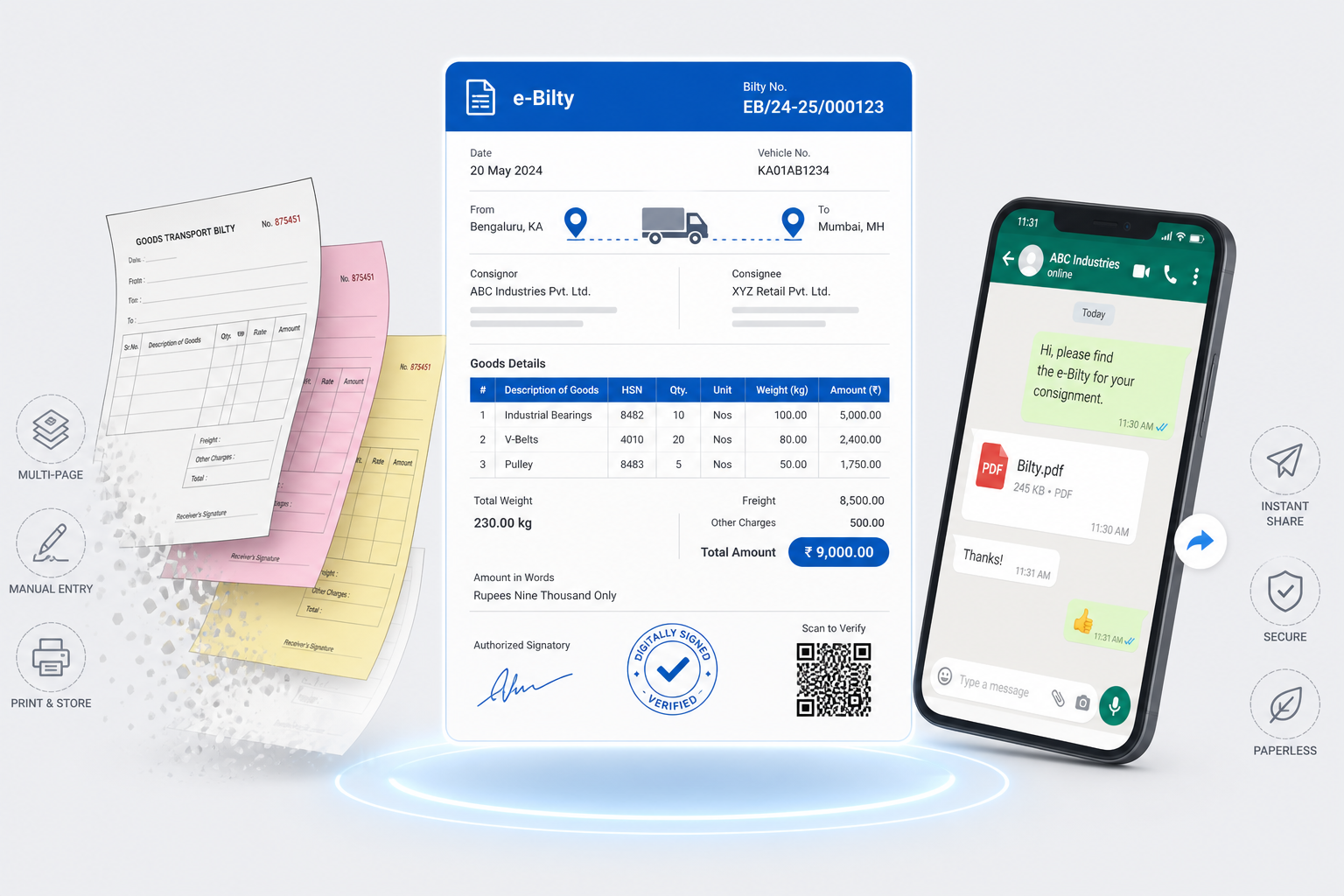
Every transporter knows the pain.
The LR book is on your desk. Your phone is ringing. Drivers wait in the yard for advance cash. Parties call asking for PODs. Everything is scattered.
Bilty details sit in one thick register. Driver advances live in a pocket diary. Pending party payments hide in a broken Excel sheet.
This works when you have one or two trucks. It fails as your transport business grows.
The real problem
A single trip is never just moving a truck from A to B. For one job you often manage:
- Finding a load and negotiating freight
- Writing the bilty (Lorry Receipt) by hand
- Cash advances and diesel slips
- Tracking the truck on the highway
- Chasing a signed POD
- Sending the bill to the party
- Following up many times for payment
Now do that for 5 trucks. Or 10. Or 50. Keeping up with paper becomes almost impossible.
Why this happens
The industry runs on trust and old habits. You started small. Pen and paper were cheap and easy. As you grew, you hired a munshi, added more registers, and built chaotic WhatsApp groups.
The fleet grew. The paperwork grew even faster.
How offices work today
Making a bilty
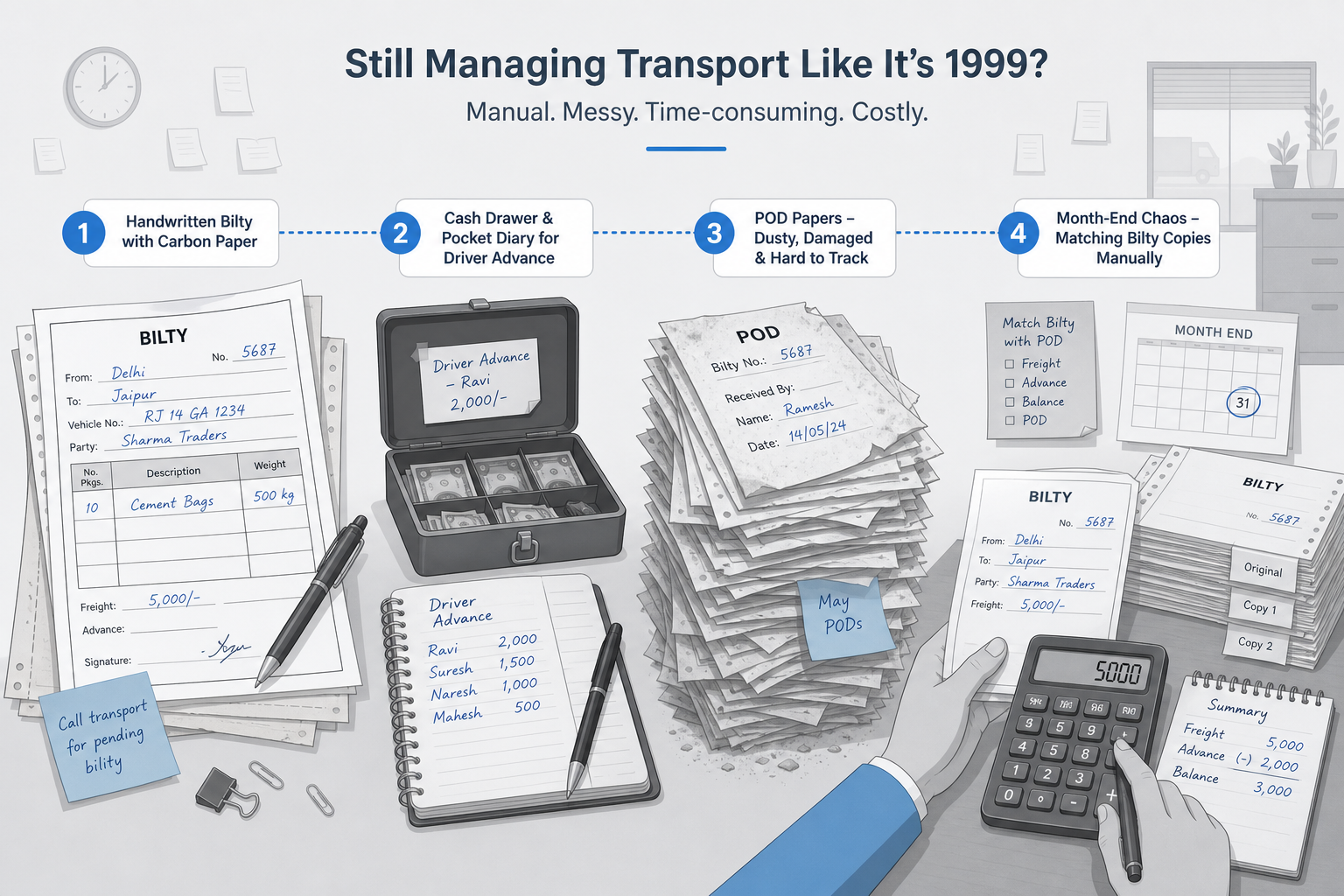
You tear a blank page from the printed LR book. You write consignor and consignee names. You fill weight and rate with a pocket calculator. You press hard so the carbon copy is readable. You hand it to the driver.
Giving driver advance
The driver asks for trip expenses. You open the cash drawer, give cash and a petrol pump slip, and write it in a rough diary. You hope you remember to deduct it at final settlement.
Finding a POD
A party refuses to pay without proof. You call the driver. He says he dropped it in the office last week. You dig through a pile of dusty papers.
Settling party bills
Month-end arrives. You sit with your accountant, match handwritten bilty copies one by one, type them into a computer, print an invoice, and courier it to the party.
Problems with the manual method
This old method hurts the business every day.
- Too much time searching — hours go into finding one old LR. Staff match papers instead of finding loads.
- Calculation mistakes cost money — a forgotten driver advance or a hurried freight total is cash lost from your pocket.
- Payments get delayed — parties want clear digital bills and fast PODs. Handwritten papers look unprofessional; late PODs mean late payments.
- No clear control — you may not know exact monthly profit — only what is left in the bank.
For the wider office picture (registers, outstanding, and connected trip records), see How to make your transport business paperless.
Better digital methods
A good digital system makes the same work faster and clearer.
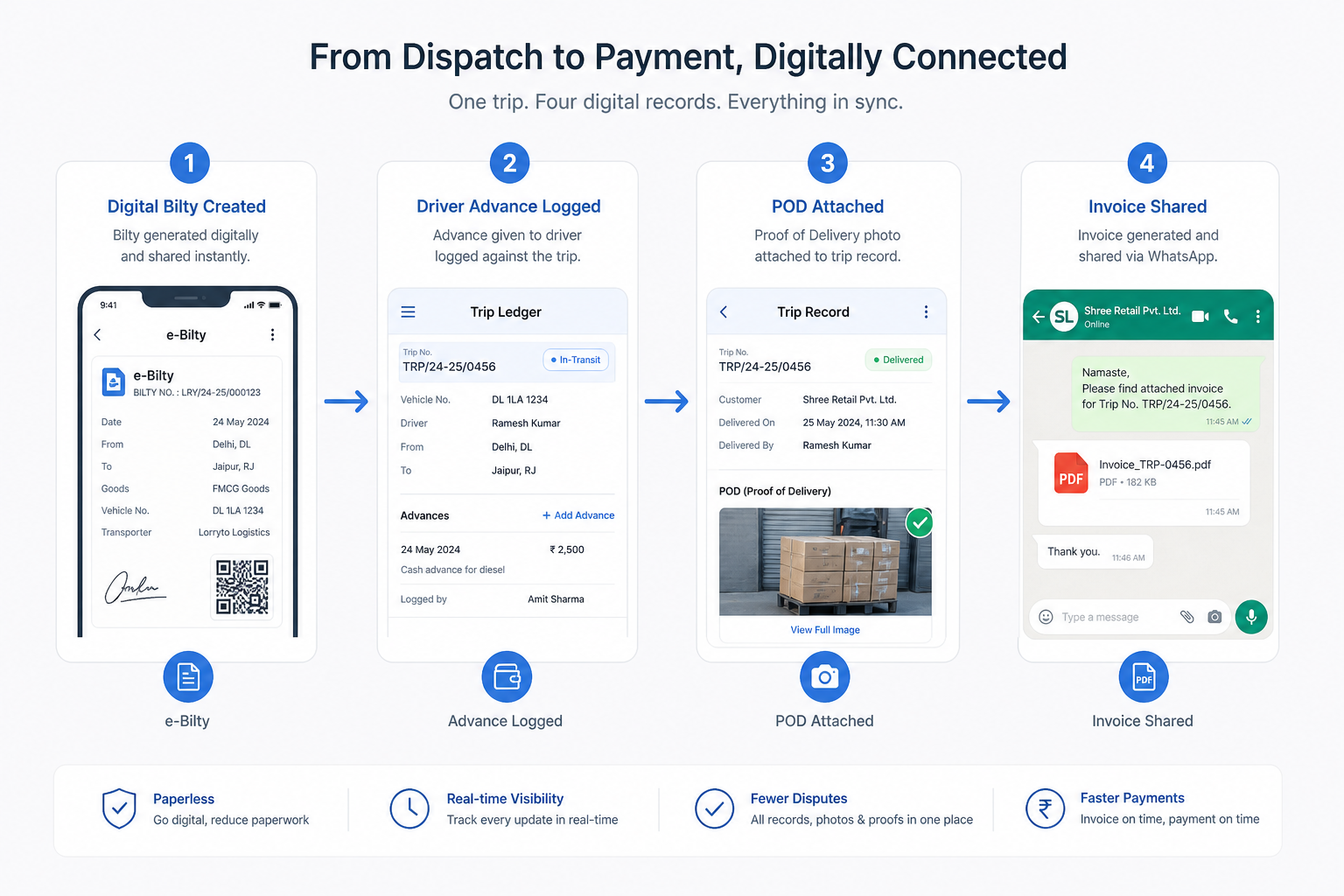
Digital bilty creation
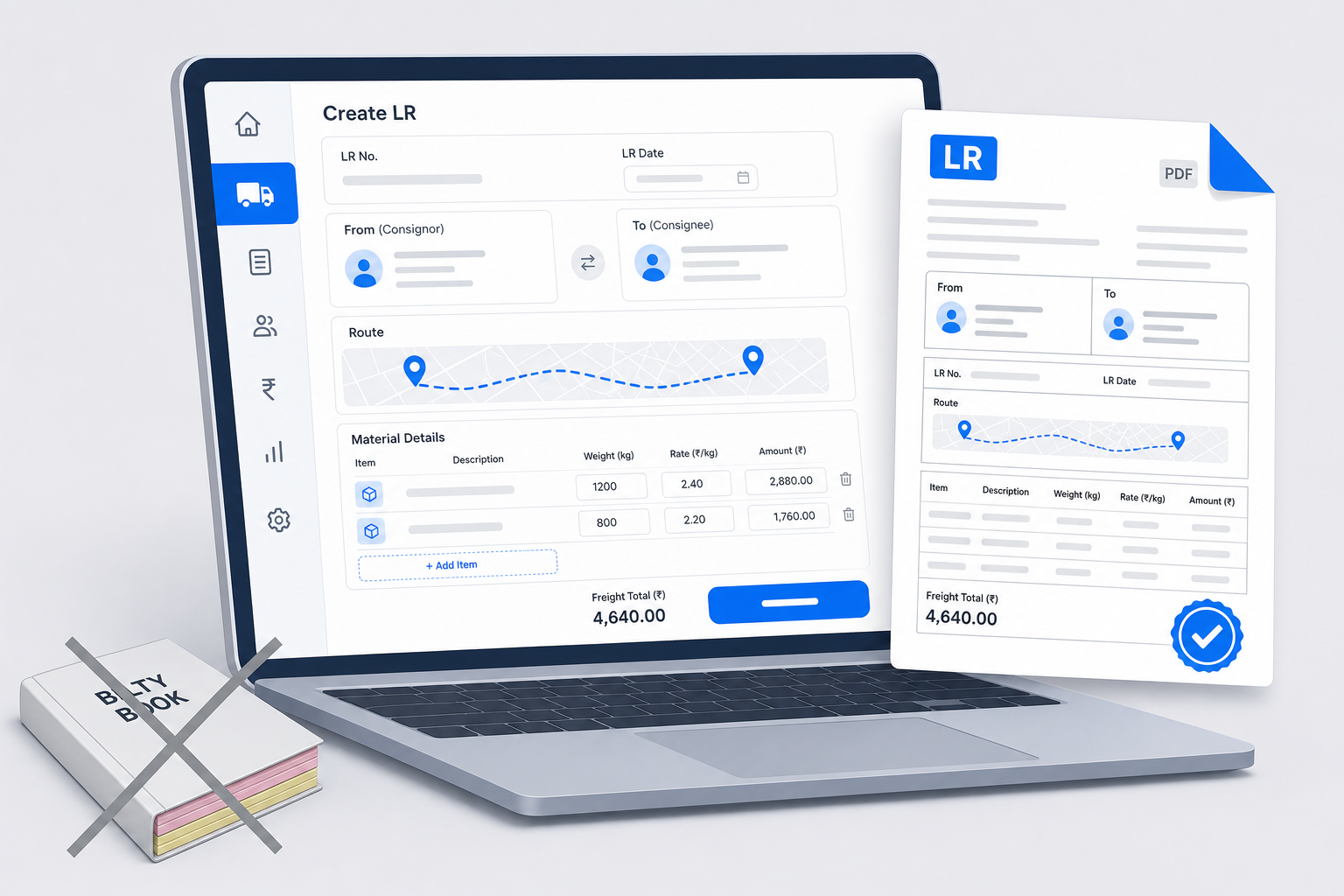
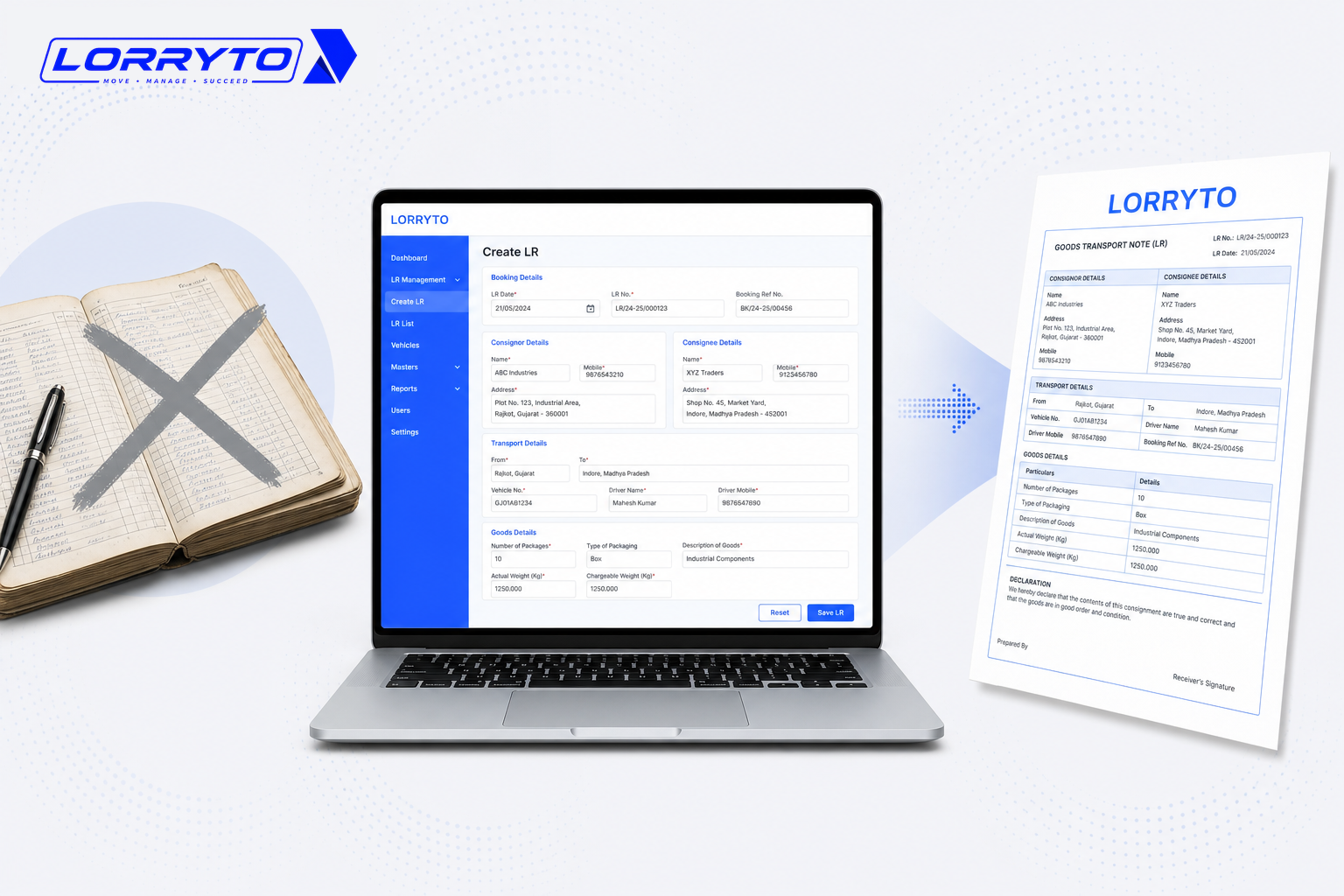
Open the app. Select the party from a saved list. Auto-calculate freight. Generate a PDF bilty on the spot. For a step-by-step LR flow, see How to generate LR online for Indian transporters.
Digital ledger management
Log driver advances on the phone. Deduct expenses at settlement. Keep every rupee with the trip — not in a rough diary.
Instant POD and billing
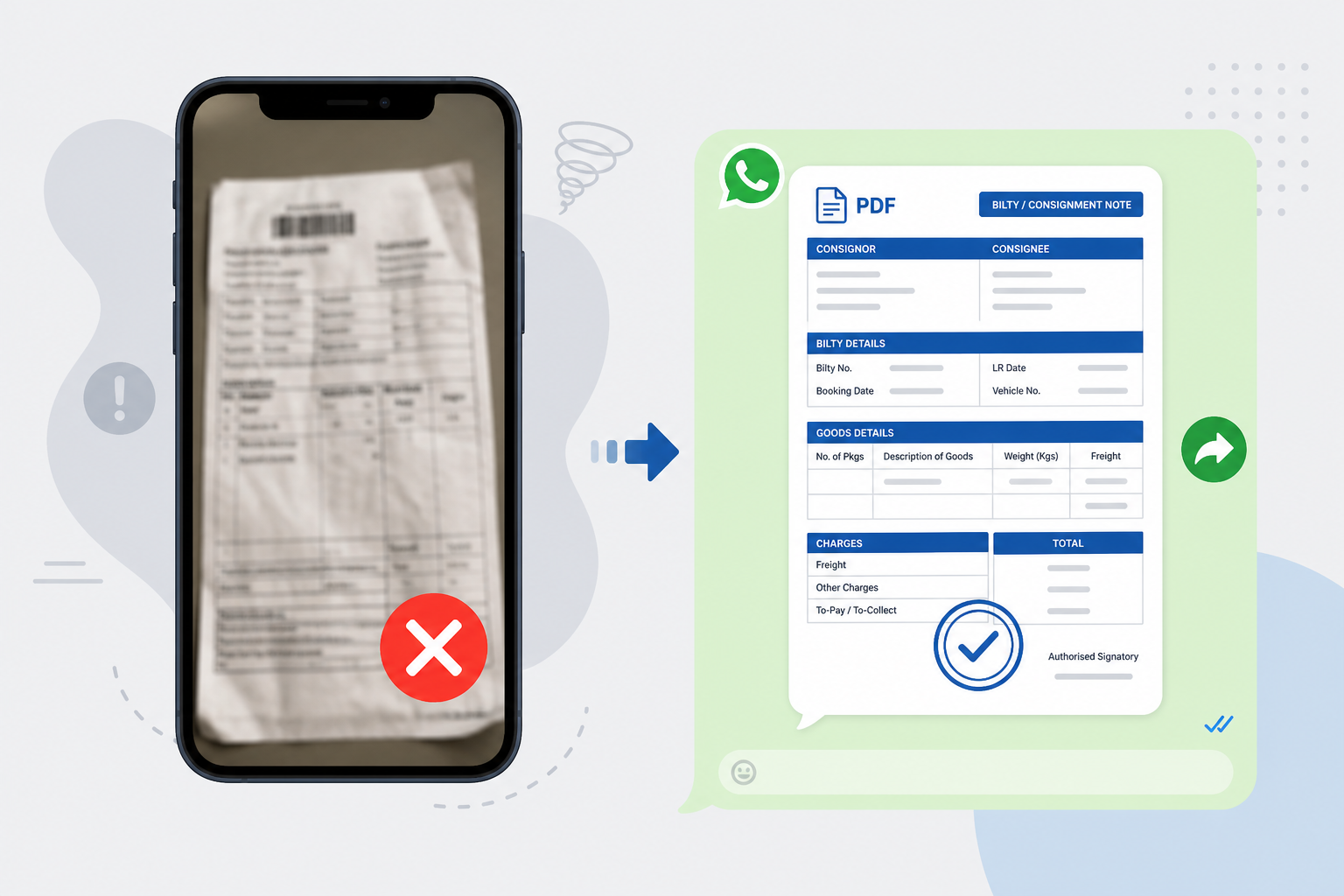
The driver takes a POD photo. The system attaches it to the bilty. You send a PDF invoice on WhatsApp in one click. See Digital POD management for Indian transporters.
How to choose the right software
Not every tool fits transporters. Before you choose, ask:
- Is it built for the Indian transport industry?
- Can I make a digital bilty in under 30 seconds?
- Does it work smoothly on a mobile phone?
- Can I share LRs and invoices on WhatsApp?
- Will it track party dues and driver ledgers automatically?
- Is my data safe and backed up?
If most answers are “no”, the software only solves part of the problem. For cost context as you grow, see Affordable transport software in India.
How Lorryto helps
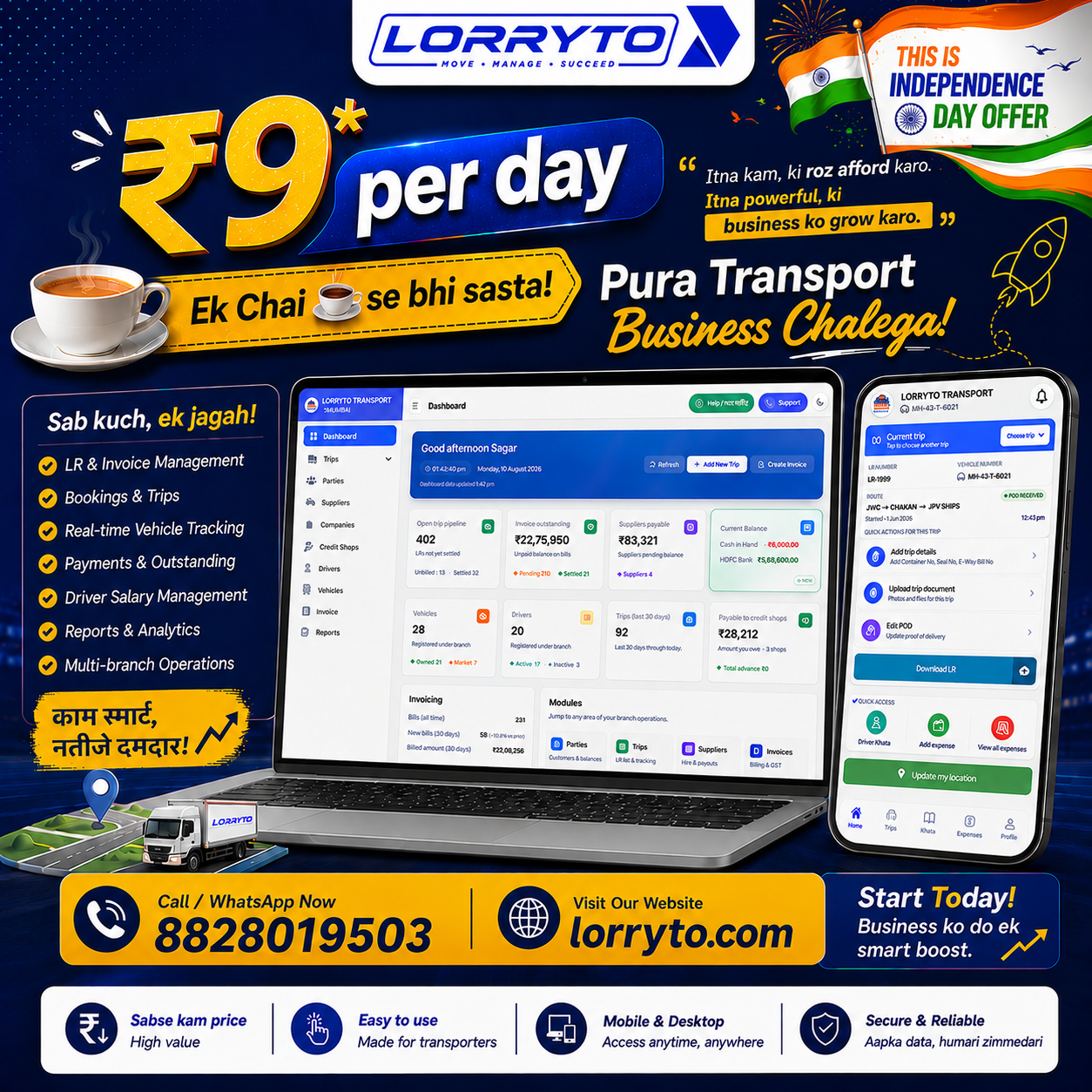
Lorryto is built for Indian transporters who want less paperwork without inventing a new way of working. Daily work stays around the trip — bilty, money, and documents together.
Instant digital bilty
Create a professional LR quickly — no carbon paper or messy handwriting. Create LR, then download, print, or share (including WhatsApp) so the party gets a readable PDF.
Auto-calculated ledgers
Record driver advances and trip payments on the same trip. Track party dues without a separate calculator. Edit trip details when rates or advances change.
One-click invoicing path
Select unbilled bilty records, generate a tax invoice, and keep digital PODs on the trip with POD upload so billing does not wait on a dusty file.
Start today — four simple steps
You do not need to digitize ten years of old books first. Start clean for new work.
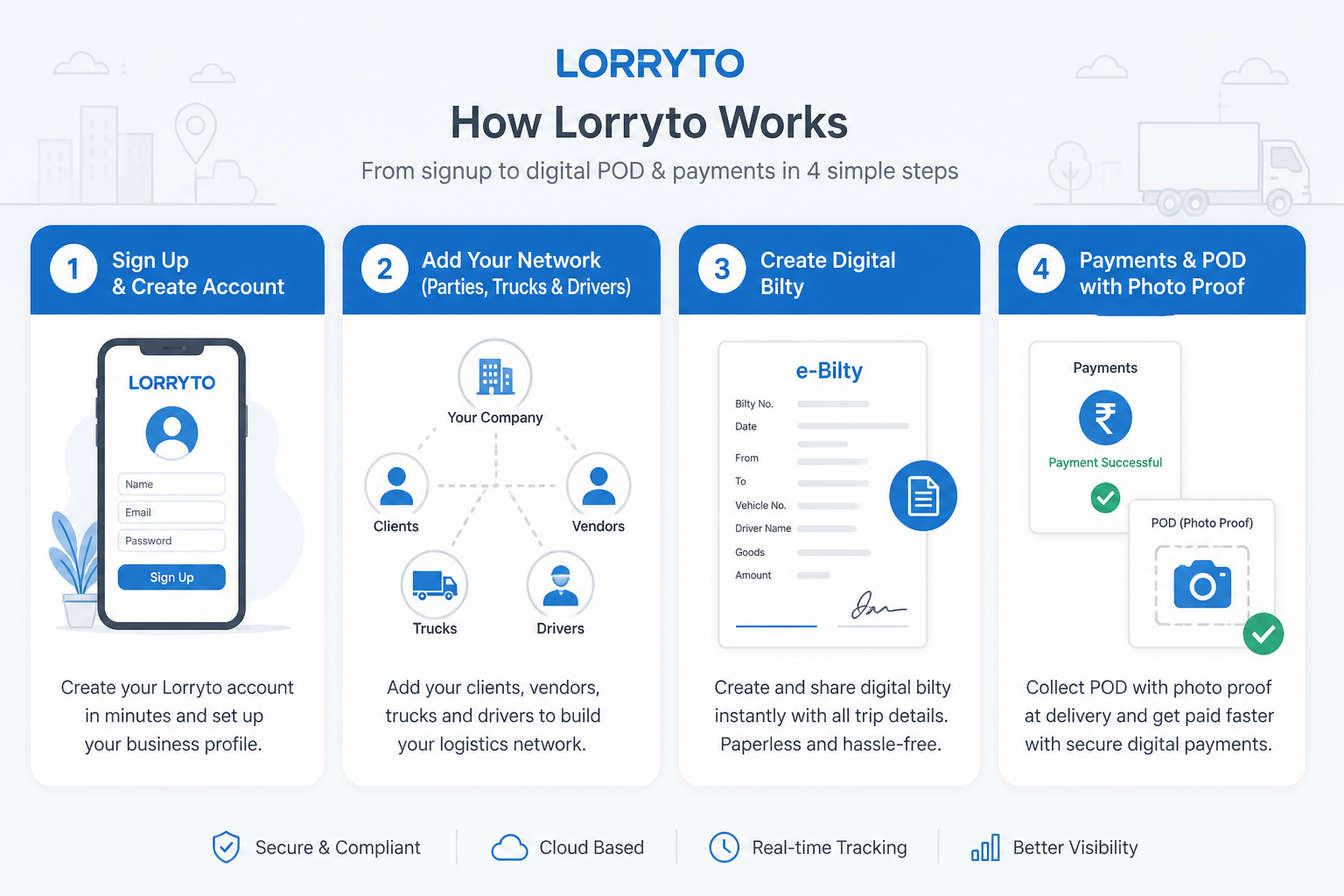
Step 1 — Set up your account
Go to lorryto.com, sign up with your mobile number, and add company details (name, logo, basic setup). See the getting started guide.
Step 2 — Add your network
Add frequent parties (consignors and consignees), your trucks, and your drivers. That is what makes the next bilty fast.
Step 3 — Create your first digital bilty
Open Create LR. Select party and truck, enter load weight and freight, save, and share the PDF on WhatsApp.
Step 4 — Record payments and POD
Enter any driver advance on the trip. When delivery is done, upload the POD. Generate the final digital bill for the party from clean records.
FAQs
What is the difference between a paper bilty book and a digital bilty?
A paper book needs carbon copies and handwriting. A digital bilty is created on phone or web, saved on the trip, and shared as a clear PDF. See Create LR.
Can I print a copy if the party still wants paper?
Yes. Download, print, or share when someone needs a hard copy — you are not stuck with only a phone photo.
How do advances show on the bilty / trip?
Record the advance on the same trip so settlement is not only in a pocket diary. See trip expenses and driver khata.
Can I make the next bilty faster with saved parties?
Yes. Add regular parties, trucks, and drivers once — then pick them from the list instead of rewriting names every day.
Do I need to be a computer expert?
No. If you can use WhatsApp, you can create a digital bilty, share a PDF, and attach a POD. Start free on Lorryto when you are ready.
Final thought
Transport is a tough, non-stop business. You do not need to make it harder with messy paperwork.
The goal is to save time, grow the business, and keep money clear — bilty, advances, POD, and bills in one place.
Next reads: How to perfect your LR format · How to generate LR online · How to share LRs on WhatsApp · Create LR docs
Ready to run trips without registers?
Create LRs, track payments, and keep documents in one place with Lorryto — free trial available.
Start Free Now