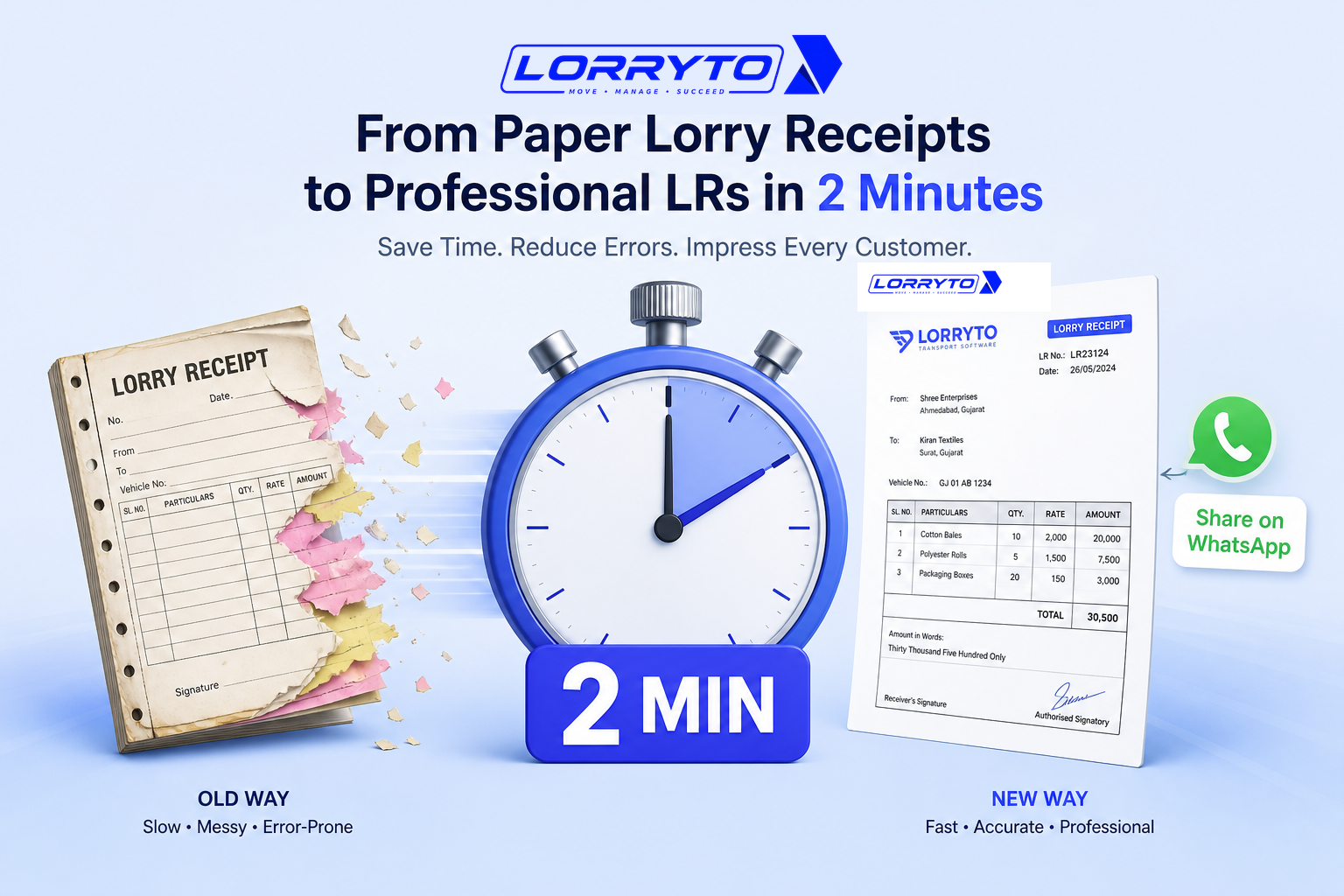
You run a transport business.
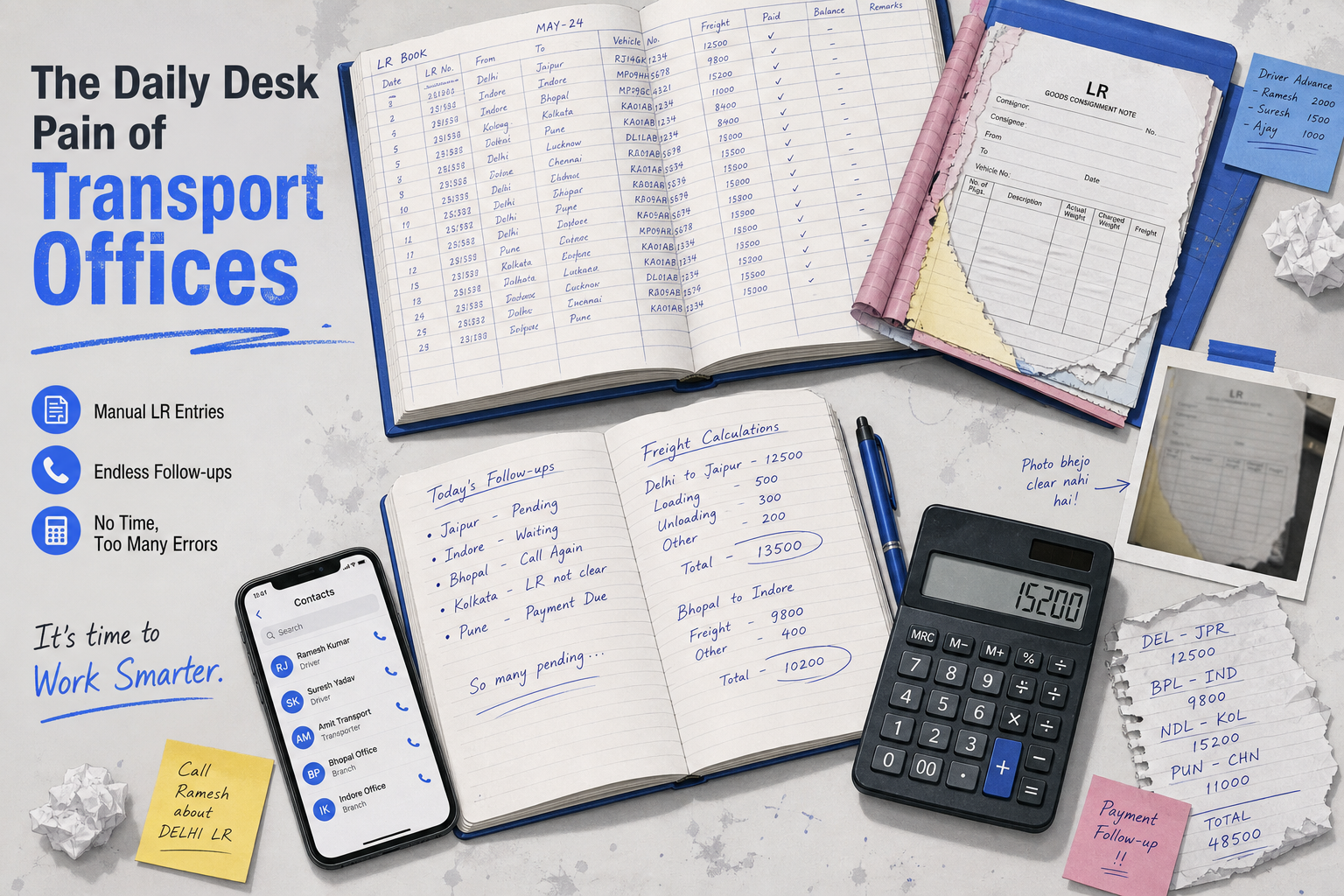
Your days are incredibly busy. But your desk is a total mess.
Consignor details are written in one register. Driver numbers are saved in your phone contacts. Freight calculations are scribbled on rough paper. And the printed Lorry Receipt (LR) book? It is always running out of carbon paper.
This manual way works. But only when you have one or two trucks. As your transport business grows, this system breaks completely.
The real problem
Daily operations quickly become overwhelming. Just think about one single transport job. For every truck, you have to manage:
- Calling the driver to check status
- Checking the vehicle number and RC
- Writing the consignor name and address
- Writing the consignee name and address
- Noting down the exact item weight and boxes
- Calculating fixed freight or per-ton rates
- Subtracting the driver advance
- Tearing the LR copy carefully so it does not rip
- Taking a photo with your phone
- Sending it on WhatsApp
It takes 15 to 20 minutes per truck. Now imagine doing this for 5 trucks. Or 10 trucks. Or 50 trucks.
You have absolutely no time left to actually run your business.
Why does this happen?
You started small. A simple paper LR book was enough. Then you got more clients and more trucks. You hired more staff to help. You kept adding new manual registers.
Now the paperwork is completely out of control. You are trapped in your own office doing data entry.
For the wider picture of costly slips and disputes, see How to stop making costly LR mistakes.
How offices create LRs today
Making the LR
You pull out the heavy printed LR book. You adjust the carbon paper carefully. You write everything out by hand. If you make a spelling mistake, you cancel it and start over.
Finding old records
A customer calls about a past delivery. You open the old, dusty files. You flip through hundreds of pink and yellow pages. You hope the handwriting is actually readable.
Managing payments
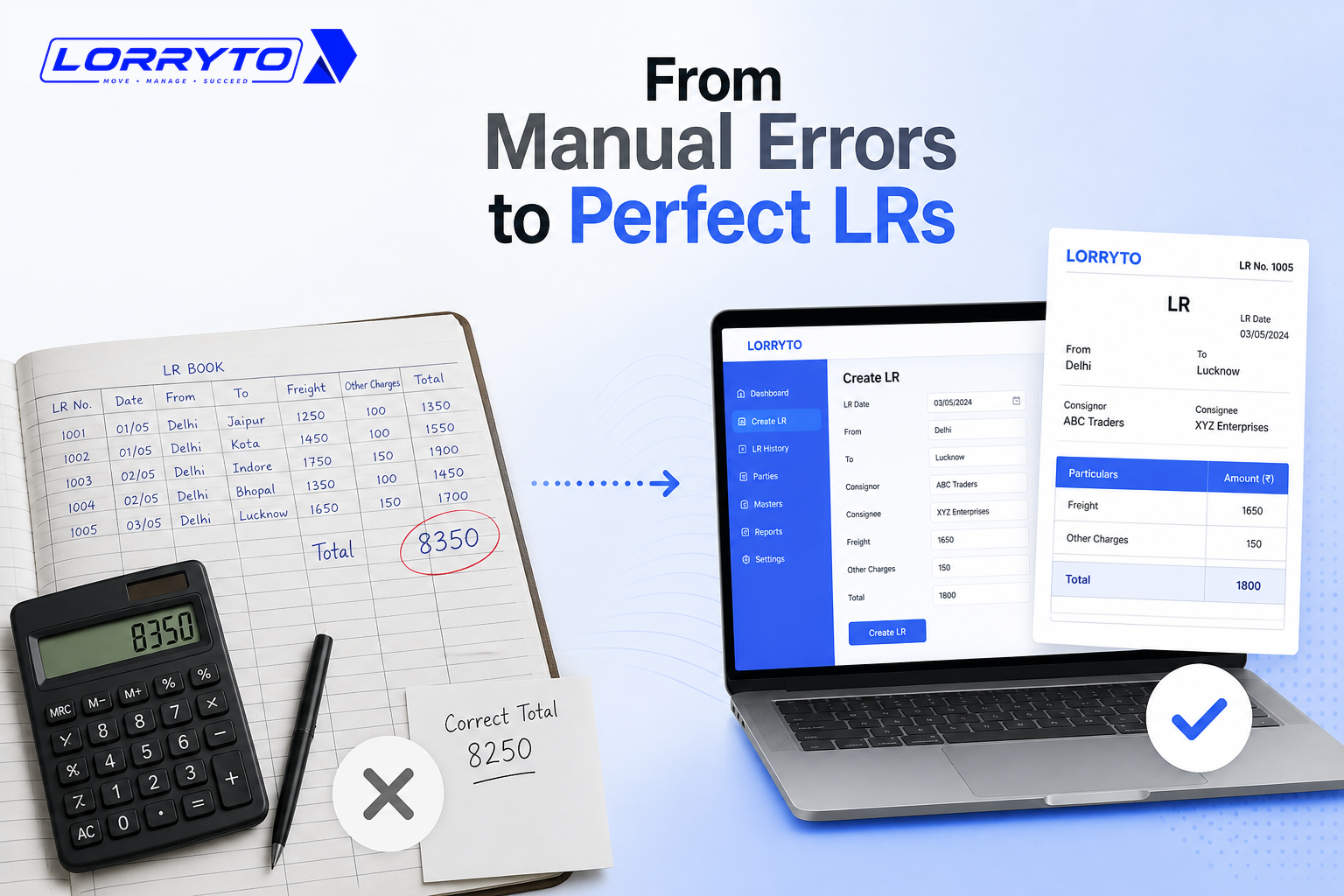
You pull out a calculator. You add up the total freight. You subtract the driver’s advance. You write the balance on the LR. Then you write it again in a separate payment diary.
Sharing details
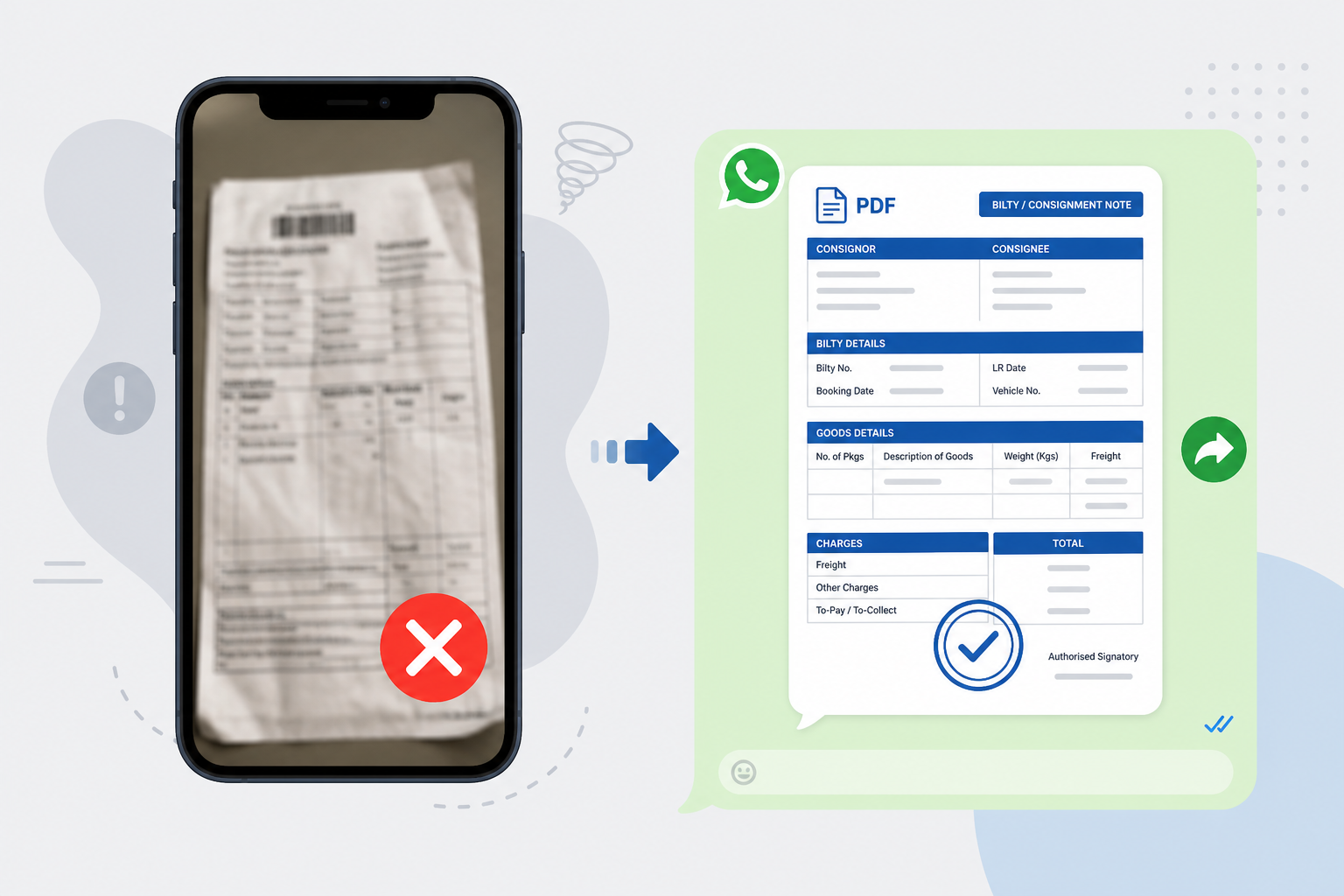
You put the paper LR flat on your desk. You try to get good lighting. You take a photo with your phone camera. The photo is usually dark or blurry. You send it on WhatsApp anyway and hope the customer can read it.
Problems with the manual method
- Wasted time — You spend hours every day just filling out forms. This time should be spent finding new loads and clients.
- Lost documents — Paper gets torn easily. Paper gets lost in transit. If the LR is lost, your payment gets delayed.
- Human error — Writing fast causes silly mistakes. Calculation errors cost you real money from your own pocket.
- Poor image — Customers want fast, professional service today. A blurry photo of a hand-written receipt makes your business look outdated.
What a better digital method looks like
A good digital system changes everything. It does the hard work for you.
Creating LRs
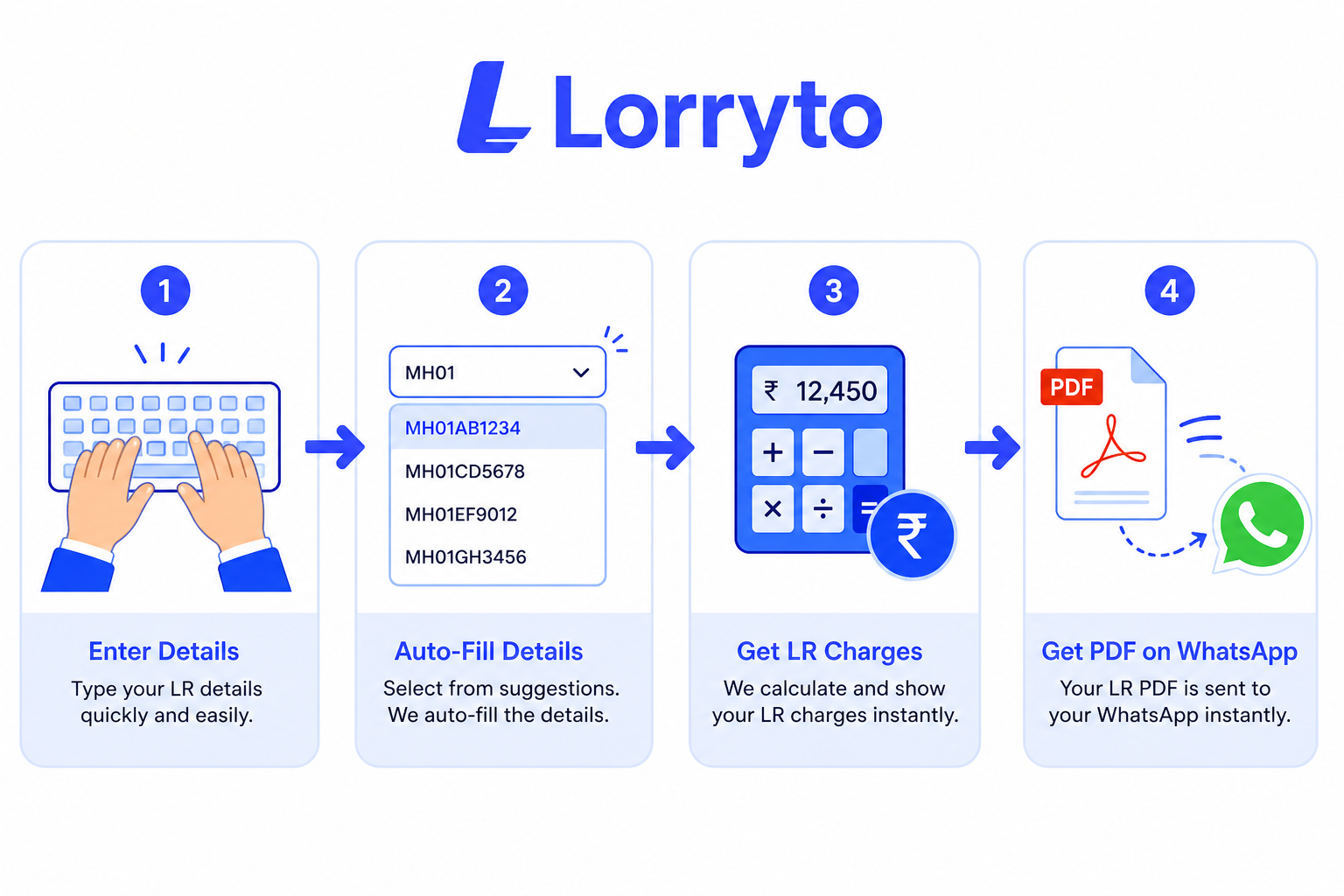
Type a few letters. The system fills in the rest automatically. The job is done in seconds — see How to generate LR online.
Calculations
Enter the freight rate. Enter the driver advance. The balance is calculated instantly.
Sharing
Click one button. A clean, professional PDF goes straight to WhatsApp — more in How to share LRs on WhatsApp.
Searching
Type a truck number or date. See the exact LR instantly on your screen.
How to choose the right software
Do not buy just any software. Ask these essential questions first:
- Is it made specifically for Indian transporters?
- Can my staff learn how to use it in one single day?
- Does it generate a professional PDF that looks great?
- Does it auto-save my party and driver details for next time?
- Can I search old LRs in seconds?
- Does it auto-calculate freight and balance amounts?
If most answers are “no,” the tool only replaces the pen — not the 15–20 minutes per truck.
How Lorryto solves this
This is why we built Lorryto. It is a digital solution built specifically for Indian transporters.
Instant LR generation
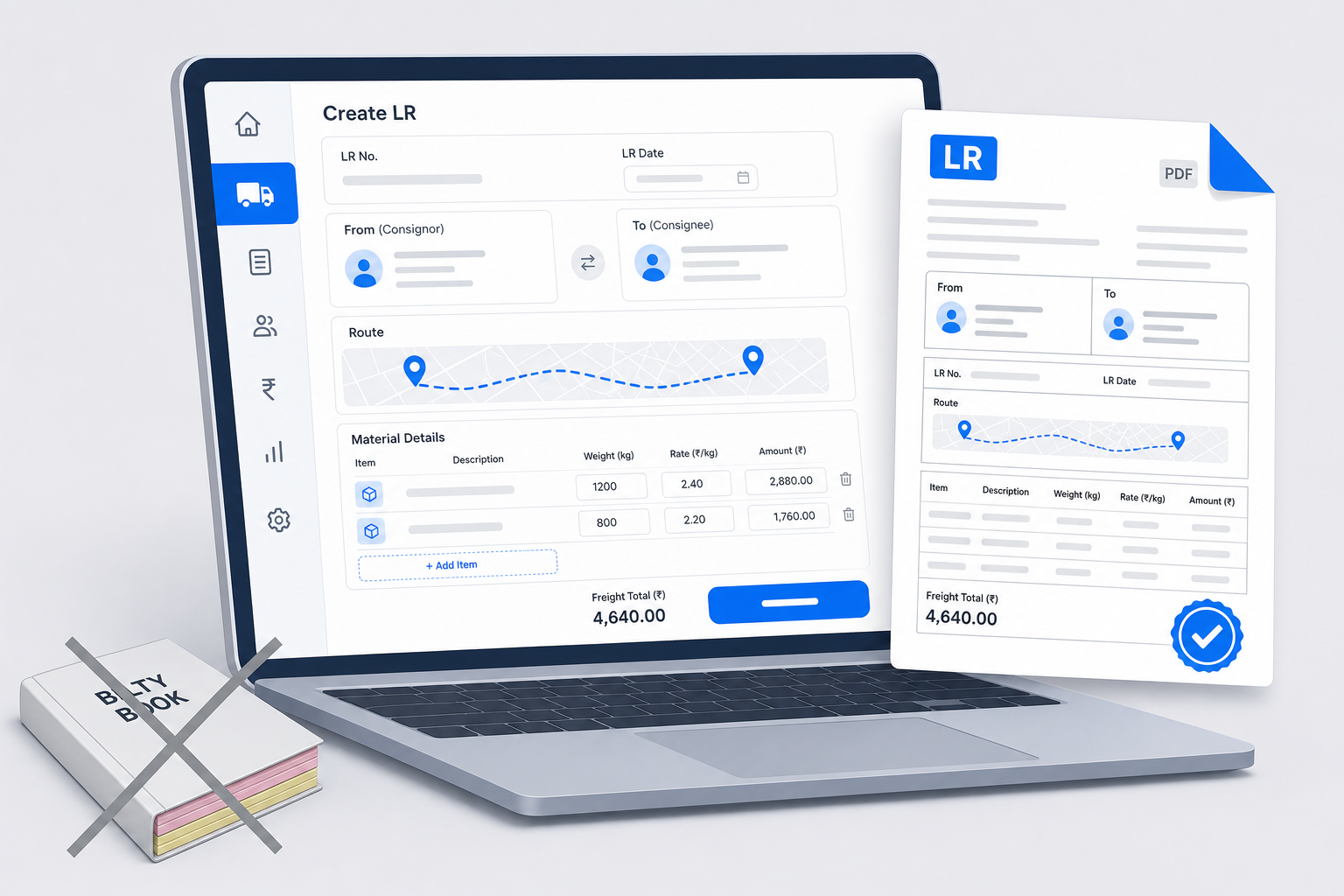
Create professional LRs in under 2 minutes with Create LR. No more carbon paper. No more writing long names by hand.
Auto-save directory
Save your consignors and consignees just once — see consignor and consignee. Select them from a simple list next time. Never type the same company name twice.
Smart freight calculator
Enter the weight and the rate. Lorryto calculates everything instantly. No manual math or calculators needed.
1-click WhatsApp sharing
Download, print, or share the final LR PDF directly to the party. It looks professional. It builds trust instantly with your clients.
Start today — four simple steps
Starting is incredibly easy. You do not need to be a computer expert.
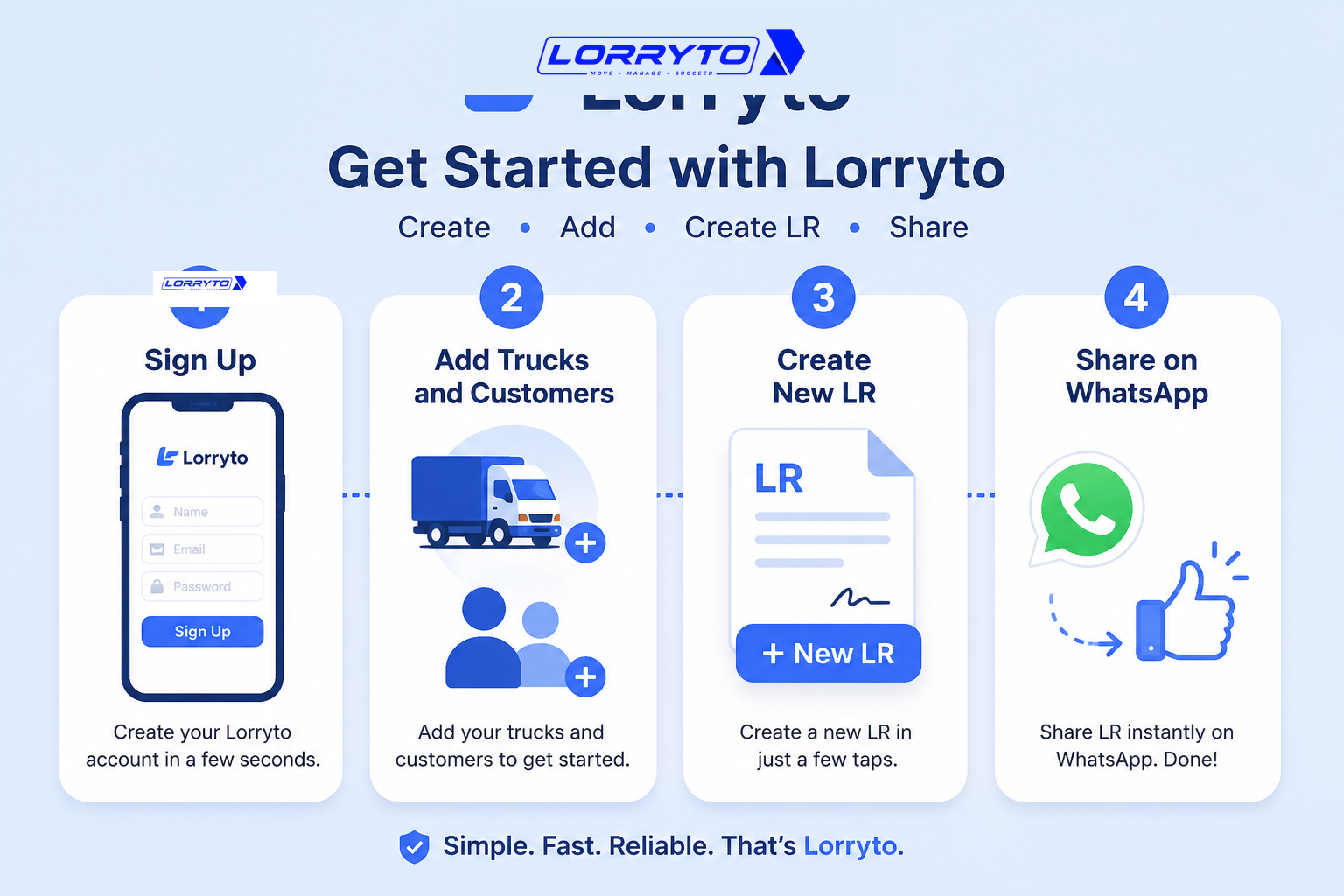
Step 1 — Sign up
Go to Lorryto.com on your phone or computer. Create your free account in seconds. Enter your transport company name and details. See getting started.
Step 2 — Add master data
Add your top truck numbers. Add your biggest customers. Upload your company logo to look professional.
Step 3 — Make your first LR
Open Create LR. Select the party and truck from the list. Add the items and freight details. Save the document.
Step 4 — Share and relax
Use download / print / share to send it on WhatsApp. Watch them reply with a thumbs up.
FAQs
How can an LR really take only 2 minutes?
The first LR takes a little longer while you add parties and trucks. After masters are saved, you pick them from a list, enter load and freight, and save — see Create LR. That is where the 2-minute speed comes from.
Does auto-calculate work for both fixed freight and per-ton rates?
Yes. Enter the rate the way you bill — fixed or per weight — and the freight total updates on the trip. You are not rebuilding the bill on a desk calculator while the truck waits.
Can I create the LR on my phone at the loading point?
Yes. Open Lorryto on your phone, select party and vehicle, add items, and save. Then share the PDF on WhatsApp before the truck leaves the gate.
What if the driver, party, and office all need a copy?
One digital LR is enough. Send the PDF on WhatsApp, and download or print extra copies only when someone still wants paper. No carbon paper, no blurry photos.
After I share it, how do I find that LR again tomorrow?
Search by date, truck, or party inside Lorryto. The same record stays on the trip — you are not flipping pink and yellow pages in a dusty file.
Final thought
Technology is not just about using new software. It is about saving your valuable time and energy.
Stop drowning in manual paperwork today. Start using Lorryto and watch your transport business grow.
Next reads: How to generate LR online · How to share LRs on WhatsApp · How to stop costly LR mistakes · Create LR docs · Download / print LR · Consignor & consignee · Getting started
Ready to run trips without registers?
Create LRs, track payments, and keep documents in one place with Lorryto — free trial available.
Start Free Now