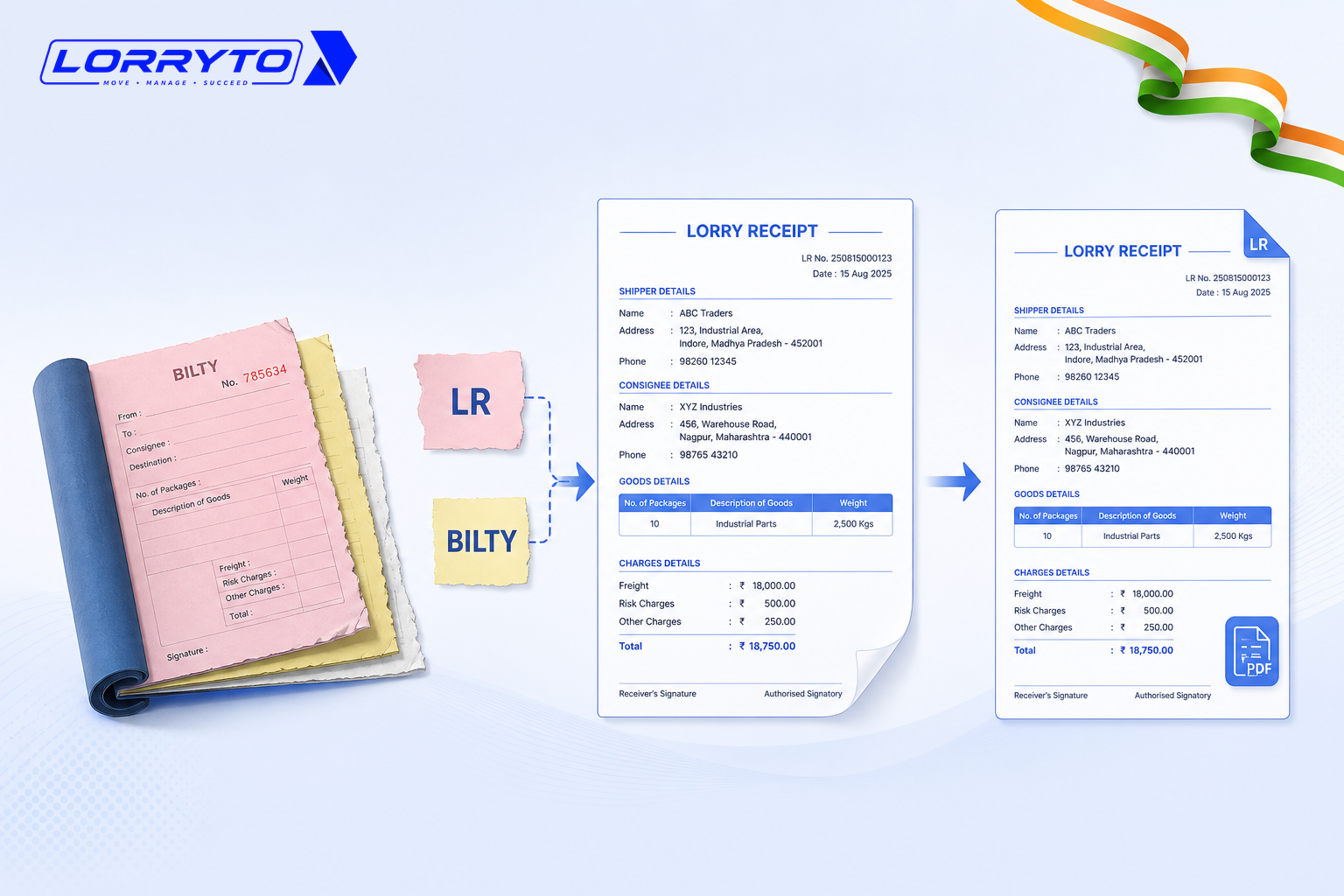
You run a transport business in India. You know the daily grind.
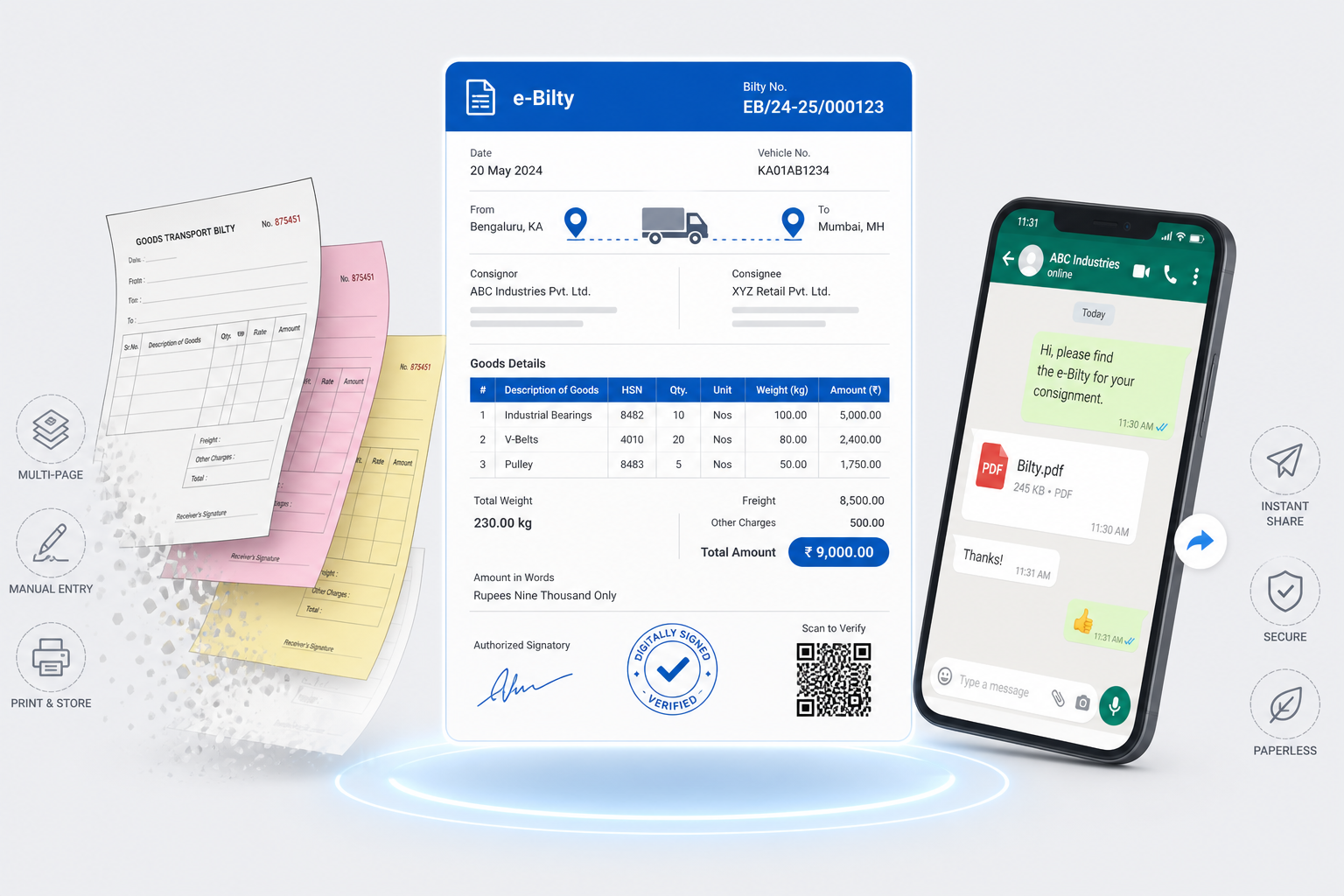
You dispatch a truck. The driver gets a paper Bilty. Or maybe you call it an LR (Lorry Receipt).
They mean the exact same thing.
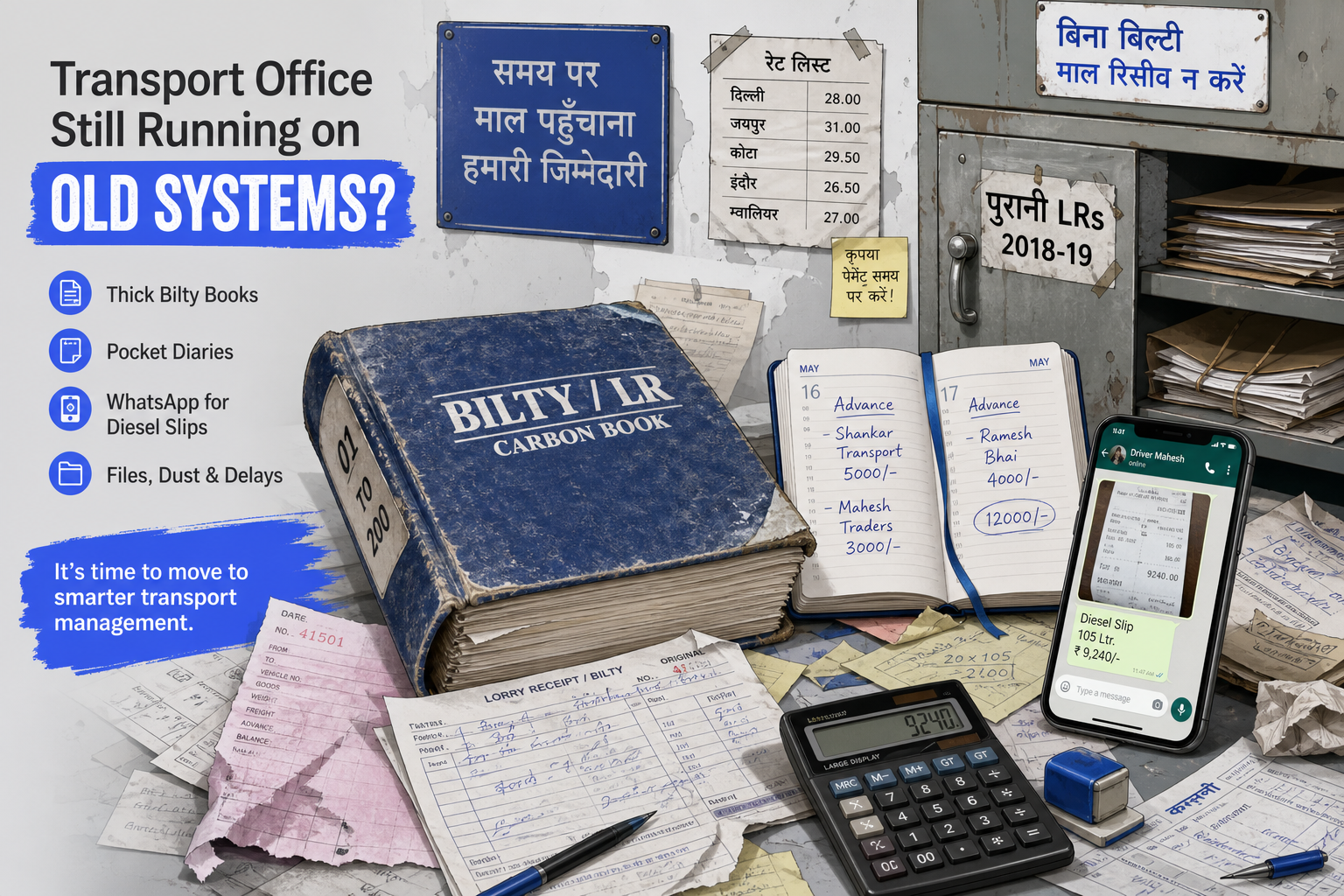
The details are written in a thick register. The advance is noted in a pocket diary. The diesel slip is sent on WhatsApp.
This works when you have one or two trucks. As the fleet grows, it becomes a nightmare.
The real problem
Daily operations get overwhelming fast. For just one trip, you have to manage:
- Sender and receiver details
- Truck number and driver name
- Freight amount and advance given
- Diesel slips and toll cash
- The physical Bilty carbon copy
- POD (Proof of Delivery) collection
Now imagine doing this for 5 trucks. Or 10 trucks. Or 50 trips a month.
Your desk is buried in paper — and none of those papers talk to each other.
Why does this happen?
You started small. A simple Bilty book from the local printer was enough. A notebook kept the accounts.
As business grew, you bought more notebooks. You hired clerks to write more paper.
Now the paperwork controls you. The office fights over names — LR or Bilty — while the real fight is lost copies, late PODs, and unpaid balances.
For the wider carbon-book picture, see How to create a digital Bilty.
How offices handle LR / Bilty today
Making a new Bilty
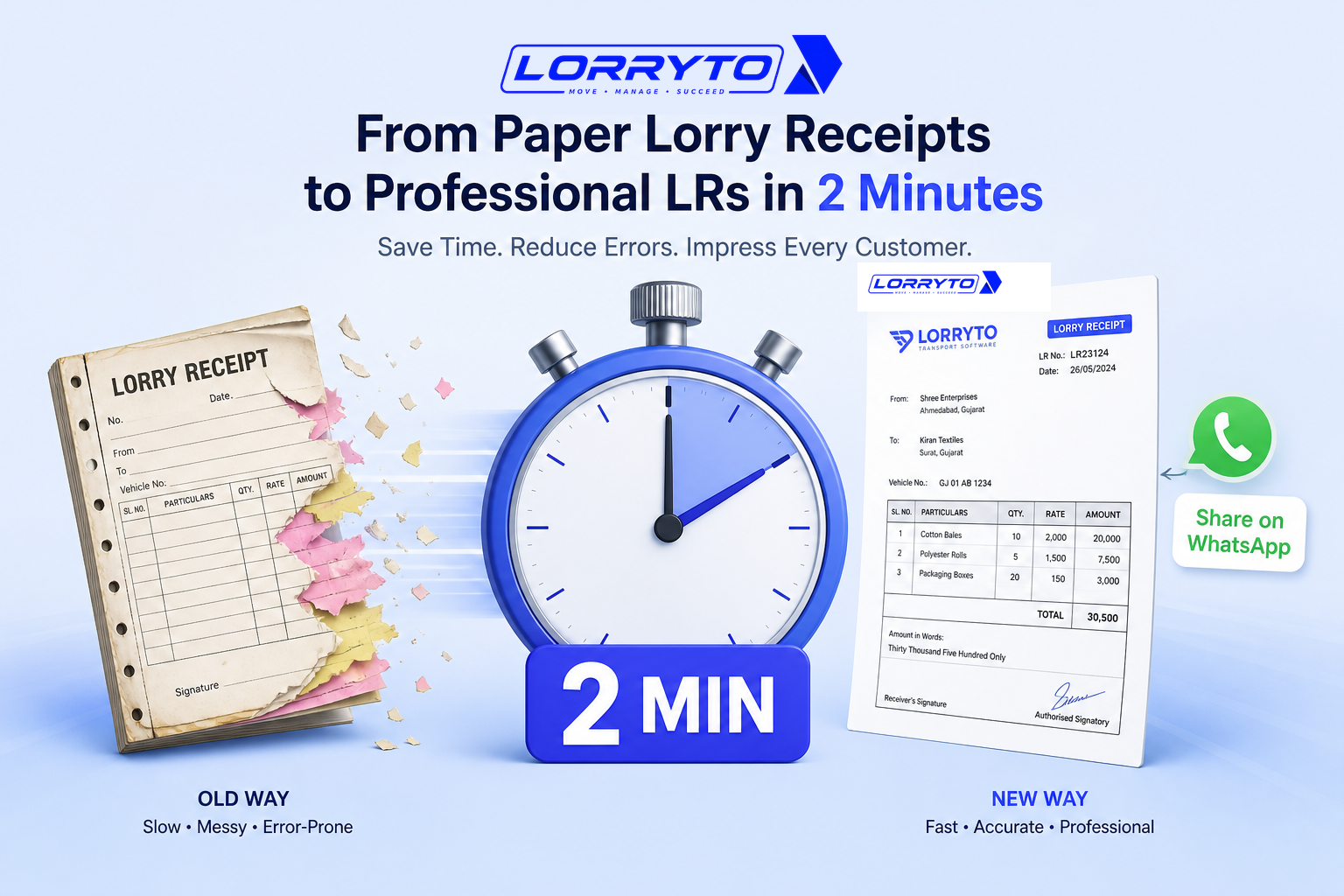
The clerk pulls out the printed Bilty book. He puts carbon paper between pages. He writes the same party details again and again. He tears out the copy for the driver.
Tracking a POD
The customer asks if the goods arrived. You call the driver. The driver does not pick up. You wait days for the physical stamped Bilty to come back.
Calculating freight balance
The trip is done. It is time to bill the party. You open the main register. You find the advance. You subtract shortage or damage. You use a desk calculator.
Finding old records
A party disputes a bill from three months ago. You go to the dusty cabinet. You search through hundreds of old LRs. It takes hours.
Problems with the manual method
- Lost money — Biltys get damaged or lost by drivers. No POD means no payment.
- Wasted time — Searching for one old LR can eat half your day.
- Calculation errors — Writing freight by hand leads to mistakes. One missing zero costs thousands.
- No clear vision — You do not know real monthly profit. It is hidden in scattered notebooks.
What a better digital method looks like
A good digital system keeps LR and Bilty as one trip record.
Digital LR creation
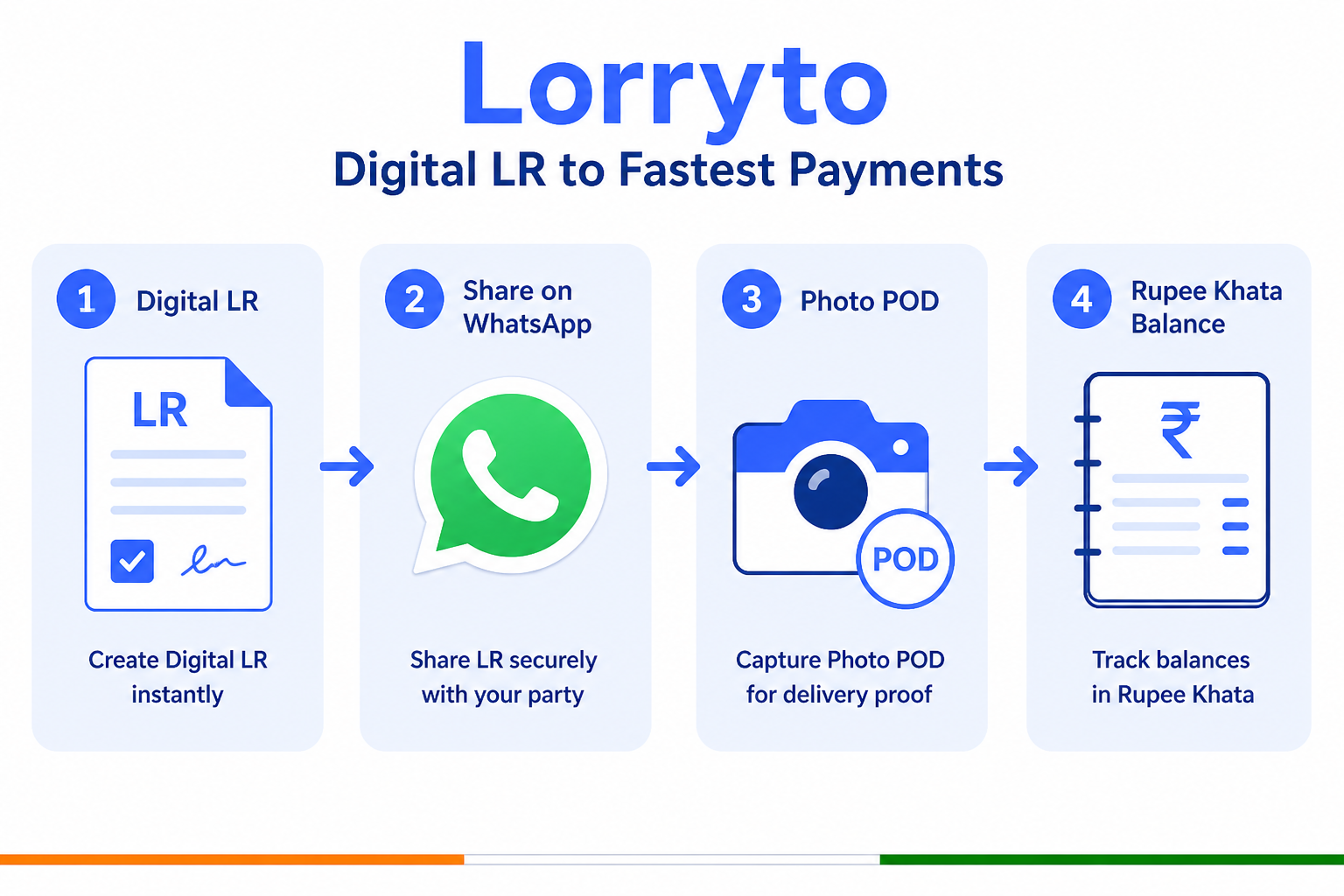
Create an LR on your phone or PC in seconds. Auto-fill party names and truck numbers. Share directly via WhatsApp — see How to generate LRs in 2 minutes and Create LR / Bilty.
Instant POD tracking
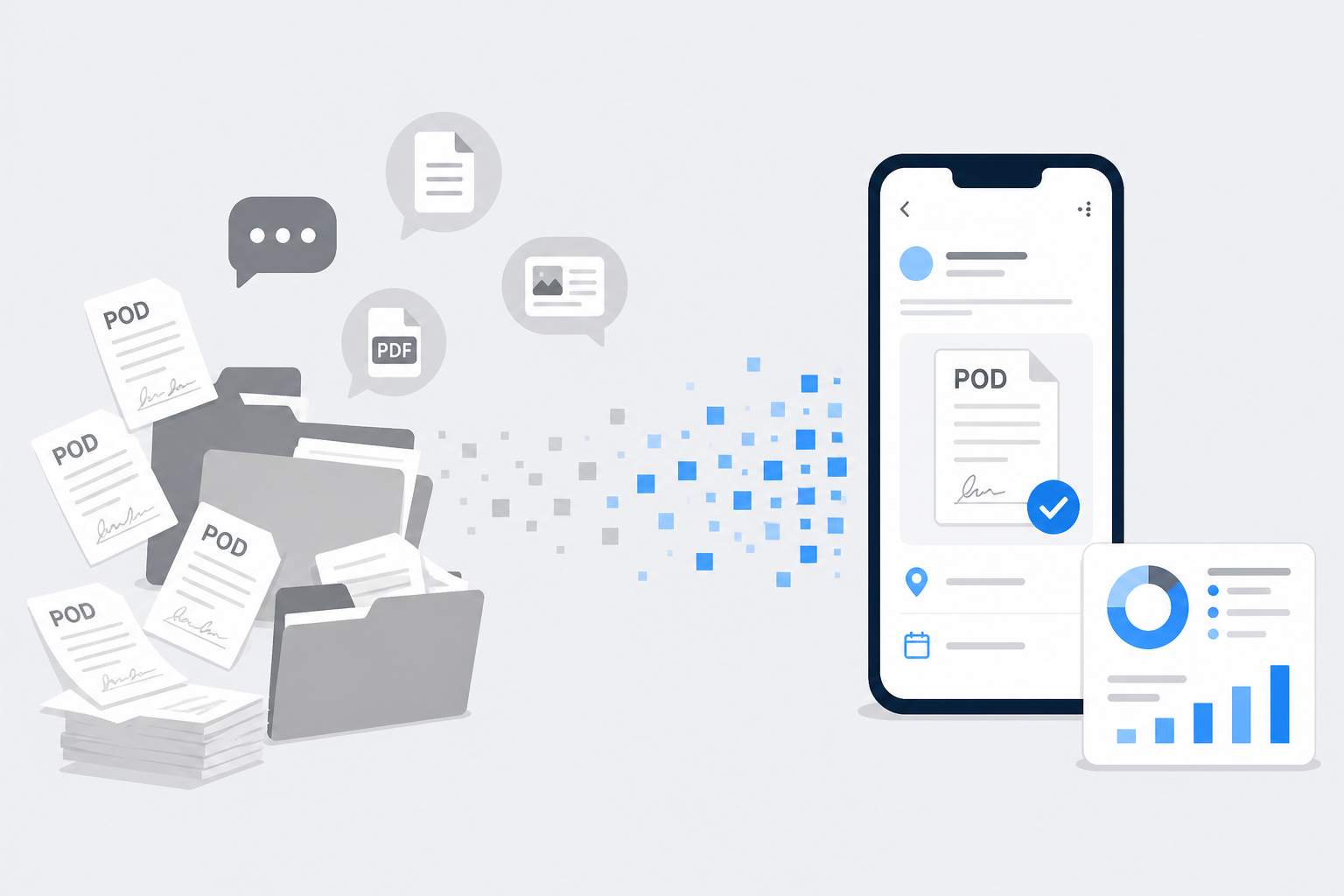
The driver uploads a photo of the signed Bilty. You see it on the trip. You can bill the same day — Upload POD.
Auto-calculations
Software handles the freight math. It deducts advance automatically. It shows the exact pending balance.
How to choose the right software
Before you buy anything, ask:
- Is it made specifically for Indian transporters?
- Can I make a digital LR in under a minute?
- Does it let me share Biltys on WhatsApp?
- Can drivers upload PODs easily?
- Will it track party balances and pending payments?
- Is my data safe on the cloud?
If most answers are “no,” you only changed the pen — not the fight with paper.
How Lorryto solves this
This is why we built Lorryto. One trip holds the LR / Bilty, the POD, and the money.
Smart LR / Bilty maker
Create professional digital LRs instantly with Create LR. Save consignor and consignee once. Never write party details twice. Download, print, or share — including WhatsApp. More: How to share LRs on WhatsApp.
Need a fast multi-truck booking instead of a full Bilty? See Booking vs LR.
Fast POD management
Attach the signed photo right on the trip with Upload POD. Send invoices faster without waiting for a paper file. More: Digital POD management.
Complete khata (accounts)
Track freight, advance, and balance on the same trip. Say goodbye to the calculator for day-to-day work.
Start today — four simple steps
Getting started is easy. You do not need to be a computer expert.
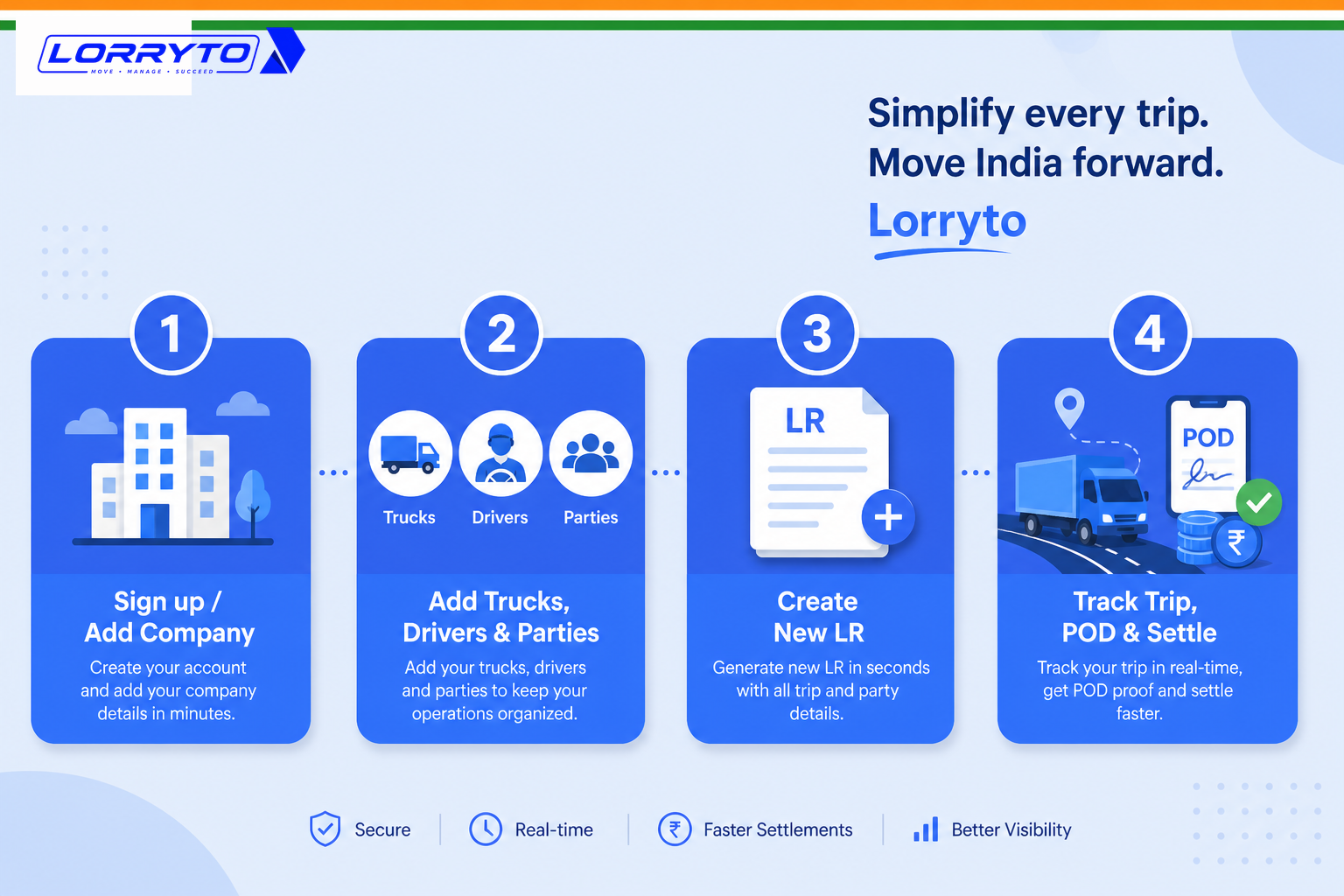
Step 1 — Set up your account
Go to lorryto.com and sign up. Add your transport company name and logo. See getting started.
Step 2 — Add your masters
Add your daily trucks. Add your regular drivers. Add your frequent parties (senders and receivers).
Step 3 — Create your first digital LR
Open Create LR. Select a party from the list. Enter the goods and freight. Generate and share on WhatsApp.
Step 4 — Track the trip
Update the advance paid. Upload the POD when delivered. Settle the final balance.
FAQs
If the market says Bilty and the office says LR, which name goes on the print?
Both names are the same document. Print a clean Lorry Receipt from Create LR / Bilty. Parties who say “Bilty” still recognise a proper LR PDF.
Can one digital record replace both the carbon book and the pocket advance diary?
Yes. Freight, party, truck, and advance sit on the same trip. You are not copying the same numbers into a register and a diary.
When the driver has the physical Bilty and the party wants POD today, what should I do?
Ask for a clear photo of the signed copy and upload POD on that trip. Then share the digital LR with the party the same day.
Is a WhatsApp photo of the signed Bilty enough, or should it sit on the trip?
A chat photo is easy to lose. Attach it on the trip so billing and proof stay together. See Digital POD management.
Booking vs Create LR — when do I need the full Bilty fields?
Use Create Booking when you need many trucks fast. Use Create LR when you need full Bilty details — materials, consignor/consignee, and print-ready copies.
Final thought
Transport is a tough business. You should be finding more loads — not fighting lost paper and messy Biltys.
LR and Bilty are one document. Put them on one digital trip, and the office fight gets quieter.
Next reads: How to create a digital Bilty · How to generate LRs in 2 minutes · Digital POD management · Share LR on WhatsApp · Create LR / Bilty · Booking vs LR · Download / print · Upload POD · Getting started
Ready to run trips without registers?
Create LRs, track payments, and keep documents in one place with Lorryto — free trial available.
Start Free Now