Transport is a tough business.
You are always on the move.
But your records are stuck in the past.
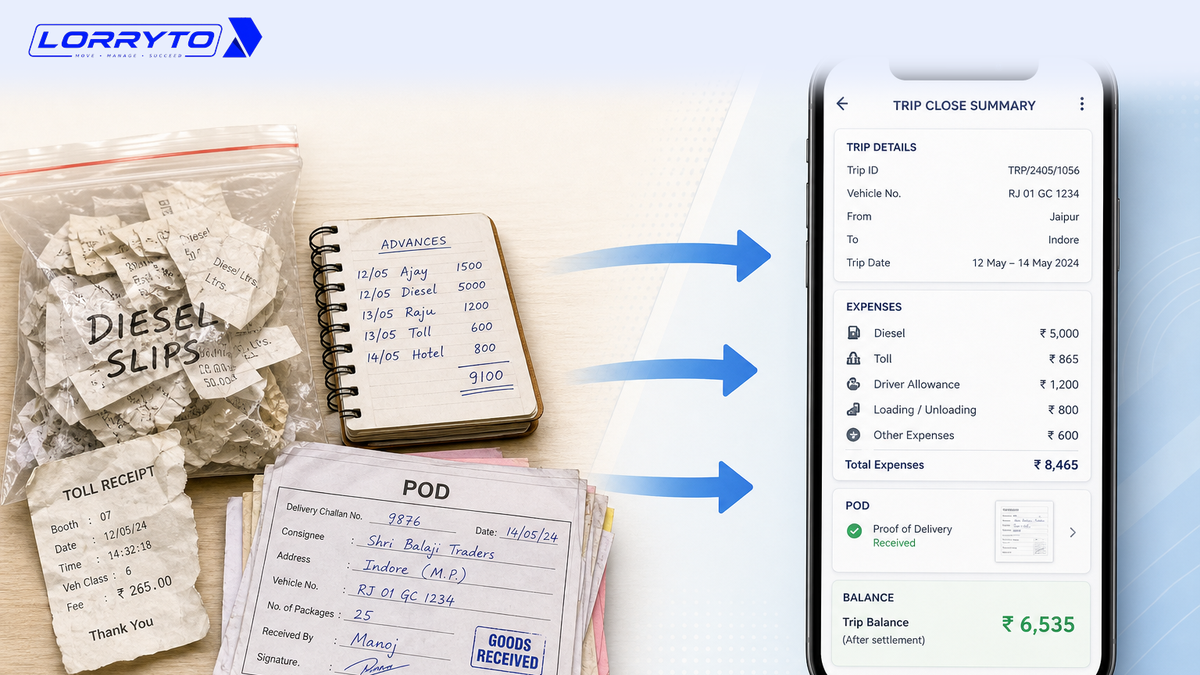
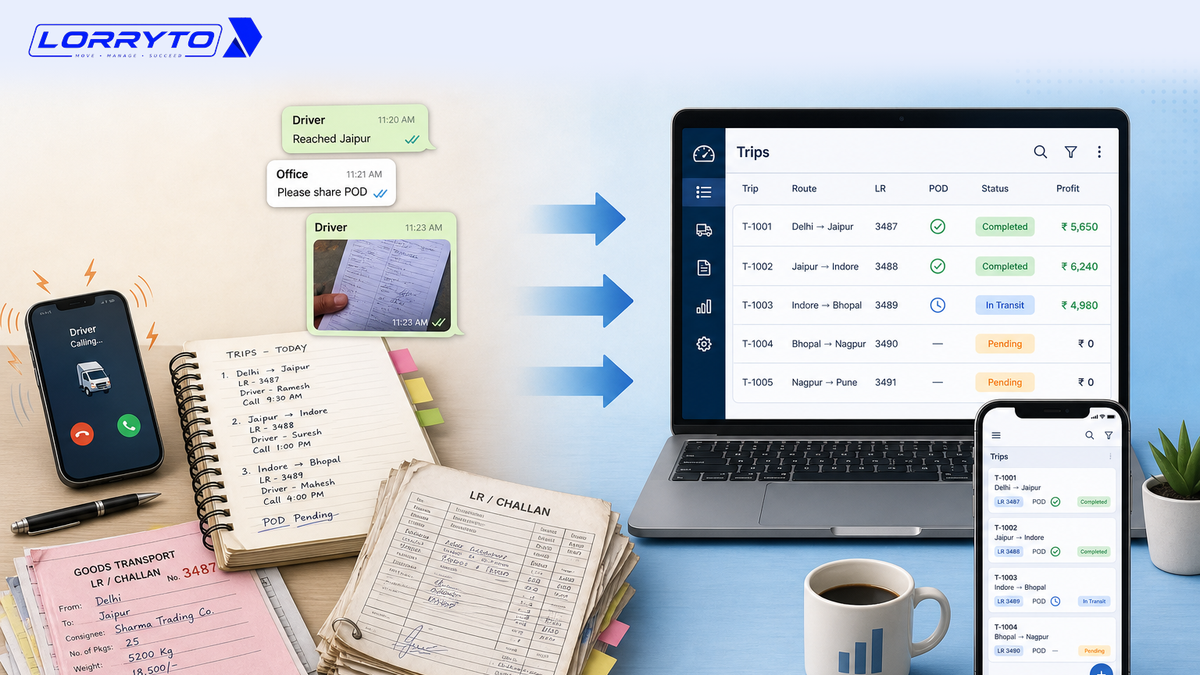
The loading slip is in one file. The LR (Lorry Receipt) book is in the truck. Advance payments sit in a rough diary. The POD (Proof of Delivery) is lost somewhere in WhatsApp.
This works when you have one or two trucks. It fails when the business grows.
How you log each rupee is covered in How to manage every trip’s expenses digitally. How you see profit is covered in How to manage every trip profit digitally. This guide is about tracking the whole trip — status, POD, money, and optional location — in one place.
The real problem
Daily operations get overwhelming fast.
Think about one trip. Look at the small details you have to track:
- Driver advance given
- Diesel filled at the pump
- Toll charges paid
- RTO fines or border expenses
- Unloading detention charges
- Broker commission
- POD collection
Now do this for 5 trucks. Or 10 trucks. Or 50 trips a month. On paper and phone calls, it is almost impossible to keep up.
Why does this happen?
It happens because of habit.
You started with pen and paper. It was easy then. As you grew, you bought more diaries. You added WhatsApp groups. You added Excel sheets.
You never changed the core system. Now the paperwork is out of control.
How offices track trips today
Tracking the truck
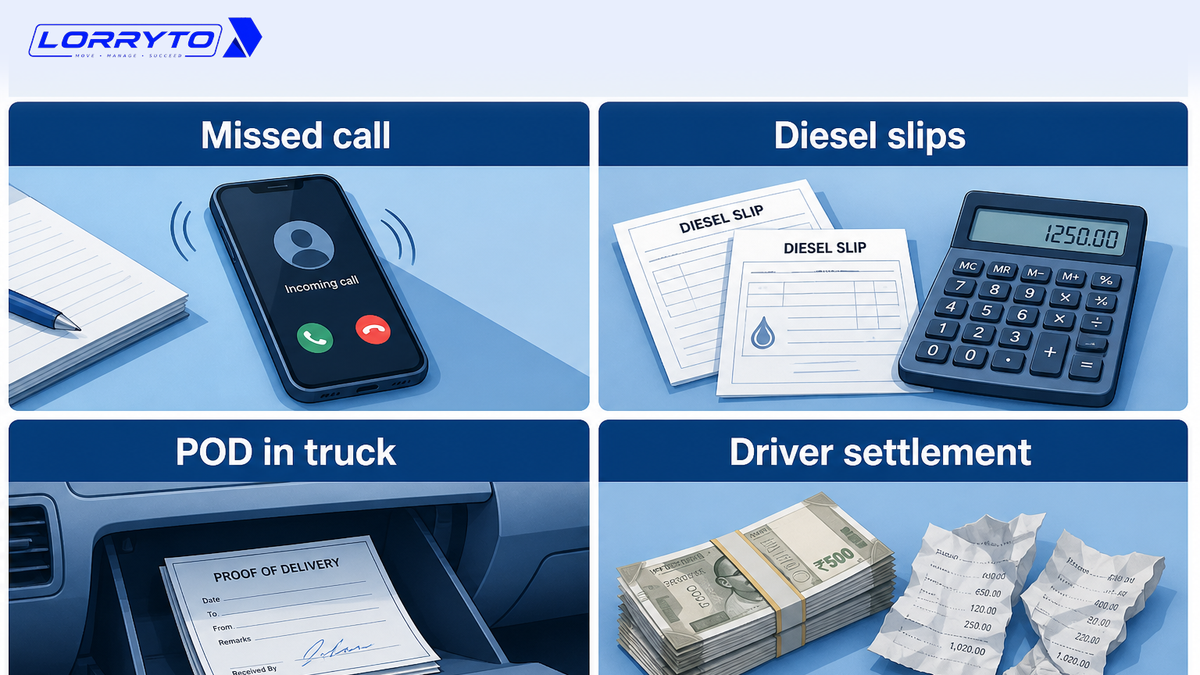
To find out where the truck is, the owner calls the driver. The driver does not answer. Then they call the cleaner. Then they wait for a callback. Then they guess the arrival time.
Managing diesel expenses
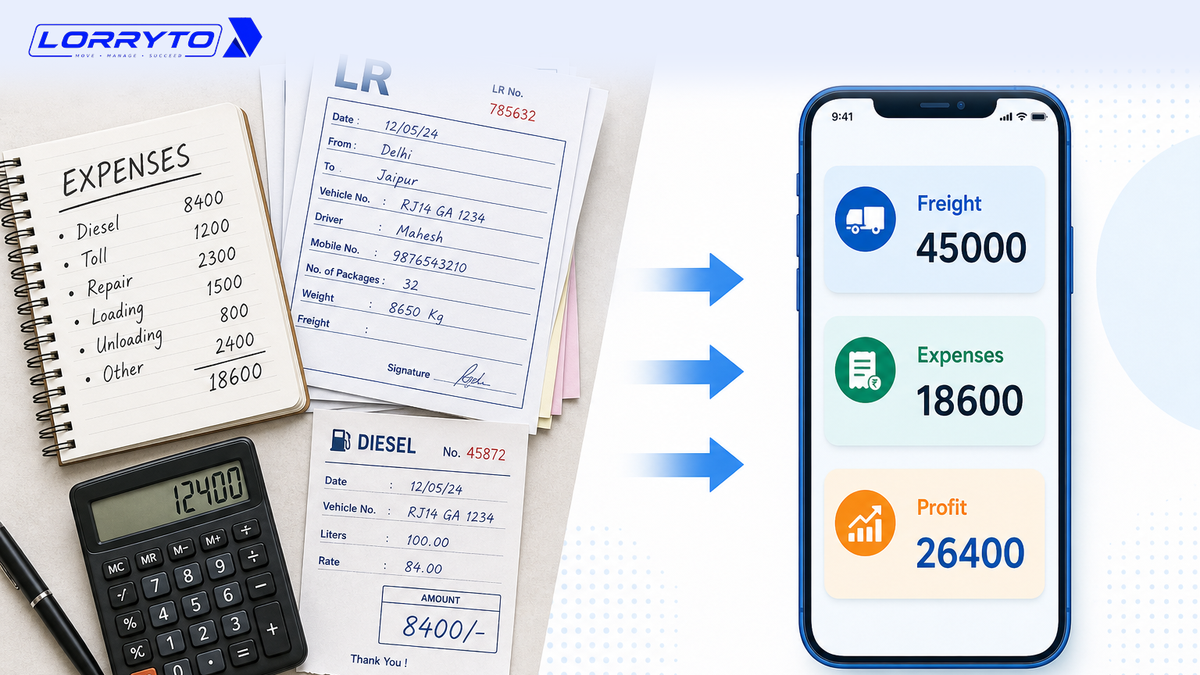
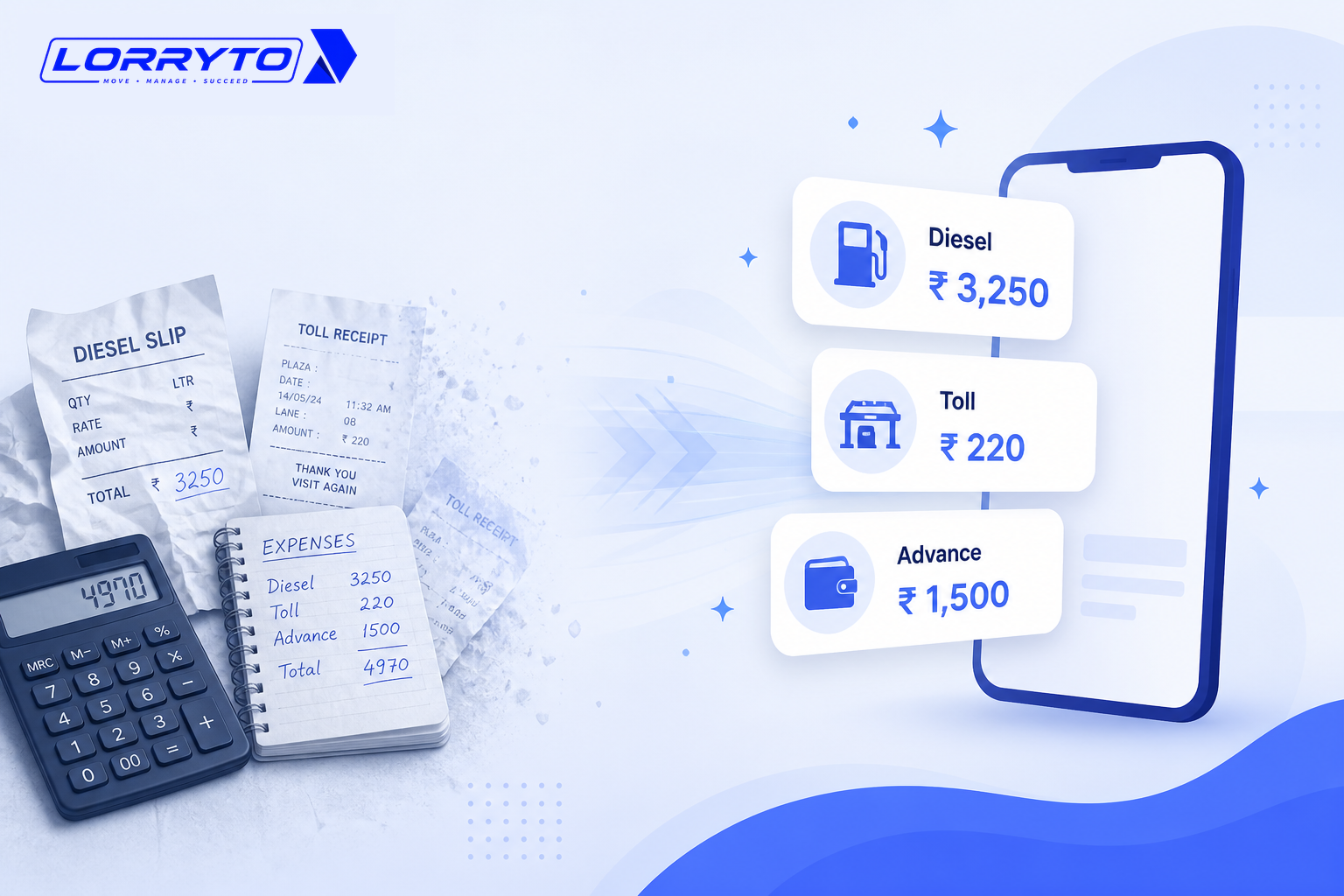
To clear the pump account, the owner opens the diesel register, collects paper slips from the driver, matches them with the pump bill, and sits with a calculator.
Collecting balance freight
To get the final payment, the office waits days for a hard-copy POD, checks a WhatsApp photo of the LR, calculates shortage by hand, and calls the broker again and again.
Driver settlement
To settle the driver’s trip account, the owner asks for cash expenses, argues about missing bills, checks the rough diary for advance given, and uses a calculator to find the balance.
Problems with the manual method
- Too much time searching — hours go into finding one old LR. Your desk is buried in paper. That time should go into getting the next load.
- Calculation mistakes cost money — miss a ₹500 toll entry. Forget a shortage deduction. Small leaks eat the trip margin.
- Payments get delayed — you cannot bill cleanly without POD. If the POD sits in the glovebox for a week, cash flow stops.
- High stress — you never see the full trip until much later. You do not know where the load stands, what was spent, or whether POD is in.
A better digital method
A good digital system puts the trip on one record. It works with you, not against you.
Centralized trip data
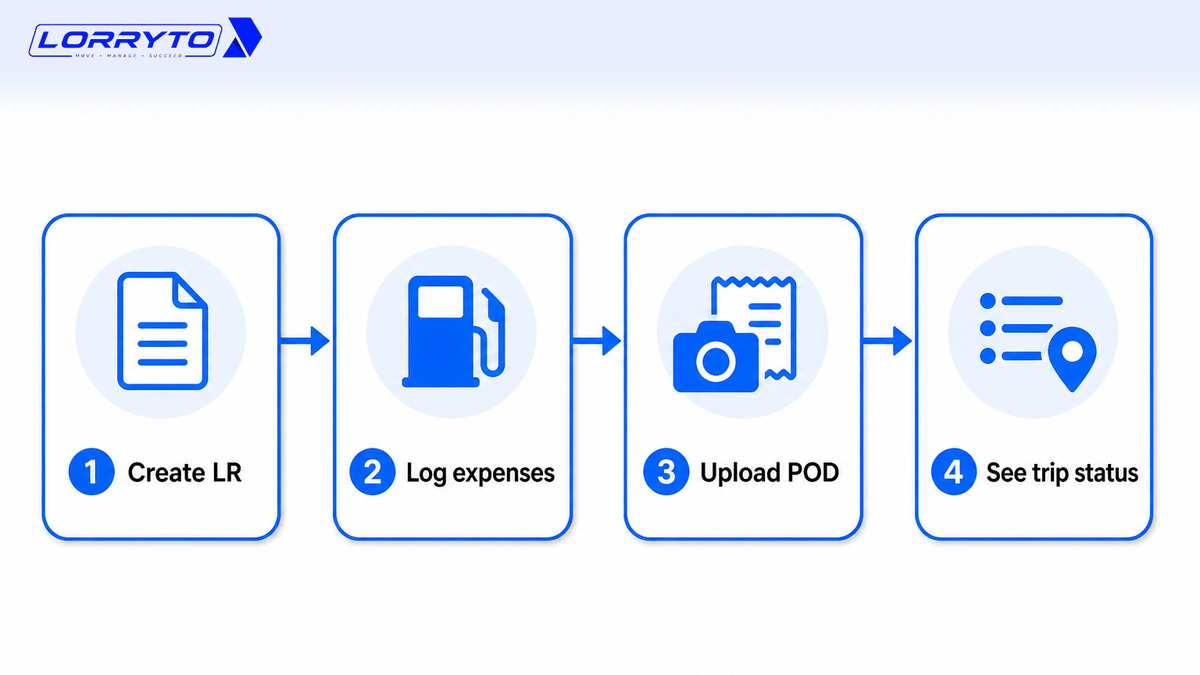
Create a digital LR. See every trip on the Trips list — status, amounts, POD, and money actions in one place. Log trip expenses and payments as they happen.
Instant proof of delivery
Upload POD on the same LR — from the office phone, or from the optional driver mobile app. Then you can create the invoice without waiting for a paper file. More in Digital POD management. Extra files go under trip documents.
Live location when the driver shares GPS
You do not need to guess from a missed call. If an Active driver shares GPS from the driver app, the office can see current location on the vehicles list. Drivers do not have to use the app. Office staff can still run the trip.
Profit on the same trip
Freight minus expenses is not a separate notebook. After you enter freight, charges, deductions, and expenses, read Trip Profit on View LR — see How to manage every trip profit digitally.
Share a clean LR PDF instead of a cabin photo — download, print, or share and How to share LRs on WhatsApp. For the wider office picture, see How to manage LRs and trips without the paperwork headache and How to make your transport business paperless.
How to choose the right software
Do not buy just any app. Ask:
- Is it made for Indian transporters (LR / bilty, advance, diesel, POD)?
- Can I use it on my phone as well as in the office?
- Does it handle advances, diesel, and tolls on the trip?
- Can I upload POD from a mobile phone — office or driver?
- Will it show profit and status per trip?
- Is my data in a cloud account — not only on one laptop?
If most answers are “no”, you will still chase trucks on the phone.
How Lorryto solves this
Lorryto is transport software built for Indian offices — LR-first, with the trip, money, and POD on the same record.
Digital LR (bilty)
Create LRs on phone or web. Share the PDF on WhatsApp without rewriting the bilty. Fast playbook: How to generate LRs in 2 minutes.
Complete expense tracking
Record diesel, toll, and driver advance on the trip — trip expenses and payments. No more lost paper slips. Office staff can enter everything. Drivers can add expenses from the driver app if you use it. Deep dive: How to manage every trip’s expenses digitally.
Instant driver settlement
See dues in driver khata. The trip advance sits on that LR. You settle from the record — not from a fight over a missing bill.
Trip status, POD, and optional GPS
The Trips list shows where each LR stands (started, completed, POD received, billed). Upload POD the same day. When a driver shares GPS, check the vehicles list. Then create the invoice and share it on WhatsApp.
Getting started in 4 simple steps
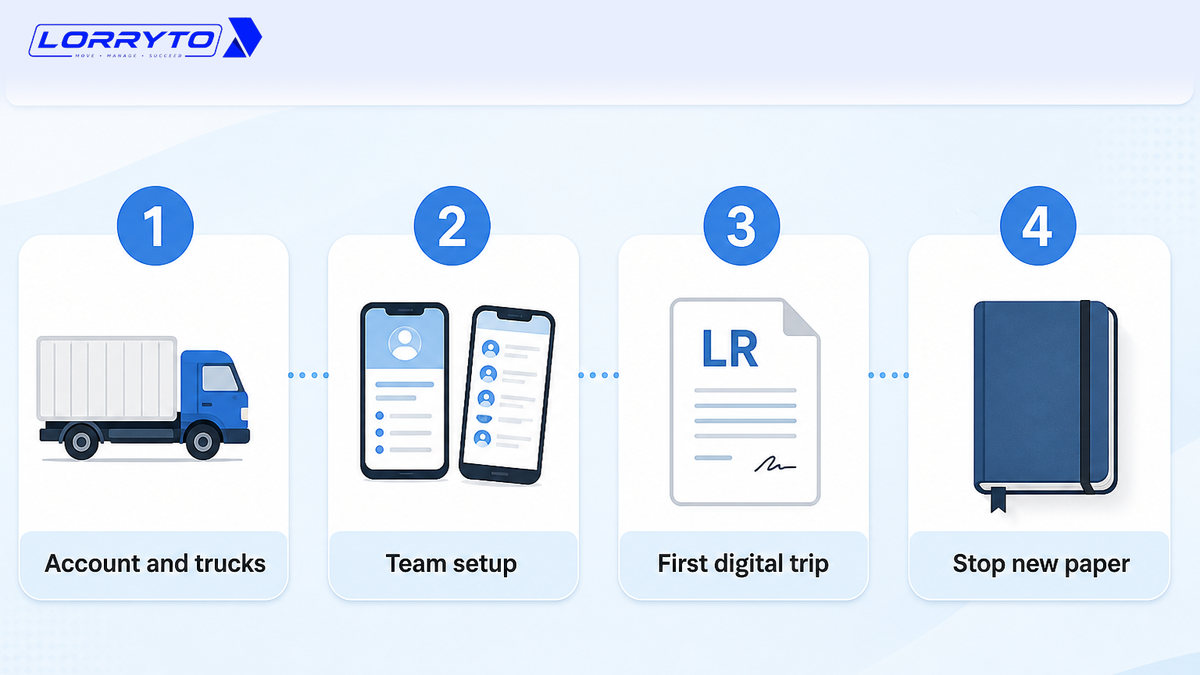
Step 1 — Set up your account
Go to lorryto.com and sign up. Add company details and truck numbers. Add a bank account so bills stay clear. See getting started.
Step 2 — Set up the team
Use Lorryto on your phone in the browser — the same office app. If you want, show one driver how to upload a POD photo from the driver mobile app. This step is optional.
Step 3 — Run your first digital trip
Create a digital LR. Enter starting diesel and advance. When delivery is done, upload POD. Open the trip and check status and Trip Profit.
Step 4 — Stop new paper for new trips
Keep old diaries for history. For new trips, stop writing in the rough diary. Stop using only a calculator for settlements. Use the trip screen instead.
FAQs
Is this for a small transport business with one truck?
Yes. It works for 1 truck or many. Sign up, add a truck and a party, and start new trips the same day. See getting started.
Will I lose my old records?
No. Keep old diaries for past history. Track new trips in Lorryto. Opening balances can go on company bank and driver khata where the product supports them.
Do drivers have to use an app?
No. You or your manager can create the LR, add expenses, and upload POD from the office. The driver mobile app is optional — useful if the driver will share GPS or send POD from the road.
Can I see where the truck is?
On the vehicles list when the assigned Active driver shares GPS from the driver app. If the driver does not use the app, you still track the trip on the Trips list — LR, money, and POD — without live map location.
How is this different from the expenses and profit blogs?
This post is the full trip picture: status, POD, optional location, and money on one LR. For diesel and slips, read trip expenses. For freight vs cost, read trip profit. For POD habits, read Digital POD management.
When can I bill the party?
After delivery, upload POD on the trip, then create the invoice and share it on WhatsApp (PDF link). Extra files stay on trip documents.
How fast can we start?
Sign up, add a truck and a party, and create an LR for the next load. Do not try to move every old register in one day. Start with new trips.
Is my data only on one phone?
No. You work in a cloud Lorryto account. Use a strong password and give staff only the access they need. Start free when you are ready.
Final thought
Your goal is to grow the transport business. Your goal is not to do paperwork all day.
When every trip sits on one screen — LR, expenses, POD, and status — you stop chasing trucks on the phone. You stop money leaks. You get time back.
References and next reads: Trip profit digitally · Trip expenses digitally · Digital POD management · LRs and trips without paperwork headache · Share LR on WhatsApp · Generate LRs in 2 minutes · Paperless office · Create LR · Trips list · Trip expenses · Payments · Charges · Deductions · Upload POD · Trip documents · Download / print LR · Edit trip / Trip Profit · Create invoice · Invoice WhatsApp share · Driver khata · Driver mobile app · Vehicles list · Company bank · Getting started
Ready to run trips without registers?
Create LRs, track payments, and keep documents in one place with Lorryto — free trial available.
Start Free Now