You run a transport business.
You know the drill.
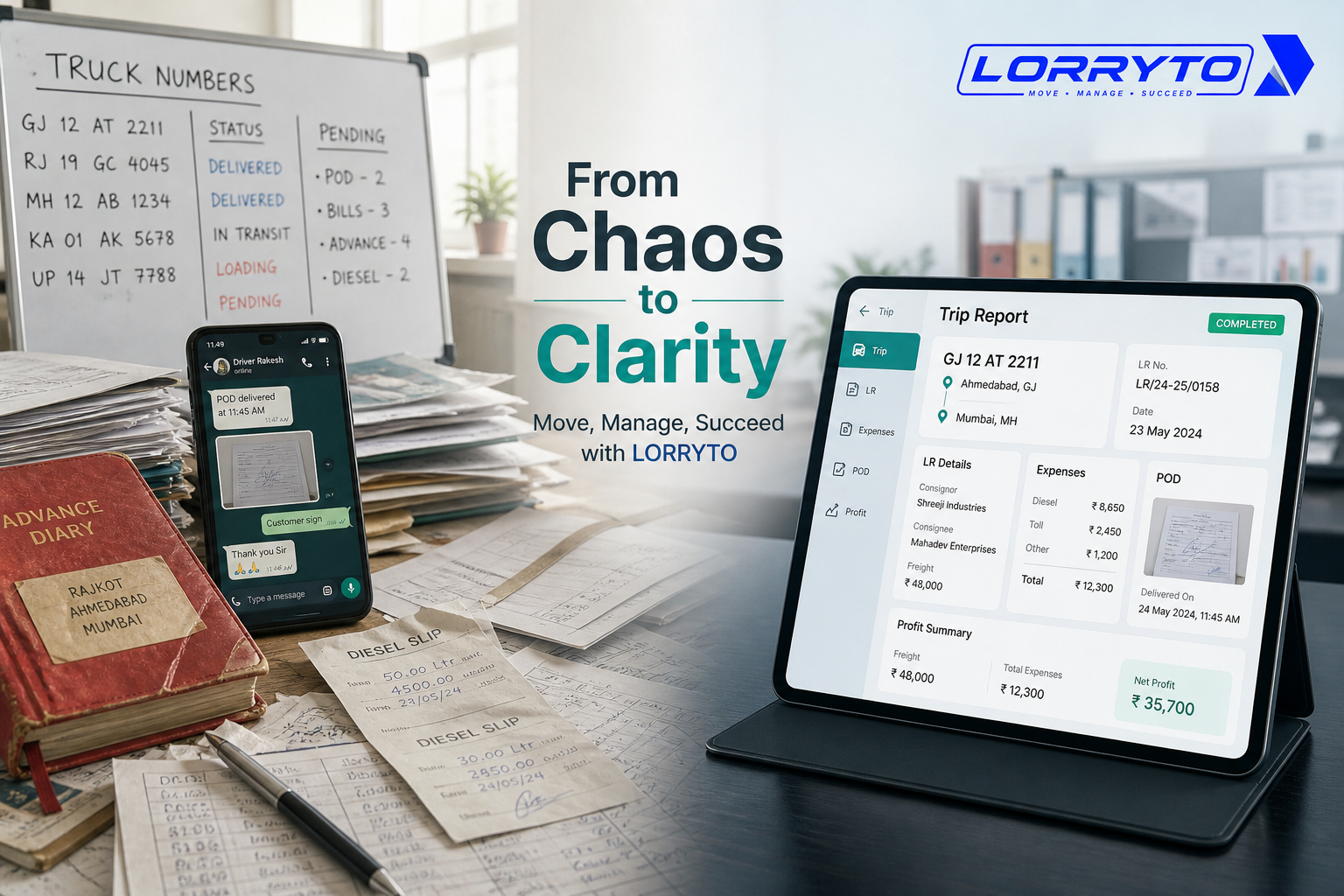
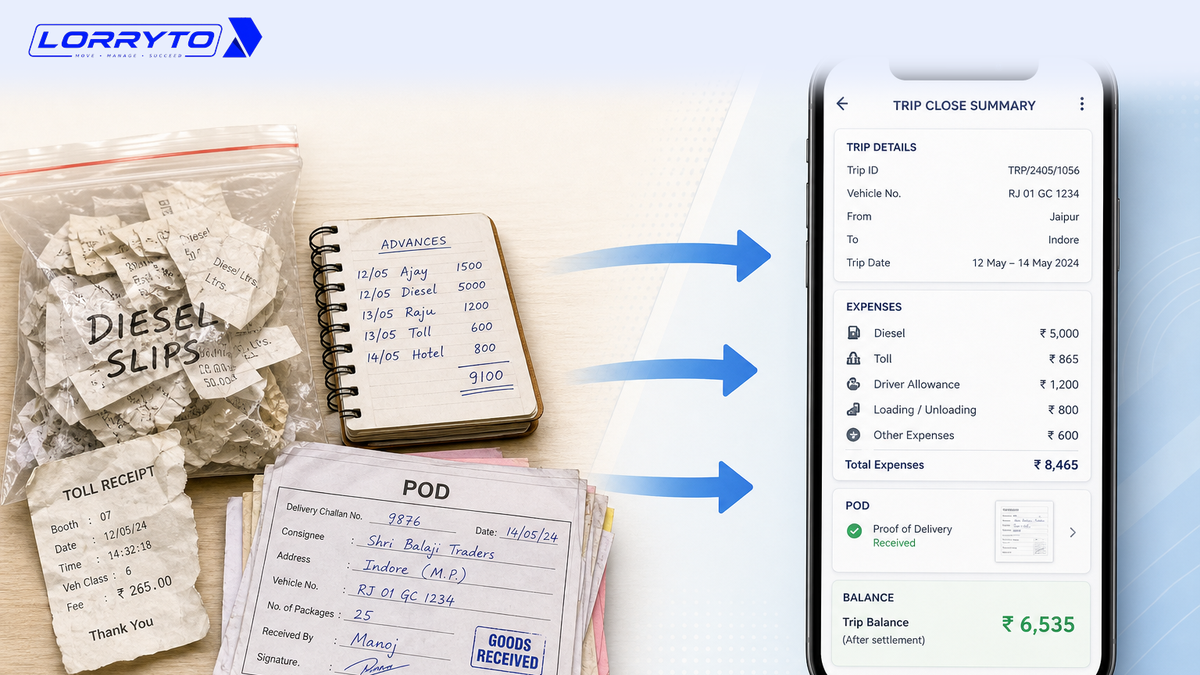
A truck comes back from a long trip. The driver hands you a plastic bag of crumpled diesel slips. Toll receipts are half torn. Cash advances are scribbled in a small pocket notebook. PODs (Proof of Delivery) sit in a pile on the desk.
Freight is in one thick register. Driver expenses are in another register.
When you had one or two trucks, this worked. Now you have more. Closing trips on paper is drowning you.
How you log each rupee is covered in How to manage every trip’s expenses digitally. How you see profit is covered in How to manage every trip profit digitally. How you track status and POD is covered in How to manage every trip tracking digitally. This guide is about closing the trip when the truck is back — matching slips, driver hisaab, POD, and the final balance on one LR.
The real problem
Closing one trip can take hours.
Look at what you have to match for just one load:
- Starting advance given at loading
- Extra cash sent on the road (UPI or cash)
- Diesel filled at more than one pump
- Toll charges
- Loading and unloading (mathadi)
- RTO fines or border expenses
- Driver bhatta (trip allowance)
- Shortage, missing items, or damage
- Final freight from the party or broker
Now do this for 5 trucks. Or 10. Or 50. It becomes a nightmare.
Why does this happen?
It happens because of habit.
You started with a pen and a diary. It was easy then. As you grew, you added a diesel register, then a driver account register.
You never changed how you close a trip. Now the paperwork is out of control.
How offices close trips today
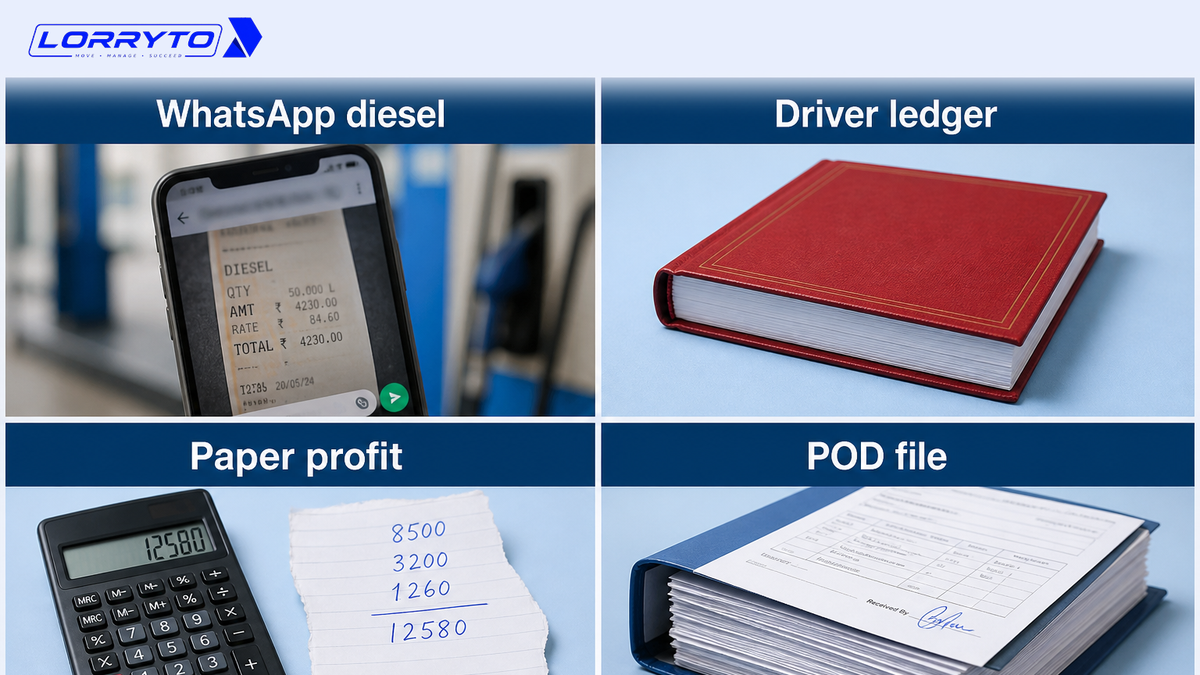
Checking diesel expenses
The owner opens WhatsApp, checks a blurry photo of a slip, calls the pump to confirm, and uses a calculator to match amounts.
Settling driver accounts
The owner opens the red driver ledger, adds cash given during the week, subtracts scribbled expenses, and argues about a missing ₹500 receipt.
Calculating trip profit
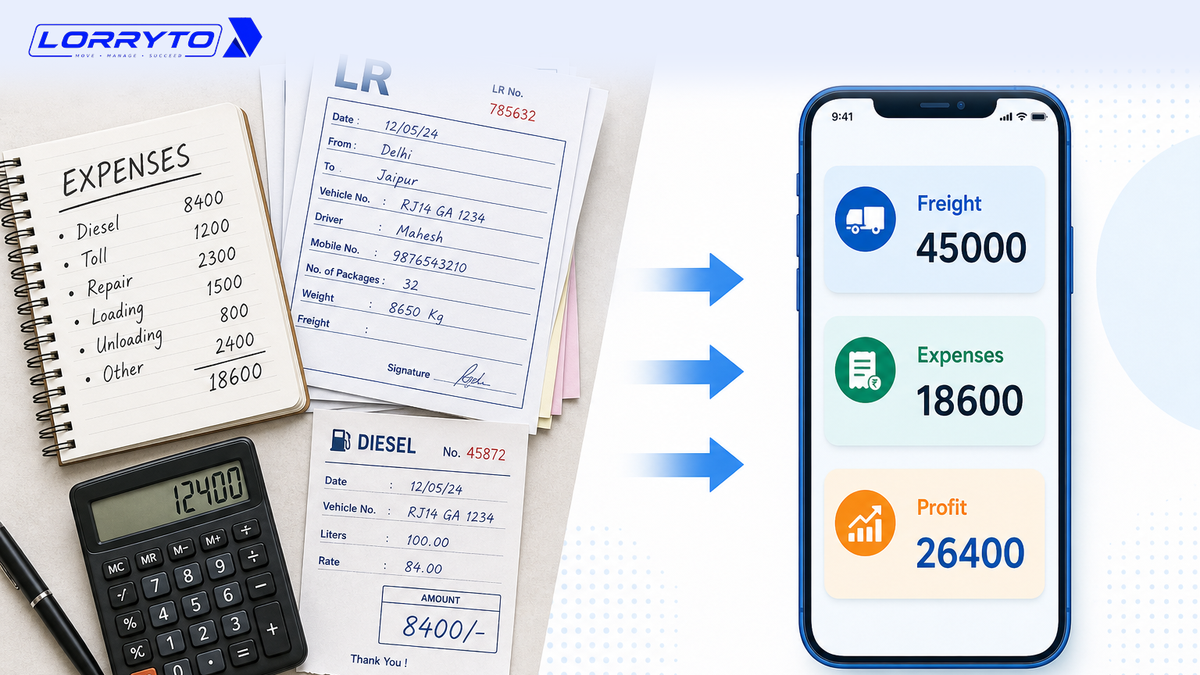
The owner writes freight on a paper, deducts diesel, toll, and driver pay by hand, realises a toll or recharge was forgotten, and starts again.
Tracking pending payments
The owner flips through a thick POD file, calls the broker or factory, hears the bill is not passed, and writes a note on the corner of the paper.
Problems with the manual method
- Too much time searching — evenings go to math and lost slips. That time should go into the next load.
- Calculation takes too long — miss a zero or forget an advance. You may pay for an expense that never happened.
- Payments get delayed — slow close means slow billing. Slow billing means money stuck with the party.
- Zero visibility — you do not know which truck made money on this trip until much later.
A better digital method
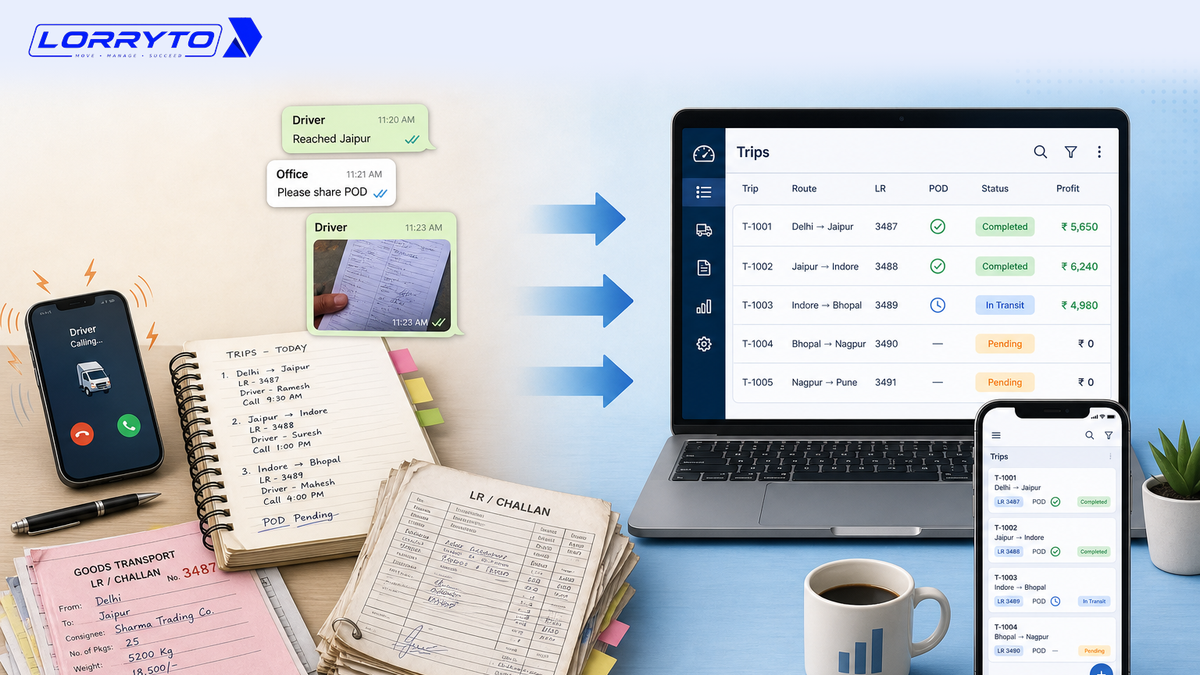
Put the close on one trip record. Freight, advances, expenses, POD, and driver balance sit on the same LR.
Instant trip expenses
Enter diesel, toll, and other costs as trip expenses — cash, bank, or credit shop. Office staff can add them. If you use the driver mobile app, the driver can add a slip from the road. Those entries land in Un-Verified until you accept them. There is no automatic FASTag or pump-bill download — you (or the driver) enter the amount and can attach a photo.
Driver settlement without the diary fight
Log the loading advance and extra cash under payments. Keep running dues in driver khata. The balance comes from the record, not from a missing ₹500 slip.
Profit on the same screen
Freight is on the digital LR. After expenses, charges, and deductions are entered, read Trip Profit on View LR — see How to manage every trip profit digitally.
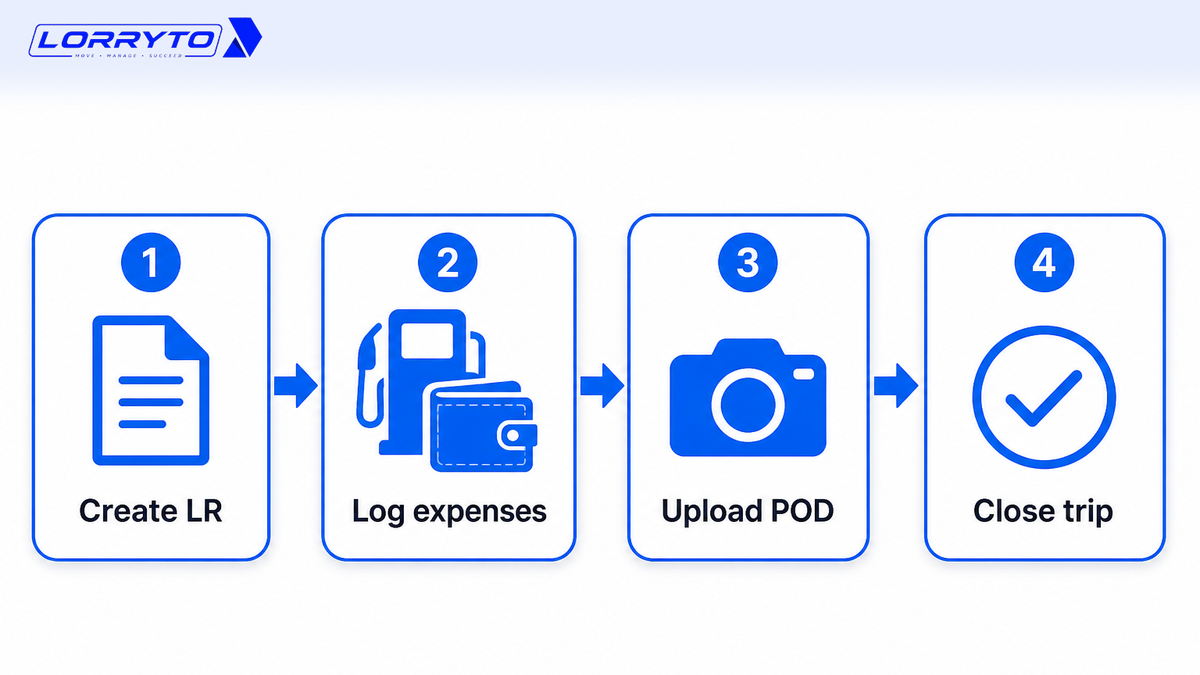
Upload POD on the same trip, then create the invoice and share it on WhatsApp. Pending amounts stay on Parties. Extra files go under trip documents.
How to choose the right software
Do not buy just any app. Ask:
- Is it made for Indian transporters (LR / bilty, advance, diesel, POD)?
- Can I use it on my phone as well as in the office?
- Does it handle cash, UPI/bank, and pump-on-credit expenses on the trip?
- Can I upload POD from a mobile phone?
- Will it show profit per trip after I enter freight and costs?
- Can I see party outstanding and share a bill on WhatsApp?
- Is my data in a cloud account — not only on one laptop?
If most answers are “no”, you will still close trips with a plastic bag of slips.
How Lorryto solves this
Lorryto is built for Indian offices — LR-first, with money and POD on the same trip.
Complete trip management
Create a trip / LR in minutes. Put freight on the LR. Add expenses as they happen. See the trip on the Trips list. Fast LR playbook: How to generate LRs in 2 minutes.
Driver app and settlements
Drivers can upload POD and expense photos from the optional driver app. You accept Un-Verified expenses in the office. Settle from driver khata — not from a fight over a missing bill. Office staff can enter everything if drivers never open the app.
Profit on View LR
After you enter the numbers, Trip Profit is on the LR. For truck-wise revenue and expense, use the vehicles list. Deep dive: How to manage every trip profit digitally.
Party khata and billing
See who owes money on Parties. After POD, create the invoice and share the PDF on WhatsApp. That is a prepared message with a link — not an automatic reminder.
Getting started in 4 simple steps
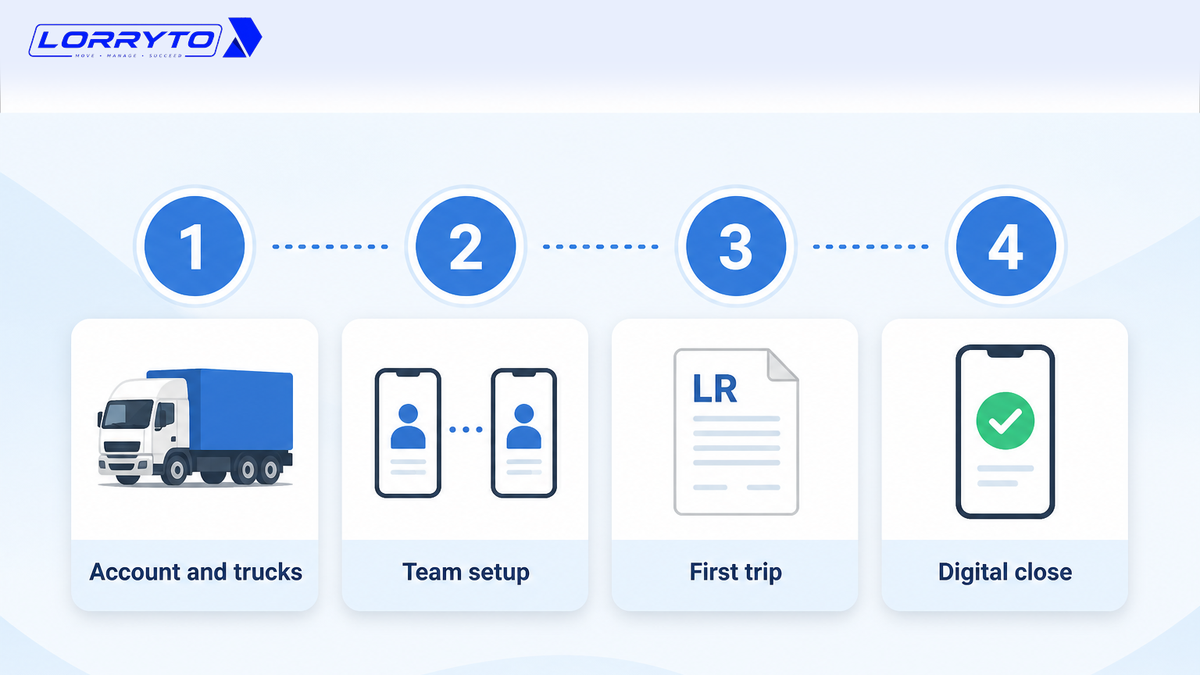
Step 1 — Set up your account
Visit lorryto.com and sign up. Add company details and truck numbers. Add a bank account so bills stay clear. See getting started.
Step 2 — Add your team
Add driver names. Give your accountant or manager access. If you want, help one driver install the driver mobile app. This is optional.
Step 3 — Start your first trip
Create a digital LR. Enter loading and unloading points and freight. Record the starting advance under payments.
Step 4 — Close the trip digitally
When delivery is done, upload POD. Check expenses (accept Un-Verified lines if the driver sent them). Open View LR for Trip Profit. Complete the trip and settle driver hisaab from the record. Then bill the party.
Keep old registers for history. For new trips, stop the plastic bag of slips.
FAQs
Is this for a small business with two trucks?
Yes. It works for 2 trucks or many. Sign up, add a truck and a party, and close new trips the same day. See getting started.
Will my drivers be able to use it?
They do not have to. You can add expenses and POD from the office. If they can use WhatsApp, they can use the optional driver app to send a POD photo or an expense. You still check Un-Verified entries before they count.
Will I lose my old records?
No. Keep old registers safe. Start closing new trips in Lorryto. Opening balances can go on company bank and driver khata where the product supports them.
How is this different from the expenses, profit, and tracking blogs?
This post is the close when the truck is back — matching slips, driver balance, POD, then Complete / settle. For diesel and credit shops, read trip expenses. For freight vs cost, read trip profit. For status and optional GPS, read trip tracking. For POD habits, read Digital POD management.
How do I bill after I close the trip?
Upload POD, then create the invoice and share it on WhatsApp. Extra files stay on trip documents.
How do I stop arguing with the driver over a missing ₹500 slip?
Put the advance on payments and the road costs on trip expenses. Use driver khata for the running balance.
How long does it take to start?
Sign up, add a truck and a party, and create an LR for the next load. Do not try to close every old register in one day.
Is my data only on one phone?
No. You work in a cloud Lorryto account. Use a strong password and give staff only the access they need. Start free when you are ready.
Final thought
Your time is your most valuable asset.
Stop acting as a full-time calculator for every returning truck.
When you close the trip on the same screen as the LR — expenses, POD, and driver hisaab — you get evenings back. You bill faster. You see which trips actually made money.
References and next reads: Trip tracking digitally · Trip profit digitally · Trip expenses digitally · Digital POD management · Share LR on WhatsApp · Generate LRs in 2 minutes · Paperless office · Create LR · Trips list · Trip expenses · Payments · Charges · Deductions · Upload POD · Trip documents · Download / print LR · Edit trip / Trip Profit · Create invoice · Invoice WhatsApp share · Parties · Driver khata · Driver mobile app · Credit shops · Vehicles list · Company bank · Getting started
Ready to run trips without registers?
Create LRs, track payments, and keep documents in one place with Lorryto — free trial available.
Start Free Now