Running a transport business is hard work.
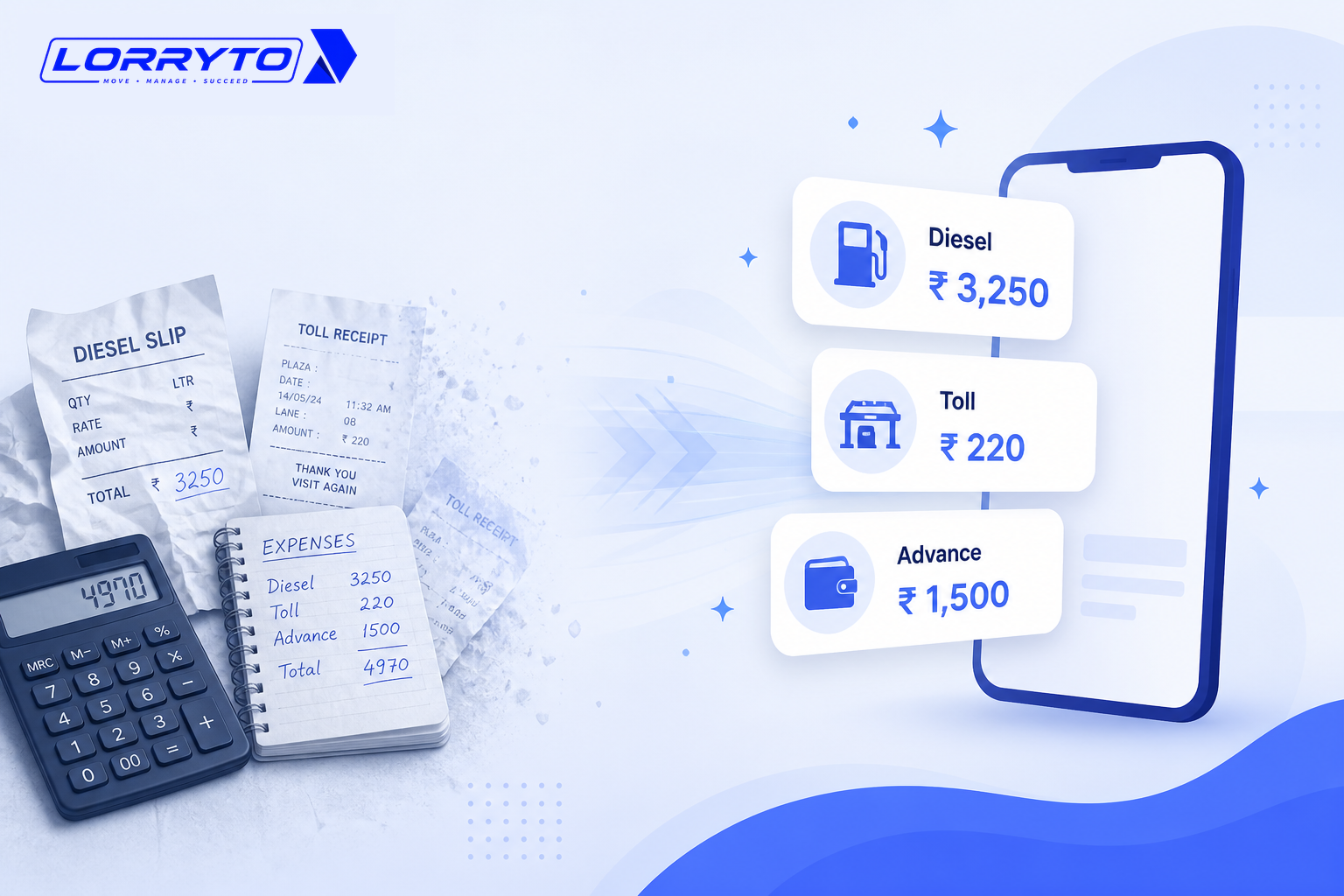
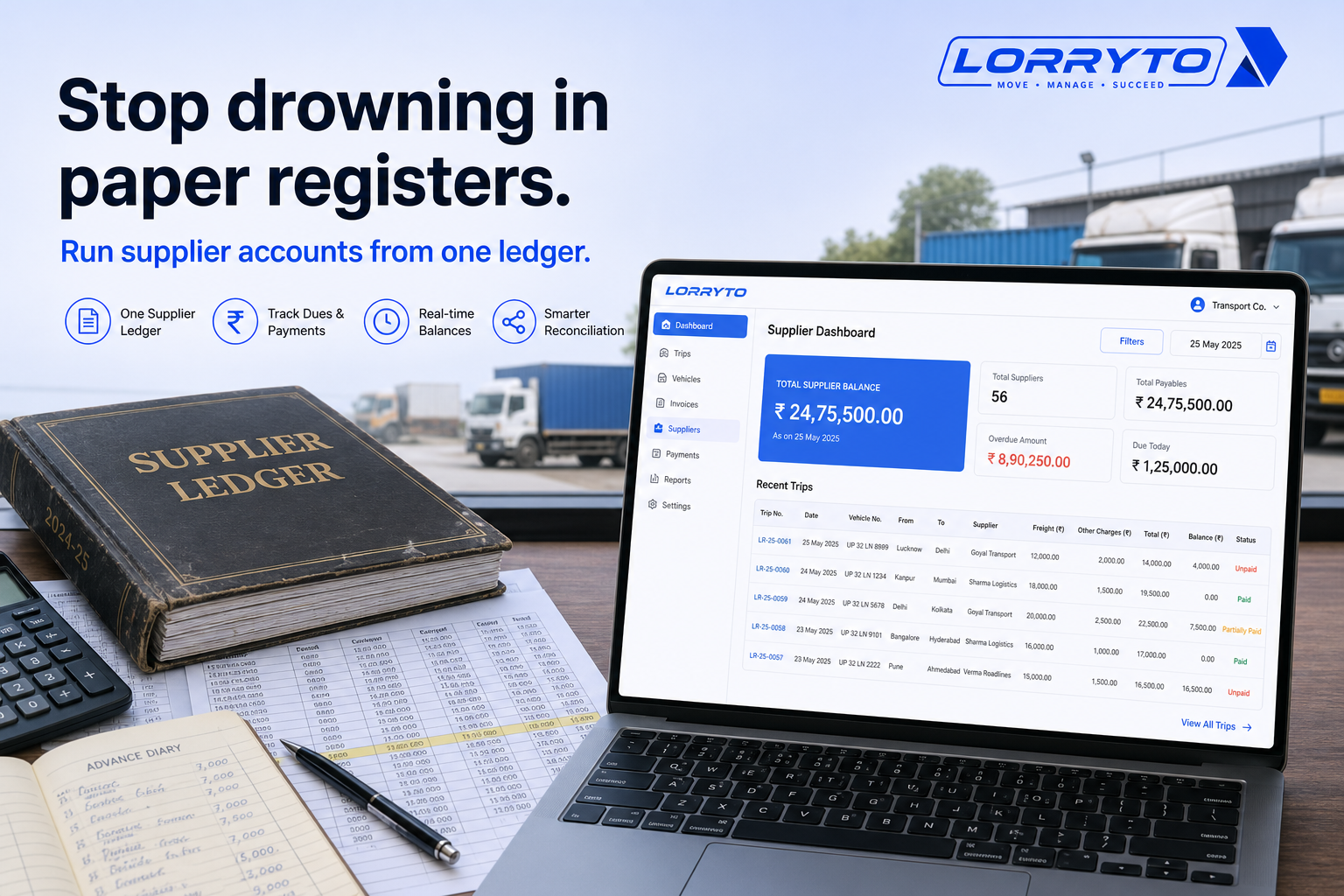
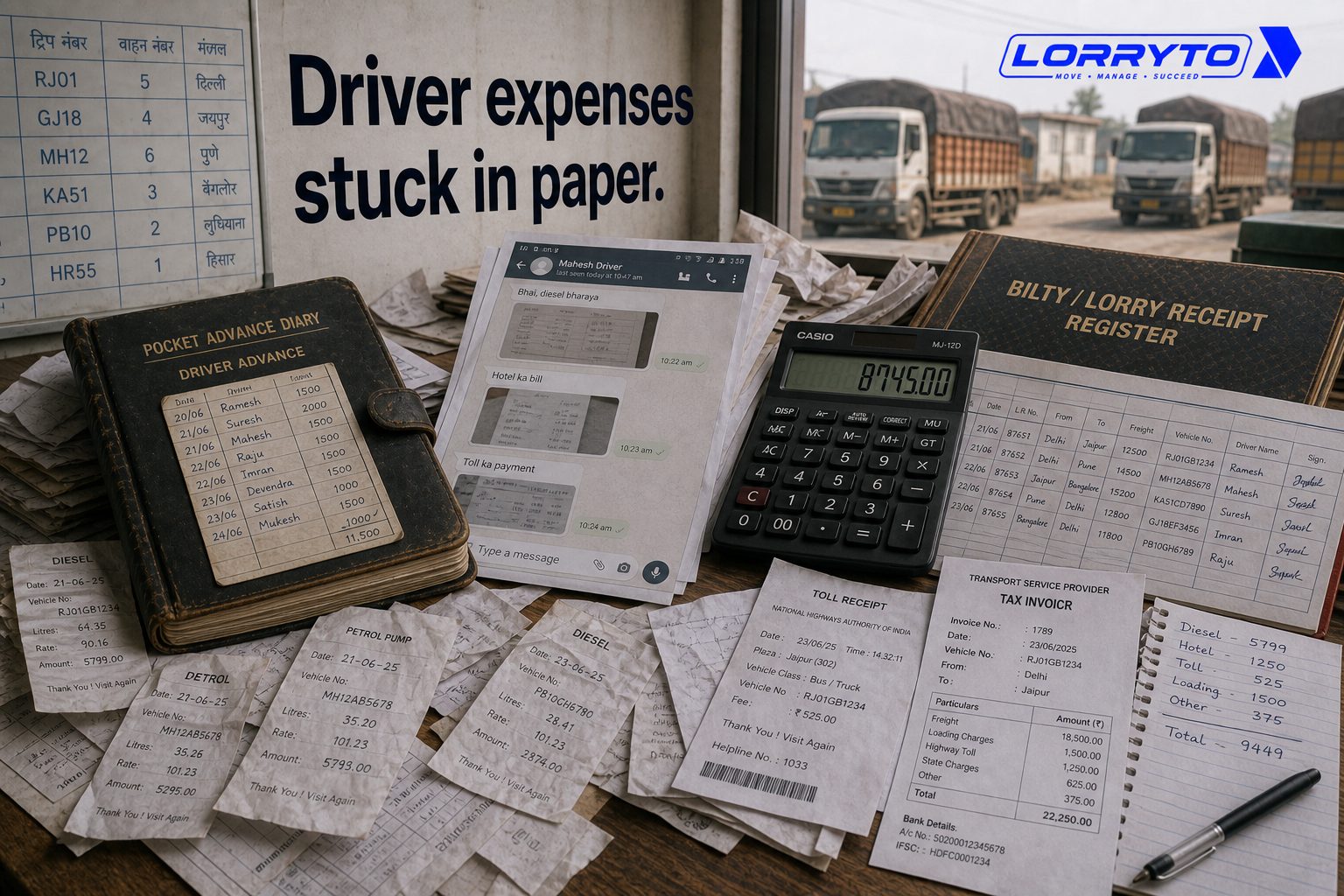
Right now, your office is probably a mess of papers. Fuel slips sit in a drawer. Driver advances are written in a rough diary. Toll receipts get lost in WhatsApp chats. Bilty details stay in a register.
This works when you have one or two trucks.
As the business grows, that manual system breaks down.
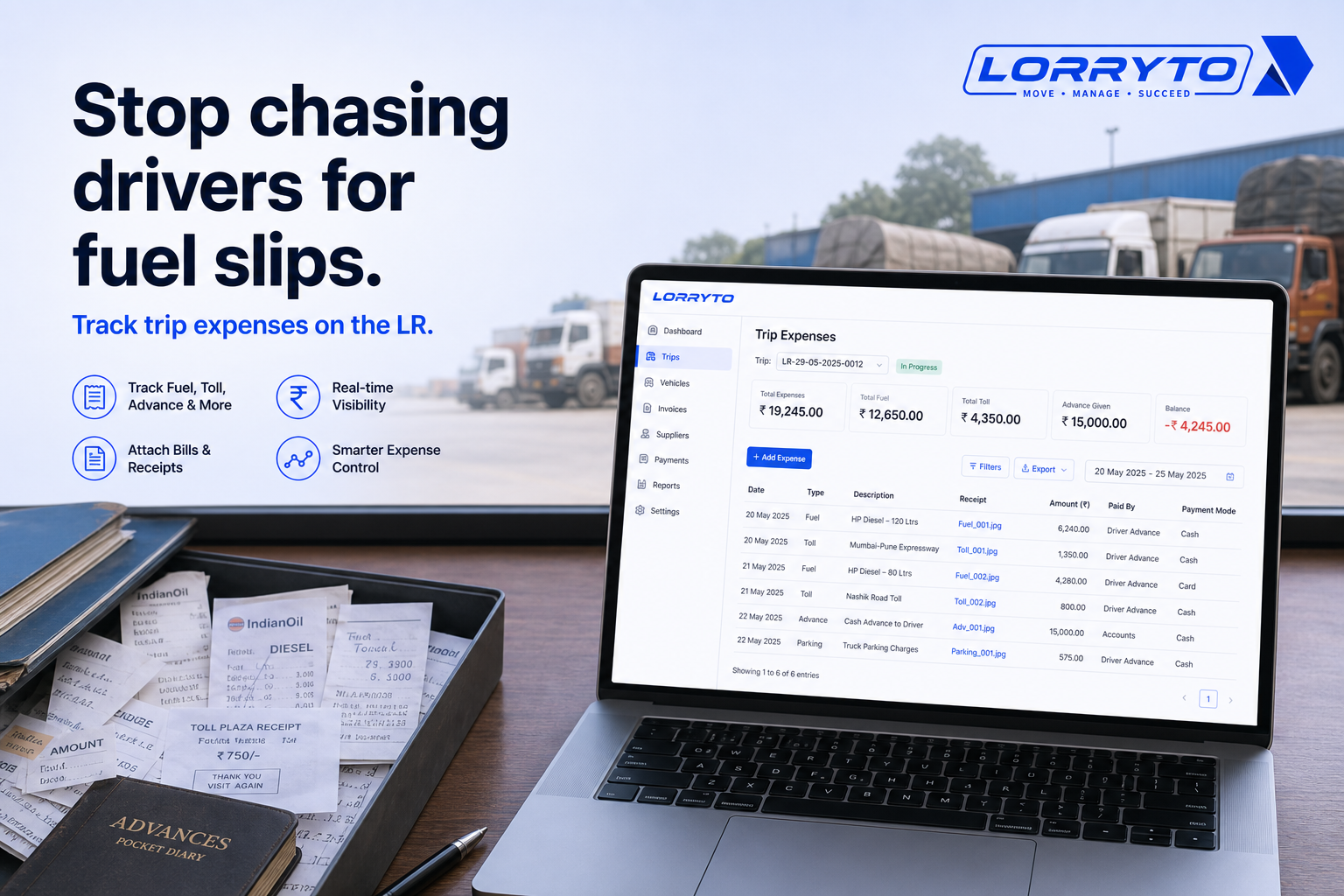
Stop chasing drivers for fuel slips. Start tracking expenses on the trip.
This guide shows how Indian transporters can manage driver expenses — advances, diesel, toll, loading charges, and trip settlement — with tools like Lorryto.
For a deeper trip-expense walkthrough, see How to manage every trip’s expenses digitally. For closing and settlement, see Trip closing digitally.
The real problem
Daily operations get heavy when every trip has too many moving parts.
For one single job you often track:
- Driver cash advance
- Diesel fill-ups
- Toll tax payments
- Loading and unloading charges
- RTO fines or border expenses
That is a lot for one truck.
Do this for 5 trucks. Then 10. Then 50. Settling accounts becomes a nightmare.
Why does this happen?
You started with manual registers.
As you added vehicles, you bought more registers and added more manual steps. Advances in one diary. Diesel in another. Toll photos in WhatsApp.
Now the paperwork is out of control — and driver expenses are the hardest to catch on time.
How you manage things today
1. Giving driver advances
The driver asks for trip money. You open the cash drawer. You write the amount in a small diary. You hope you remember to deduct it when the truck returns.
Digital flow: record trip payments on the LR. Keep driver balances in driver khata.
2. Tracking fuel costs
The driver sends a petrol pump bill on WhatsApp. You download the photo. You write the amount in a separate register. Half the time the photo is blurry.
Better: add trip expenses on the same trip. For pump credit, link credit shops. Full guide: Trip expenses digitally.
3. Settling trip accounts
The truck comes back after a week. The driver hands over crumpled papers. You sit with a calculator. You argue over missing receipts.
Close on the trip with payments, expenses, and deductions. Tips: Trip closing digitally.
4. Checking vehicle profit
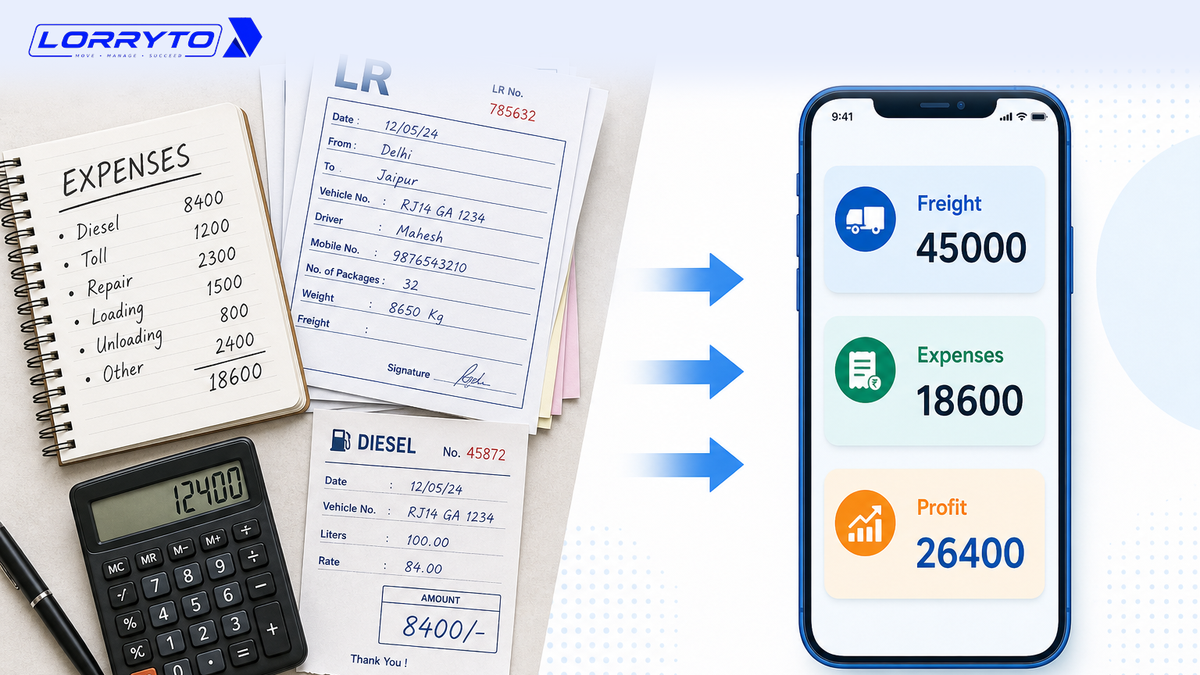
You want to know if a truck made money this month. You check the LR book for freight. You check the expense diary for costs. It can take a whole day.
See Trip Profit on the trip screen. Guide: Trip profit digitally.
Problems with the manual method
Too much time searching. You waste hours scrolling old WhatsApp chats. One missing fuel slip can eat your whole morning.
Calculations take too long. Manual math leads to errors. You may pay drivers more than you should. Settlement takes days instead of minutes.
Lost money and profit. Missing receipts mean unrecorded costs. Cash advances on the road get forgotten. Profit leaks every month.
High stress. You carry too much in your head. The phone never stops. Taking a day off feels impossible.
Better digital methods
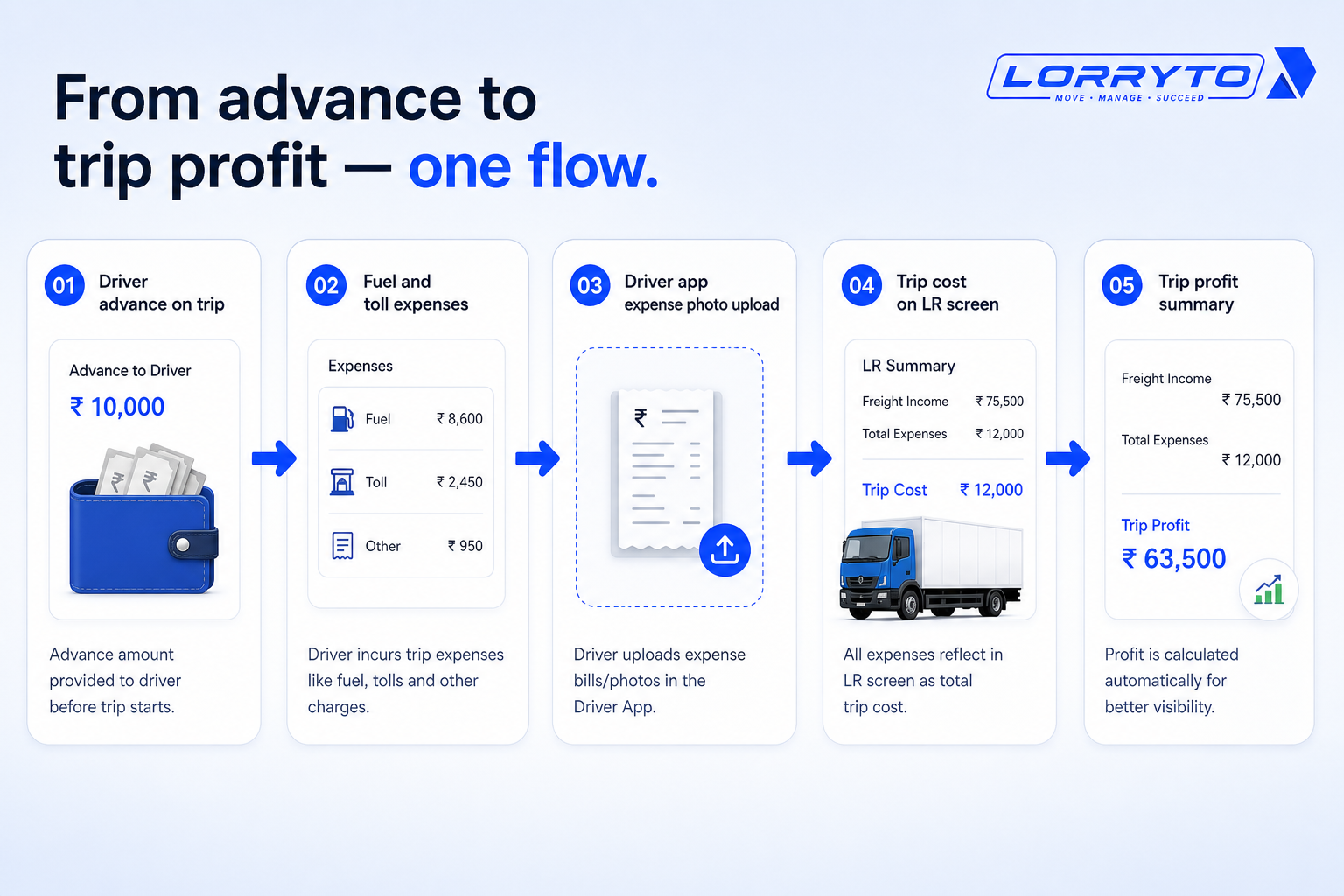
A good digital system links every rupee to the trip.
Mobile app updates
Drivers can upload expense photos from the Driver App — fuel slips, toll receipts, POD — so the office is not chasing gallery photos.
Instant calculations
When advances and expenses sit on the trip, you see the running cost without rebuilding three notebooks. Check Trip Profit when the trip closes.
Central dashboard
Advances, fuel, toll, and freight stay on one LR record — not split across diary, drawer, and WhatsApp.
How to choose the right software
Before you buy anything, ask:
- Is it made for Indian transporters?
- Can drivers use it easily on their phones?
- Does it link expenses directly to the LR and trip?
- Can I see trip profit when the numbers are on the trip?
- Is pricing clear with no hidden charges?
Wider context: Why digitization is transforming transport and Paperless transport office.
How Lorryto solves this
Lorryto is built for Indian transporters who need driver expenses under control — without chasing slips all day.
1. Expense and trip cost tracking
Record fuel, toll, parking, and other trip costs on the LR. Use cash, bank, UPI, or pump credit. Docs: Expenses, Payments, Credit shops.
2. Driver mobile application
Drivers can upload expense slips and POD from the road. Optional GPS sharing when the driver turns it on — no extra GPS hardware needed. See Driver App.
3. Smart ledger and payments
Track advances on the trip and driver balances in driver khata. Party billing stays separate — see Party ledger and Outstanding.
4. Trip profit visibility
See freight minus trip costs on Trip Profit instead of rebuilding Excel from diaries.
Implementation checklist
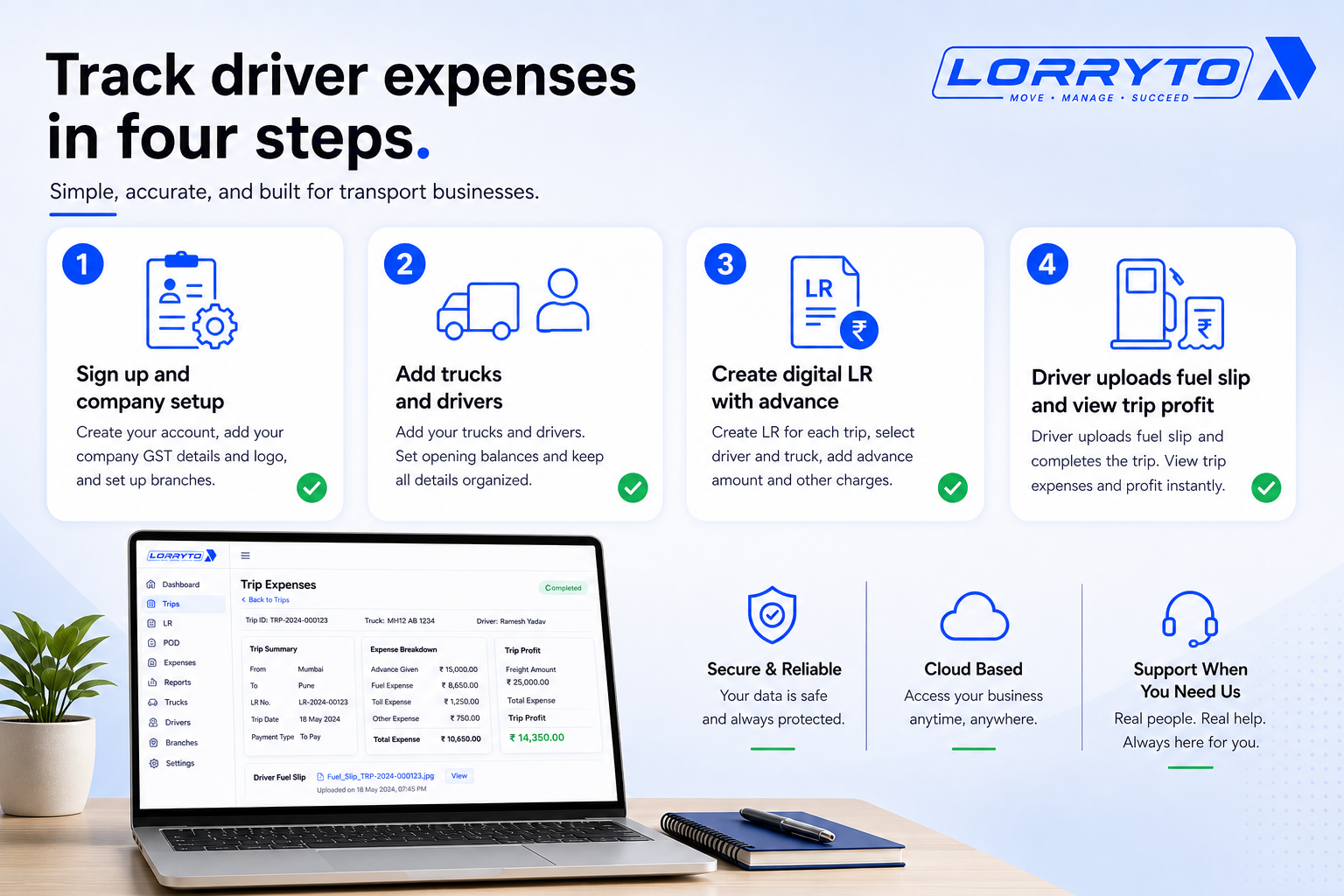
Step 1 — Set up your account
- Visit lorryto.com and sign up
- Start with the 3-day free trial
- Add company details (Company)
Step 2 — Add your fleet
- Enter truck numbers (Vehicles)
- Add driver names (Drivers)
- Link drivers to regular vehicles on the trip
Step 3 — Create your first trip
- Generate a digital LR (Create LR)
- Assign the trip to a driver
- Record any starting cash advance (Payments)
Step 4 — Track expenses live
- Ask the driver to upload a fuel slip (Driver App)
- Add toll and other costs on the trip (Expenses)
- View trip profit when the work is done (Trip Profit)
Getting started: docs.
FAQs
Is it for small businesses?
Yes. It works for small transporters and growing fleets — same trip, same expense flow. See getting started.
How much does it cost?
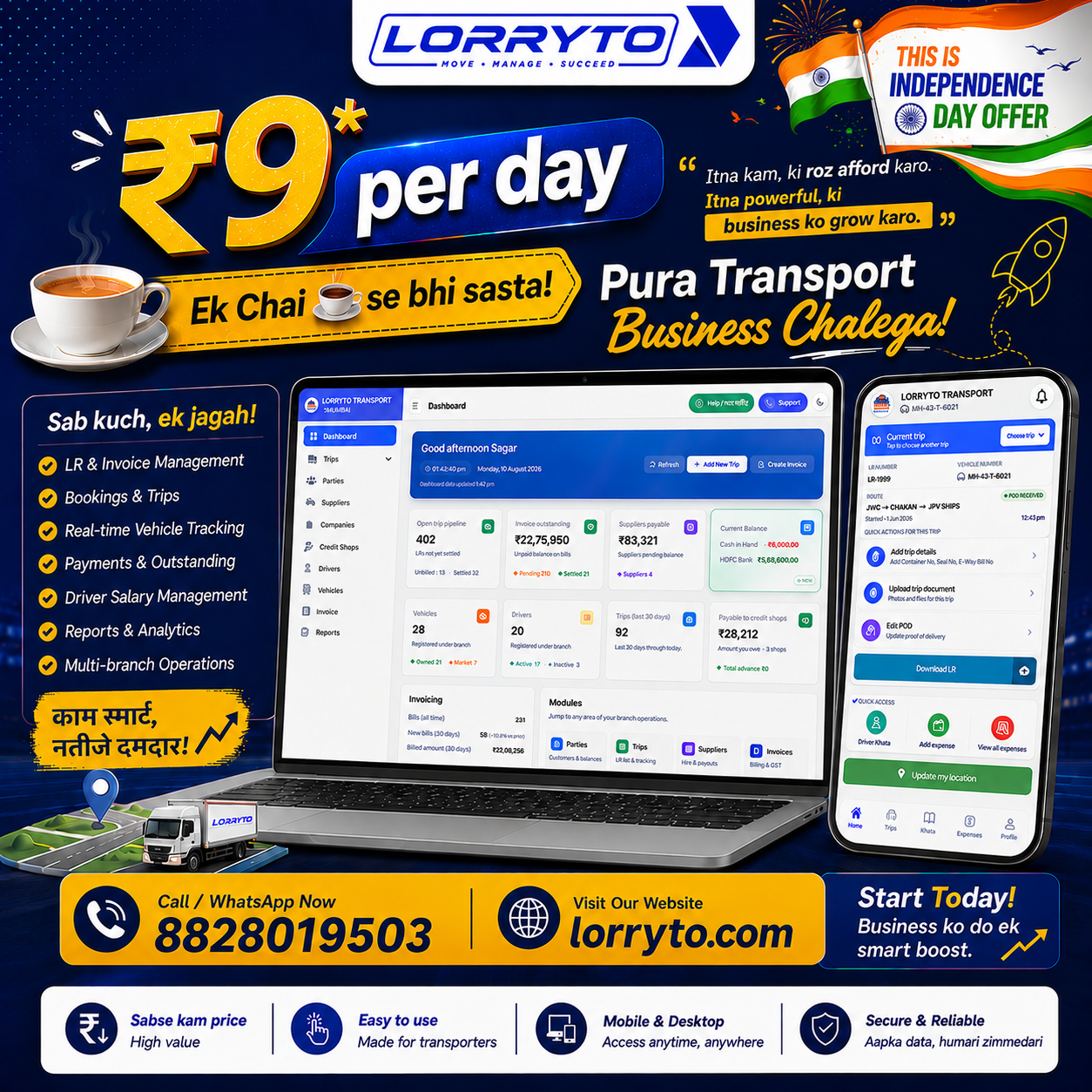
Lorryto offers a 3-day free trial, then plans from ₹599/month per company (2 users included). See live Pricing for current details.
Will I lose my old records?
No. Keep old diaries and registers safe. Start digital records for new trips from today.
Do I need expensive GPS hardware?
No. The Driver App can share location when the driver enables GPS sharing — using the phone already in the cabin.
How long does it take to start?
Often the same day. Sign up, add masters, and create your first digital LR in minutes. Fast LR tip: Generate LRs in 2 minutes.
How is this different from the trip expenses blog?
That post is the Every Trip Expenses deep-dive. This article is the Automate Transport Office angle — chasing driver slips, advances, and settling trip accounts from the office.
Final thoughts
Software is just a tool.
The real goal is saving your time and growing your business.
Stop drowning in fuel slips and advance diaries. Put every expense on the trip. Settle faster and see profit without a full-day calculator session.
References and next reads: Trip expenses digitally · Supplier ledger · Trip profit digitally · Trip closing digitally · Digital POD · Party ledger · Outstanding · Invoices · Generate LRs in 2 minutes · Getting started · Create LR · Payments · Expenses · Deductions · Edit trip / Trip Profit · Driver khata · Driver mobile app · Credit shops · Vehicles · Drivers · Company
Ready to run trips without registers?
Create LRs, track payments, and keep documents in one place with Lorryto — free trial available.
Start Free Now