Your transport office is a mess right now.
You know it. Your staff knows it.
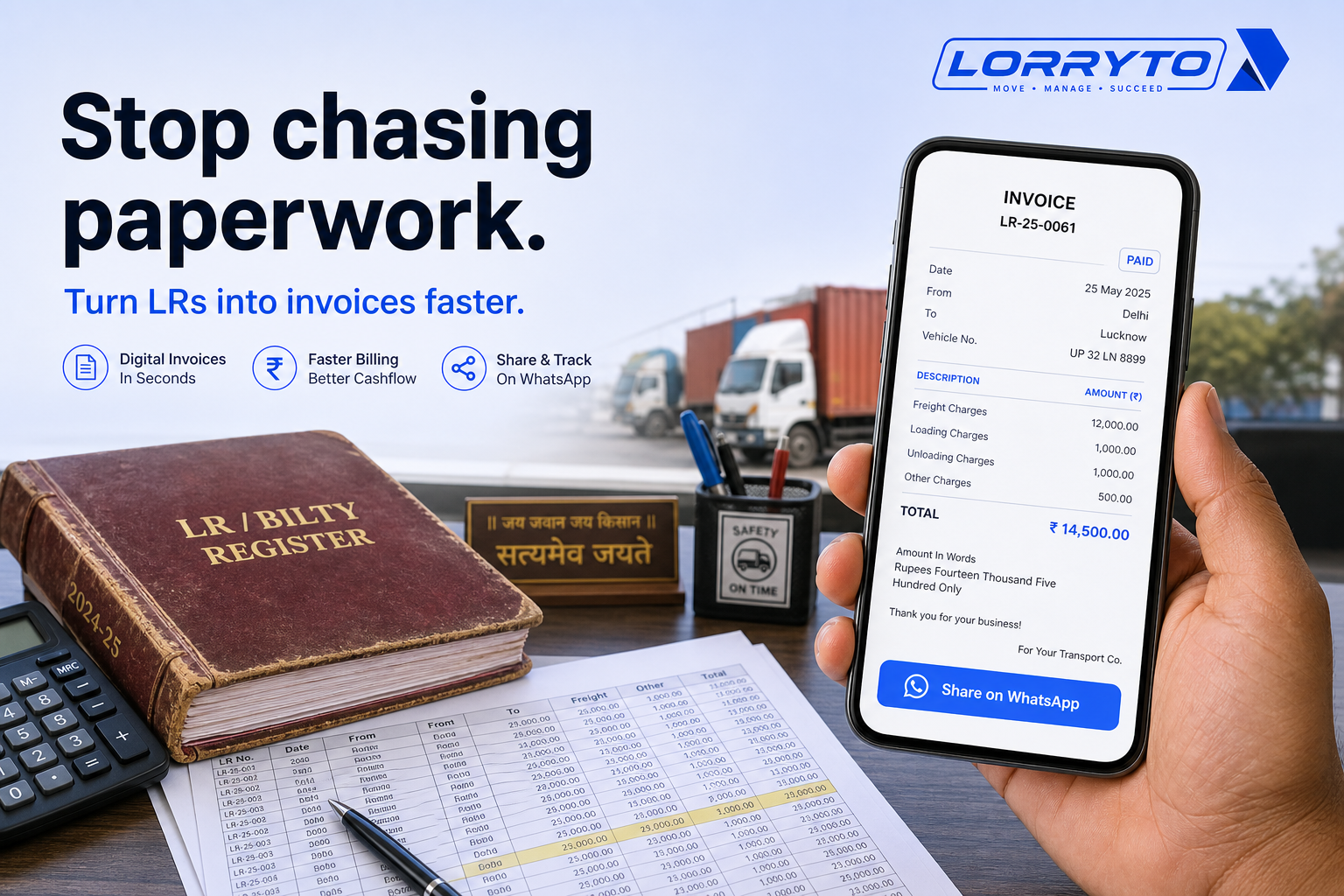
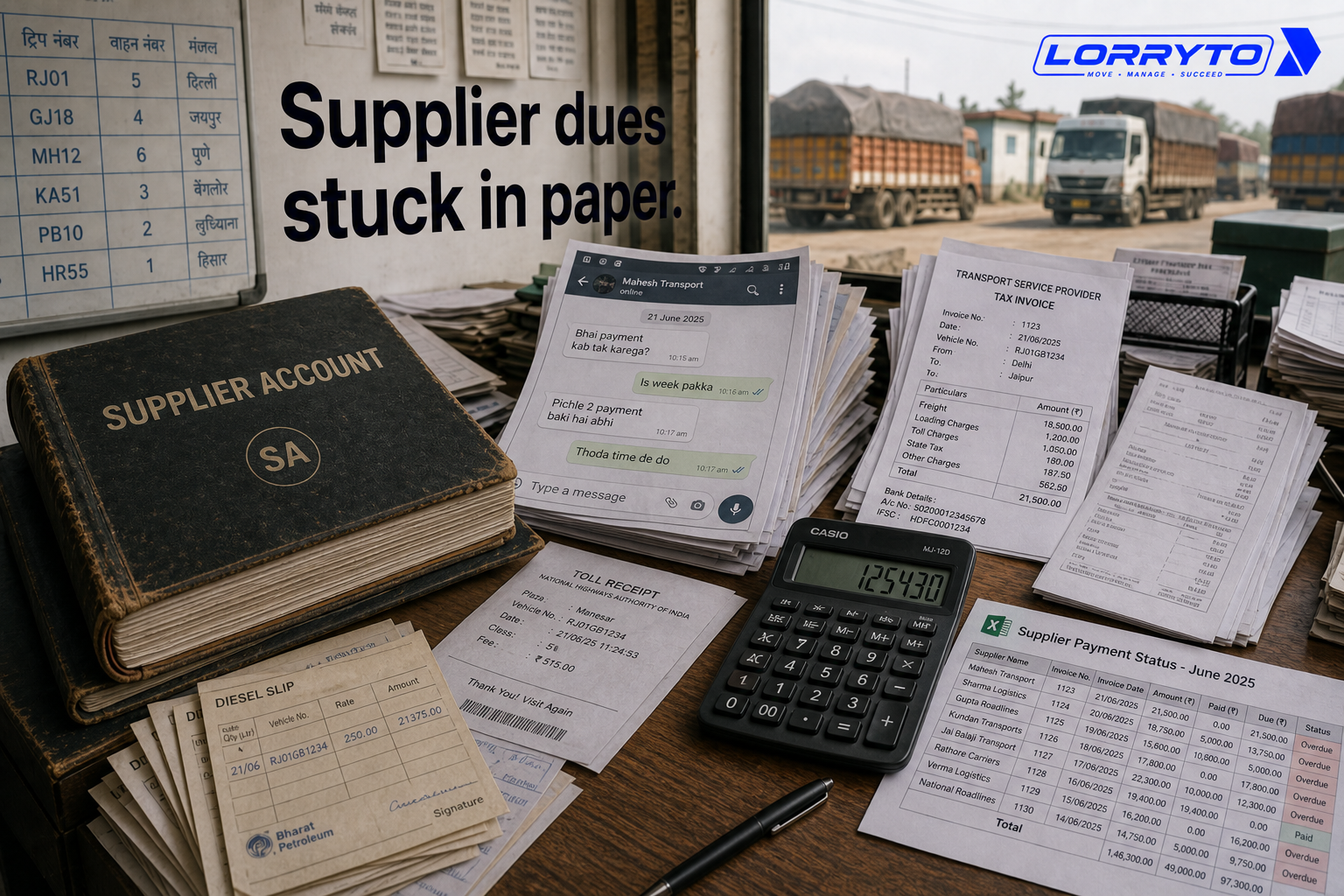
Every day feels like a fight against paperwork. Truck details go in one register. Driver advances sit in a diary. Supplier payments live in a big Excel sheet — or worse, on loose paper. Trip expenses scatter across WhatsApp chats.
This works when you only have two or three trucks.
It falls apart when the business grows.
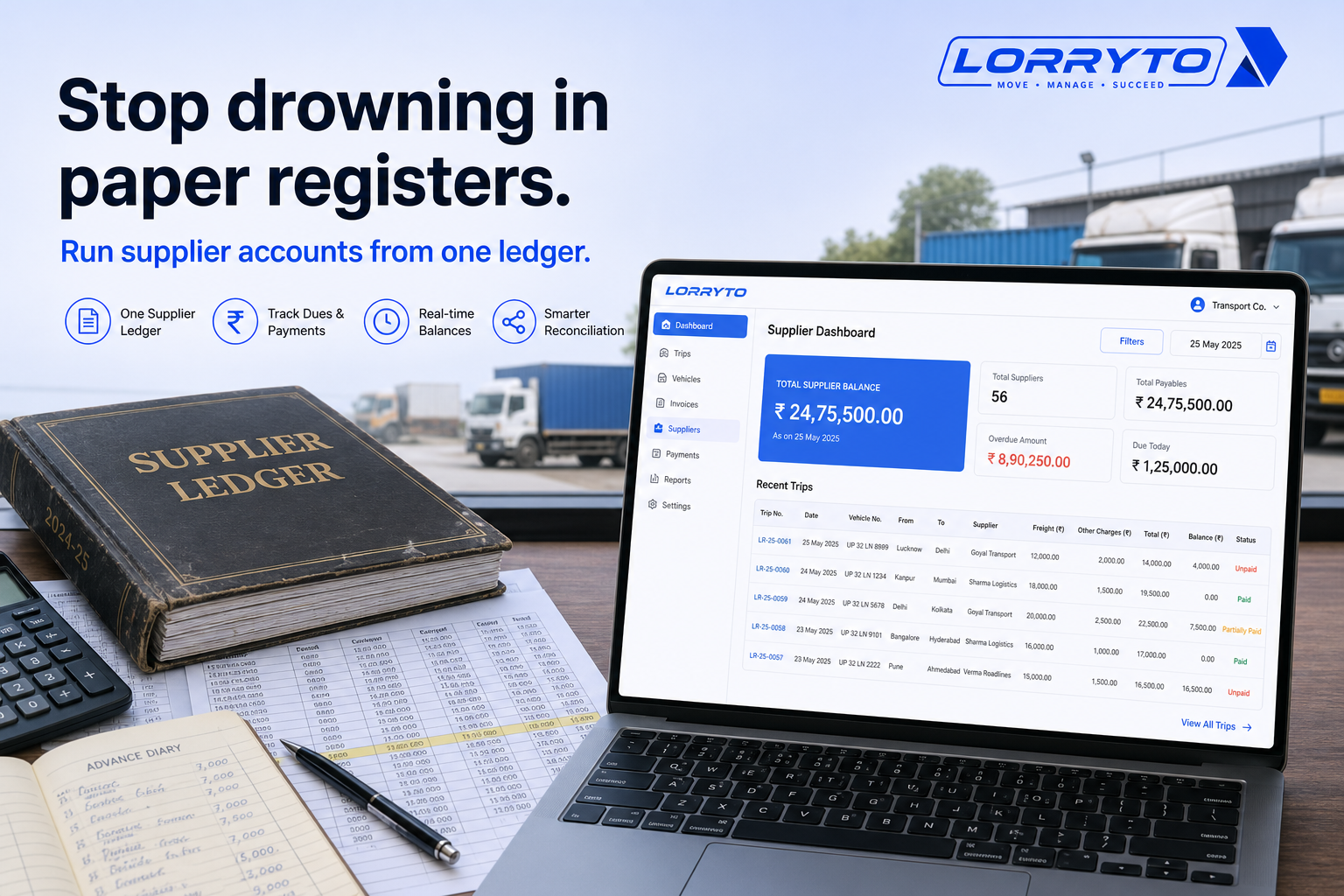
Stop drowning in paper registers. Run supplier accounts from one clear ledger.
This guide shows how Indian transporters can manage supplier ledgers — market/hired trucks, advances, expenses, POD, and settlement — with tools like Lorryto.
For party (customer) balances, see Party ledger. For billing parties after delivery, see Invoices.
The real problem
Daily operations get heavy fast — especially when you hire market trucks.
For one single trip you often track:
- Finding the right supplier
- Negotiating the freight rate
- Taking truck details and the driver’s phone number
- Paying the initial advance
- Recording loading and unloading weight
- Tracking toll and fuel expenses
- Collecting the final POD
- Calculating the final supplier balance
That is a lot for one job.
Do this for 5 trips a day. Then 10. Then 50. It scales badly and leaves you exhausted.
Why does this happen?
You started small.
A manual register felt cheap and easy. As you got more clients, you bought more registers. You added more steps. You hired more clerks to write things down.
Now the paperwork is out of control — and supplier dues are the hardest part to track.
How you manage things today
1. Finding a supplier balance
You need to know how much you owe a vendor. You open the big ledger, turn page after page, add trips on a calculator, and hope you did not miss a cash payment.
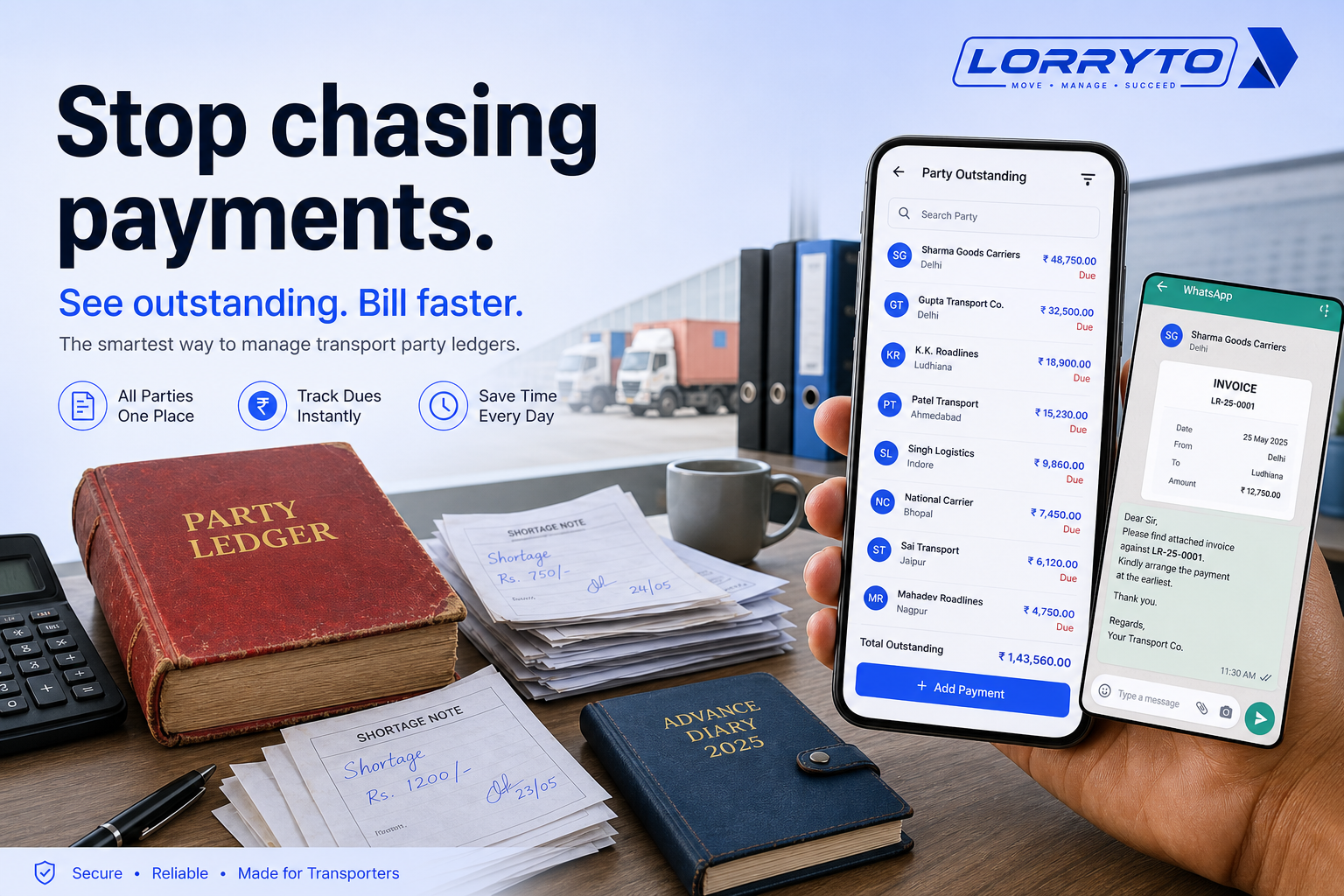
A faster path: open Suppliers, check the suppliers list for total balance, then open the supplier page and Payment Book.
2. Tracking driver advances
The driver asks for fuel money. You check WhatsApp. You call the broker. You write the advance in a pocket diary and pray it is not lost before settlement.
Digital flow: record trip payments on the trip. For own-truck drivers, see driver khata.
3. Verifying trip expenses
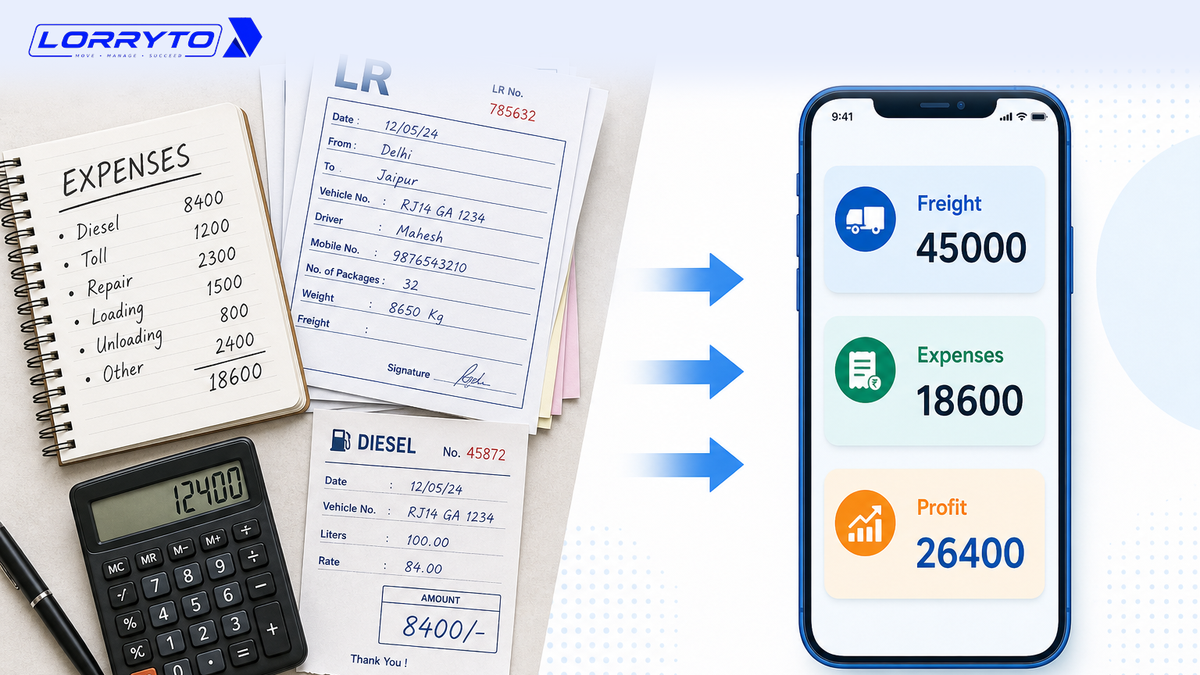
The truck unloads and it is time to settle. You wait for papers. You check toll receipts. You match diesel slips one by one. You subtract by hand from the freight.
Link costs to the trip with expenses. Deep guide: Trip expenses digitally.
4. Managing POD
The client wants POD before paying you — and you need it to close the supplier side too. You call five times. A blurry WhatsApp photo arrives. You forget to save it and search the gallery later.
Better: Upload POD on the trip. See Digital POD management.
Problems with the manual method
Too much time searching. Hours go into old records. Staff dig through files instead of booking loads.
Calculation mistakes eat profit. Manual math invites errors. Pay a supplier twice for the same trip and your margin is gone. See Trip profit digitally.
Payment confusion. Nobody knows exactly who owes what. You argue over missing advances. Trust breaks.
Zero central control. If the main accountant is away, work slows down. Real profit stays hidden until month-end.
Better digital methods
A good digital system replaces chaos with one place to look.
Everything in one place
One workspace for trips, suppliers, and payments — not Excel plus WhatsApp plus three registers. Your team sees the same numbers. Start from Suppliers and Trips.
Instant balances
When advances and expenses sit on the trip, supplier balance is easier to read on the supplier page and Payment Book — without rebuilding the math from scratch.
Complete visibility
Check trip status (Active, Completed, POD received, Settled) on the supplier record. See hired trip margin with Trip Profit on market trips.
How to choose the right software
Before you buy anything, ask:
- Is it built for Indian transporters?
- Can it handle full load and part load on the LR?
- Does it manage LR, billing, and ledgers together?
- Can I track fuel, toll, and trip expenses?
- Is it easy enough for my staff to learn in a day?
- Does it show clear trip profit on hired trucks?
Wider context: Why digitization is transforming transport and 5 ways to make fleet more profitable.
How Lorryto solves this
Lorryto is built for Indian transporters who hire market trucks and need a clear supplier ledger — separate from party (customer) accounts.
Supplier ≠ Party: a Supplier is who you hire the truck from. A Party is who you bill.
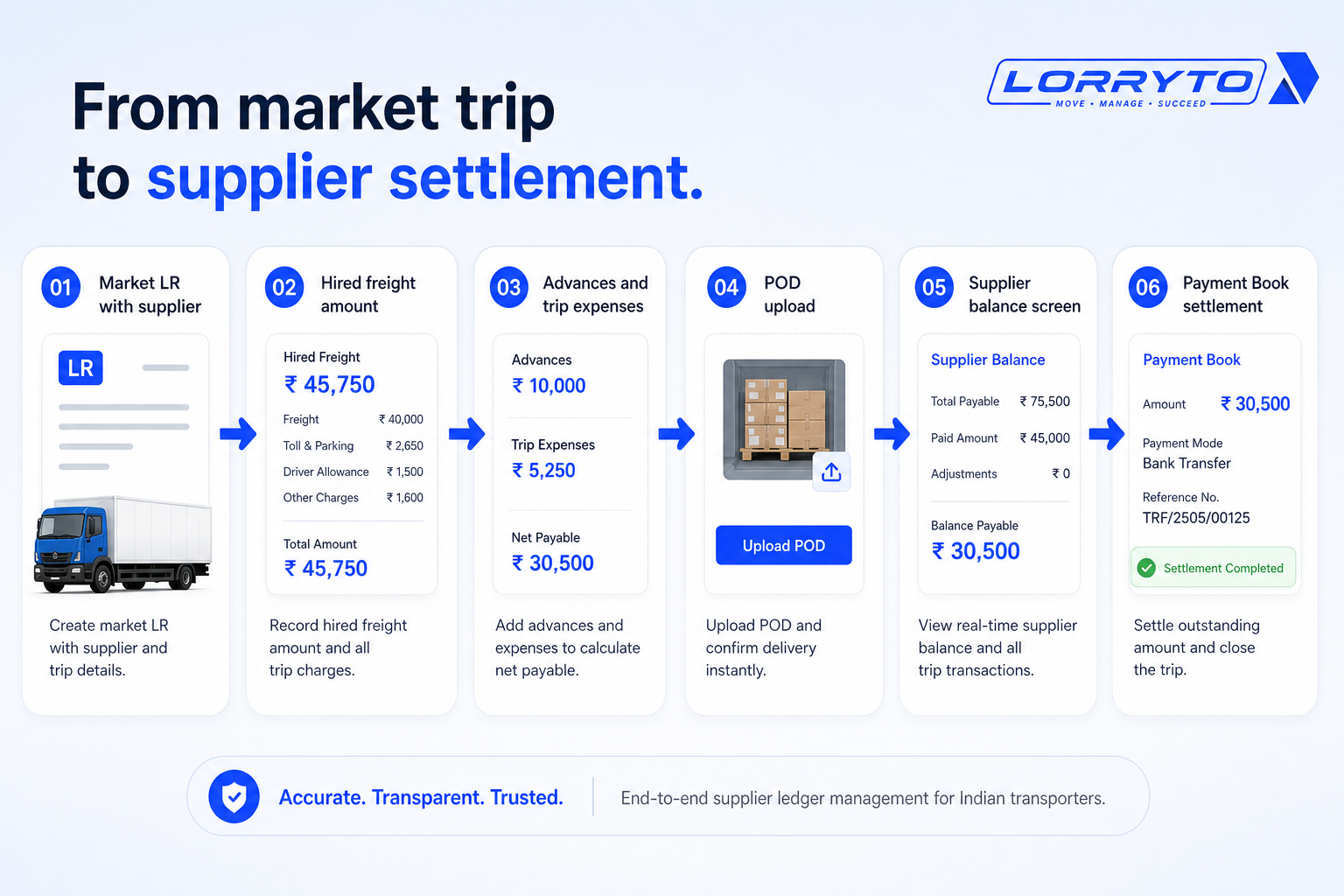
1. Smart LR and market trips
Create LRs (bilty) on phone or web. Assign a market truck and link the supplier on the trip. Full or part load on Create LR. See Vehicles for Market Truck setup.
2. Supplier ledger and Payment Book
See total supplier balance and pending hire trips on the suppliers list. Settle with Add Supplier Payment and track history in Payment Book.
3. Expense and cost tracking
Record fuel, toll, and advances on the trip. See hired freight vs party freight and margin on Trip Profit. Add deductions where needed.
4. Mobile driver access and e-POD
Drivers can upload POD from the Driver App so the office is not chasing blurry gallery photos. Billing and supplier settlement move faster when POD is on the trip.
Implementation checklist
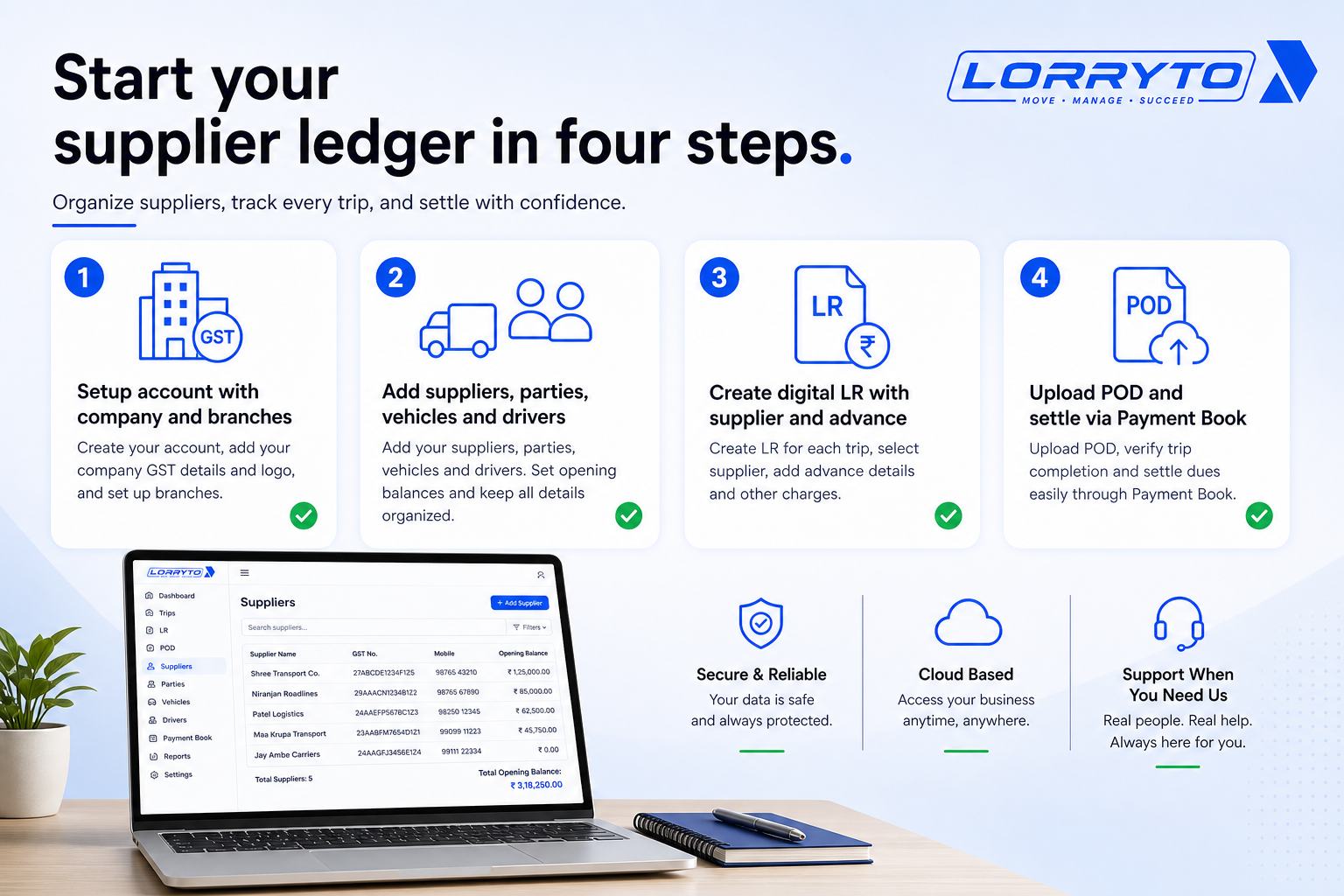
Step 1 — Get your account ready
- Sign up on lorryto.com
- Enter company details (Company)
- Add branch locations if you have multiple offices (Branches)
Step 2 — Add your master data
- Add regular suppliers (Add supplier)
- Add booking parties (Add party)
- Register vehicles and drivers (Vehicles, Drivers)
Step 3 — Run your first trip
- Create your first digital LR (Create LR)
- Assign supplier on a market trip
- Record the initial advance (Payments)
Step 4 — Close and settle
- Upload the digital POD (POD)
- Check hired freight and trip profit (Trip Profit)
- Settle the supplier in Payment Book (Add payment)
Getting started: docs. App: Open Suppliers.
FAQs
Is it for small transport businesses?
Yes. Whether you hire one market truck or run a growing fleet, the same supplier ledger flow works. See getting started.
Will I lose my old manual records?
No. Keep old registers safe. Start digital records for new trips from day one. Enter opening balances where needed.
How long does it take to get started?
Often minutes for signup and your first LR once suppliers and vehicles are added.
Does it help with billing delays?
Yes — when POD and trip data are on the record, party billing moves faster too. See Invoices and Outstanding.
How is this different from the party ledger blog?
Party ledger is what customers owe you. Supplier ledger is what you owe market truck vendors — hired freight, advances, and Payment Book settlement.
Final thoughts
Your goal is not just to buy software.
Your goal is to win back your time.
Automate the supplier ledger so you stop acting like a full-time clerk. Focus on loads, margins, and growth — not page-turning and calculator math.
References and next reads: Invoices · Outstanding · Party ledger · Trip profit digitally · Trip expenses digitally · Trip closing digitally · Digital POD · 5 ways to make fleet more profitable · Getting started · Suppliers · Add supplier · Suppliers list · Supplier page · Payment Book · Add supplier payment · Parties · Add party · Create LR · Trips · Payments · Expenses · Deductions · Upload POD · Edit trip / Trip Profit · Driver khata · Driver mobile app · Vehicles · Drivers · Company · Branches
Ready to run trips without registers?
Create LRs, track payments, and keep documents in one place with Lorryto — free trial available.
Start Free Now